67
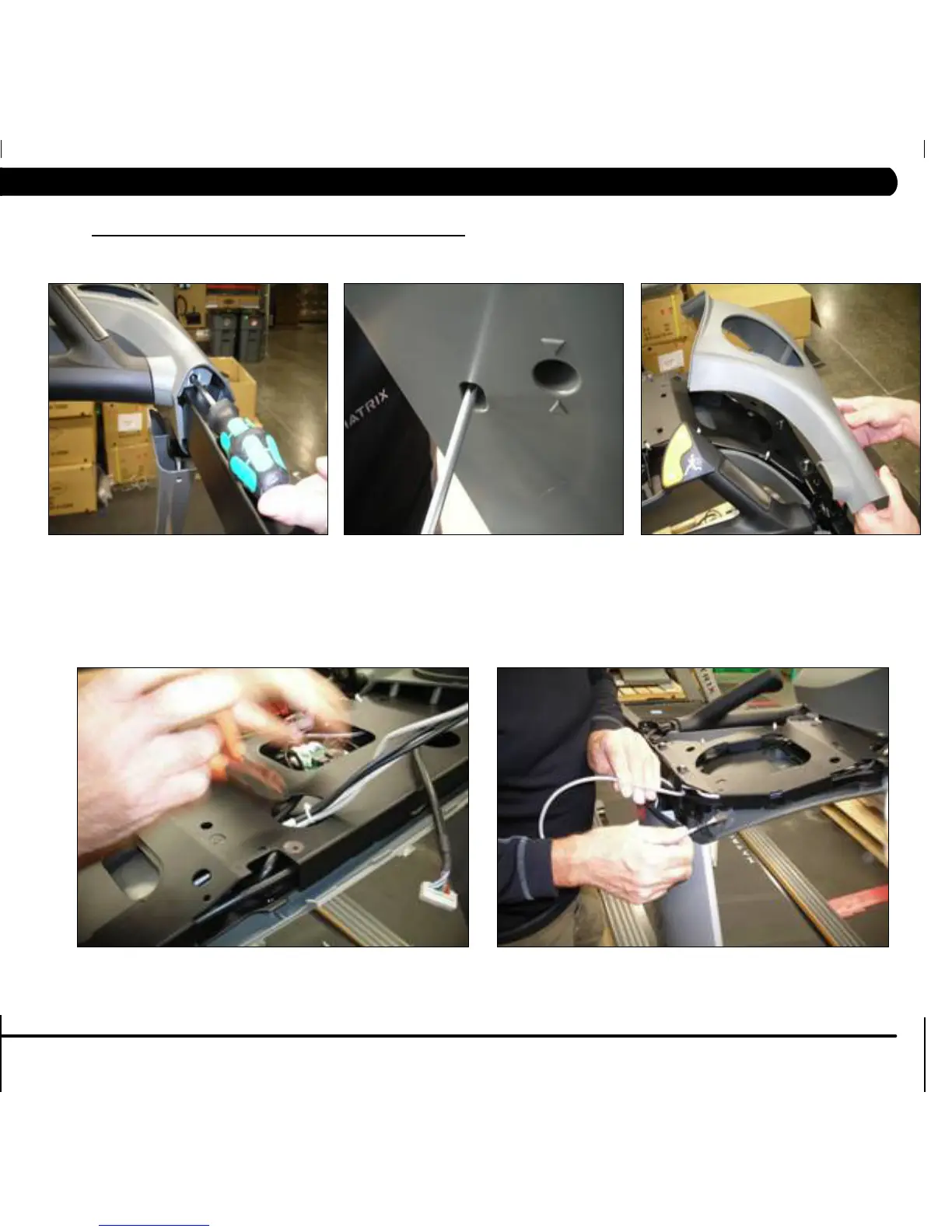
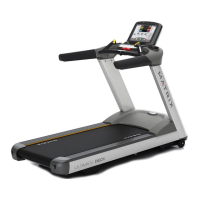
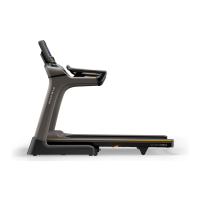
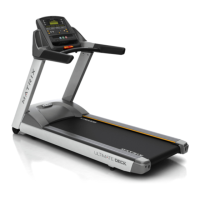
FIGURE F
FIGURE G
5) Remove the 5 Phillips screws and remove the right side upper plastic cover (Figures C, D, & E).
6) Cut the wire ties and begin to unthread the console cable (Figures F & G).
FIGURE C FIGURE D FIGURE E
9.13 CONSOLE MAST ARM REPLACEMENT - CONTINUED
CHAPTER 9: PART REPLACEMENT GUIDE


 To Next Page