Matrox Display Wall – User Guide 15
Setting up a display wall
The following outlines the steps for installing, connecting, and setting up your Matrox card.
Setup overview
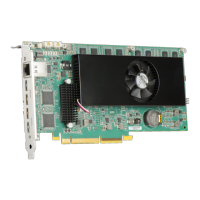
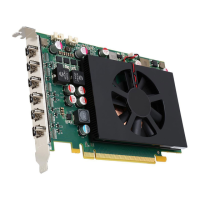
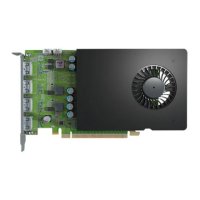
Mura IPX Series display card
1
Install your Matrox cards – see page 22.
2
Connect your cards – see page 30.
3
Update the software on your cards – see page 51.
4
Configure your display wall. You can use the following:
Matrox Network API – see page 52.
MuraControl for Windows – see page 54.
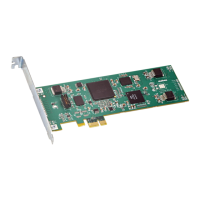
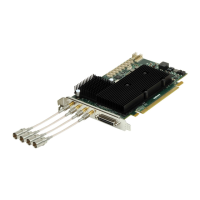
Mura IPX Series capture cards
1
Install your Matrox cards – see page 22.
2
Connect your cards – see page 32.
3
Install your Matrox software – see page 50.
4
Configure your display wall. You can use the following:
Matrox Network API – see page 52.
Matrox PowerDesk – see page 52.
MuraControl for Windows – see page 54.
Using third-party graphics hardware
*
with Mura IPX Series capture cards
1
Install your Matrox cards – see page 22.
2
Connect your cards –
Third-party hardware. For more information, see the documentation for your
graphics hardware.
* For more information on supported third-party graphics cards, see the release notes. For information on how to configure your
system, see “Matrox System Builder’s Guide.”



 To Next Page