56
PM Control by APM Default: Yes
Windows 95 and 98 have built-in power management capabilities called APM
(Advanced Power Management). When you enable this item, you allow the APM
routines in Windows to operate your system.
Video Off Option Default: Suspend
→
Off
This option defines how and when the video is powered down if the system is put
into suspend mode.
Video Off Method Default: DPMS Support
This item defines how the video is powered down to save power. As a default,
this is set to DPMS (display power management software).
MODEM Use IRQ Default: 3
If you want an incoming call on a modem to automatically resume the system
from a power-saving mode, use this item to specify the interrupt request line
(IRQ) that is used by the modem. You might have to connect the fax/modem to a
mainboard Wake On Modem connector for this feature to work.
Soft-Off by PWRBTN Default: Instant-Off
Under ACPI (Advanced Configuration and Power management Interface) you
can create a software power down. In a software power down, the system can be
resumed by Wake Up Alarms. This item lets you install a software power down
that is controlled by the normal power button on your system. If the item is set to
Instant-Off, then the power button causes a software power down. If the item is
set to Delay 4 Sec. Then you have to hold the power button down for four
seconds to cause a software power down.
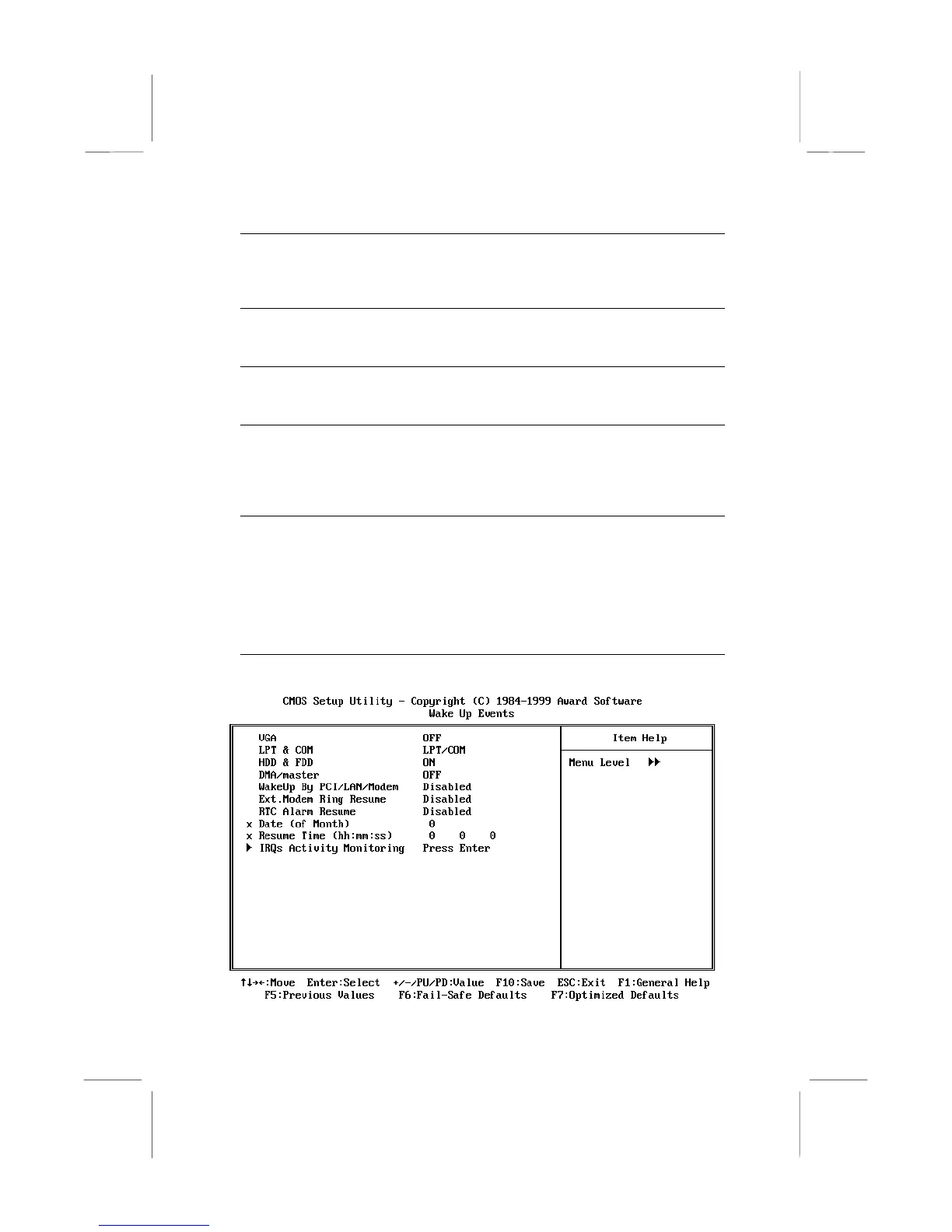
Wake Up Events
Press
Enter
to display the Wake-Up Events sub-menu.















 To Next Page