P/N 03521015 Rev K Page 41
8. Instructions For Use: Li-Ion Battery
CAUTION
Inspect the Battery for damage before every use. Do not use if damaged.
Always start with a fully charged Battery and use with the MAXAIR System only.
Fully recharge Batteries immediately after every use.
Charge the Battery only with a MAXAIR Lithium Ion Charger. See the Charger’s Instructions for use.
If the Charger LED is red when the Battery is connected, the Battery is not fully charged.
If it is necessary to use a non-fully charged Battery, precede using extreme CAUTION. Take very careful note of
the Helmet LED Safety Status Indicators when the Battery is connected to the Helmet Power Cord. Refer to the
Helmet LED Safety Status Indicator LED Matrix table in Section 5.2, as well as the information in Section 12. to
estimate the amount of useful time remaining on the Battery if it is not in a fully charged condition. Proceed once it
is determined that there is sufcient charge in the Battery for the next activity.
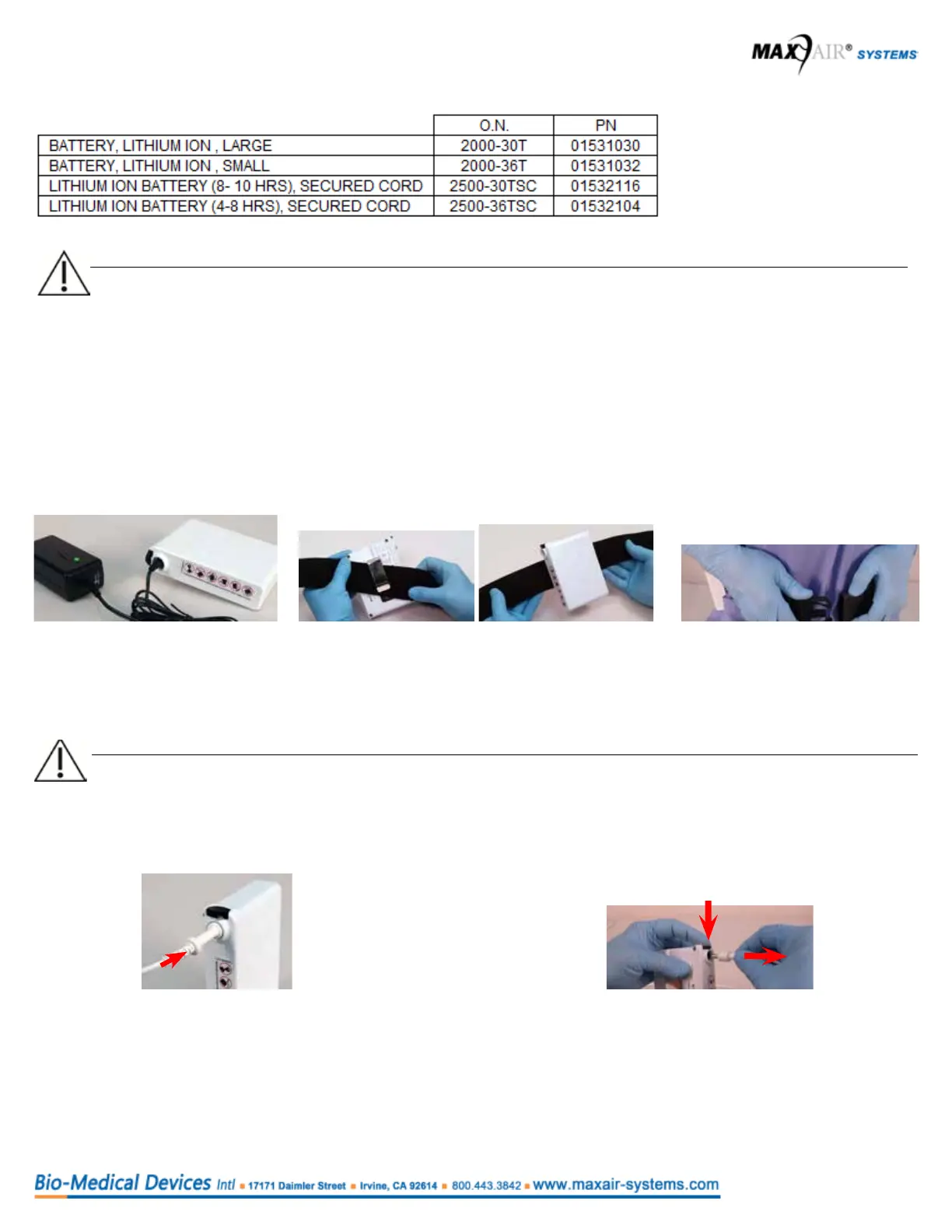
Securing the Battery
1. Obtain a fully charged battery.
(Charger LED should be green
after battery is connected
to charger for more than 10
seconds.)
3. Place the belt comfortably
around the waist with the
battery near the side-back of
the right hip.
To initiate air-ow, connect the Helmet
Power Cord to the Battery. Push the
Power Cord Connector into the Battery
Receptacle until the Secure Connection
audibly clicks.
Disconnect the Helmet Power Cord
from the Battery - push the Secure
Connection Button down, pull Cord
Connector out, release the Button.
CAUTION
Ensure the power cord connector is fully secured into the battery connector socket. Push the cord connector all the way
in until the battery connector socket stops further inward movement of the power cord connector.
Handle the power cord by the connector, not the cord.
Connecting the Battery to the Helmet Disconnecting the Battery from the Helmet
Material safety data sheet (MSDS) available upon request.
2. Assemble the battery onto the belt. Place the
top edge of the Belt under the Battery Clip.
Move the Belt fully under and up to the top of
the Clip.



 To Next Page