Page 22 P/N 03521015 Rev K
Yellow safety LED = Low airow, check
lter and replace if necessary.
Use with rechargeable
Li-Ion batteries only.
Green safety LEDs = battery level.
Airow Speed relative to
position of switch.
Red safety LED = low battery.
Do Not Use in environments
requiring intrinsic safety
3.6.6 Helmet Symbol Denitions
These symbols are located on the Helmet and are dened as follows:
3.7 2365-02SM/ML Overview
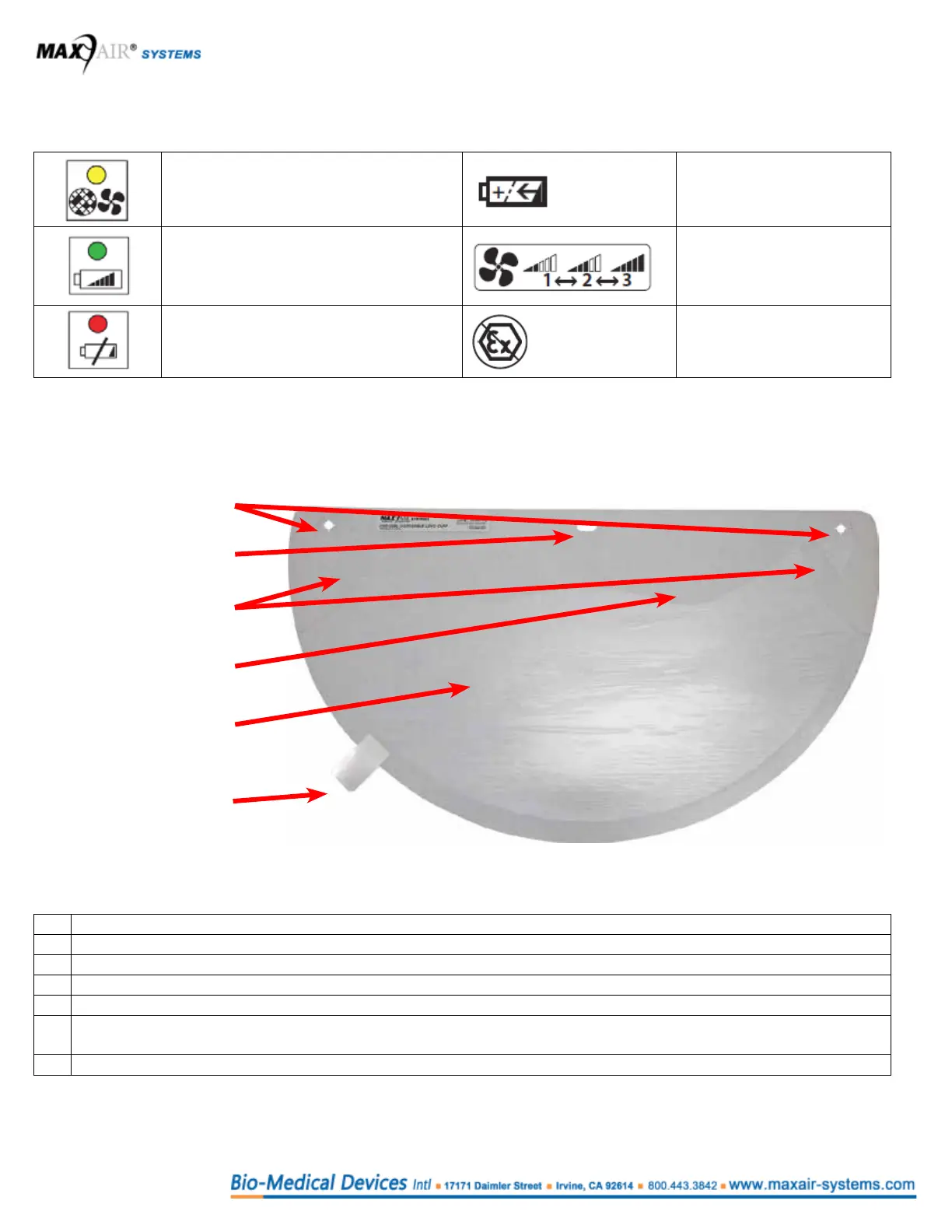
Identify, familiarize and understand the following key items.
1. Side Attachment Holes
2. Front Attachment Hole
3. Flappers
4. Lens
5. Cuff
6. Peel Tab
attached to Lens
protective liner
# Characteristics
1 Mounts to the FCC Side Post Adapters.
2 Mounts to the Helmet FCC Front Post Adapter.
3 Rest against Helmet Liner Side Foam. Act as side air deectors that channel air away from the ears.
4 Transparent for visibility. Lens is on the front, outside of the DLC.
5 Facial conforming seal, from one temple, down under the chin, and up to other temple. Cuff is on the back, inside of
the DLC.
6 To facilitate Len’s protective liner removal.



 To Next Page