7.2. Troubles and causes of remote controller
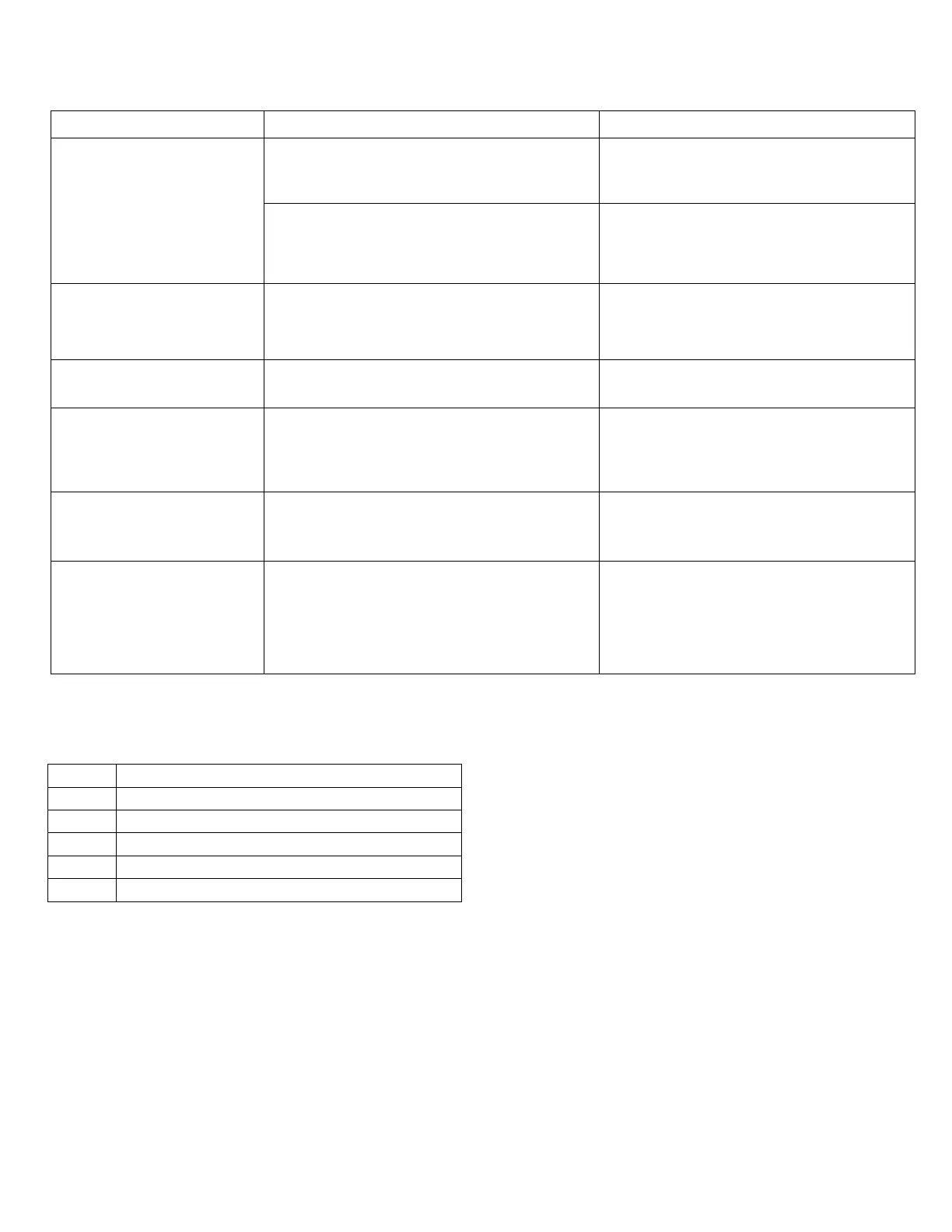
Before asking for serving or repairing, check the following points. (Refer to the table below)
The fan speed can not be
changed.
When the automatic mode is selected, the air
conditioner will automatically change the fan
speed.
Check whether the MODE indicated on the
display "AUTO
When dry operation is selected, the air
conditioner automatically changes the fan
speed. The fan speed can be selected during
"COOL" , "FAN ONLY", and "HEAT"
Check whether the MODE indicated on the
display is "DRY"
The remote controller signal
is
when the ON/OFF button is
pushed.
The power supply is off.
Check whether the signal transmitter of the
remote controller is properly directed to the
infrared signal receiver of the indoor unit.
The TEMP. indicator does
not come on.
The temperature cannot be set during FAN
mode.
Check whether the MODE indicated on the
display is FAN ONLY
display disappears after a
lapse of time.
The air conditioner operation will stop up to
the set time
Check whether the timer op
eration has
come to an end when the TIMER OFF is
indicated on the display.
The TIMER ON indicator
goes off after a lapse of
certain time.
Up to the set time, the air conditioner will
automatically start and the appropriate
indicator will go off.
Check whe
ther the timer operation is
started when the TIMER ON is indicated on
the display.
No receiving tone sounds
from the indoor unit even
when the ON/OFF button is
pressed.
Directly transmit the signal transmitter of the
remote controller to the infrared signal
receiver of the indoor unit, and then repeatly
push the ON/OFF button twice.
Check whether the signal transmitter of the
remote controller is properly directed to the
infrared signal receiver of the indoor unit
when the ON/OFF button is pressed.
7.3. Failure codes
Stop the unit immediately if one of the following faults occurs. Disconnect the power, do not attempt to repair the unit
yourself and contact the nearest authorised customer service center.
T1 room temperature sensor malfunction
T2 evaporator temperature sensor malfunction
Water-level alarm malfunction
EEPROM communication error
31


 To Next Page