OPERATING INSTRUCTIONS
4-6
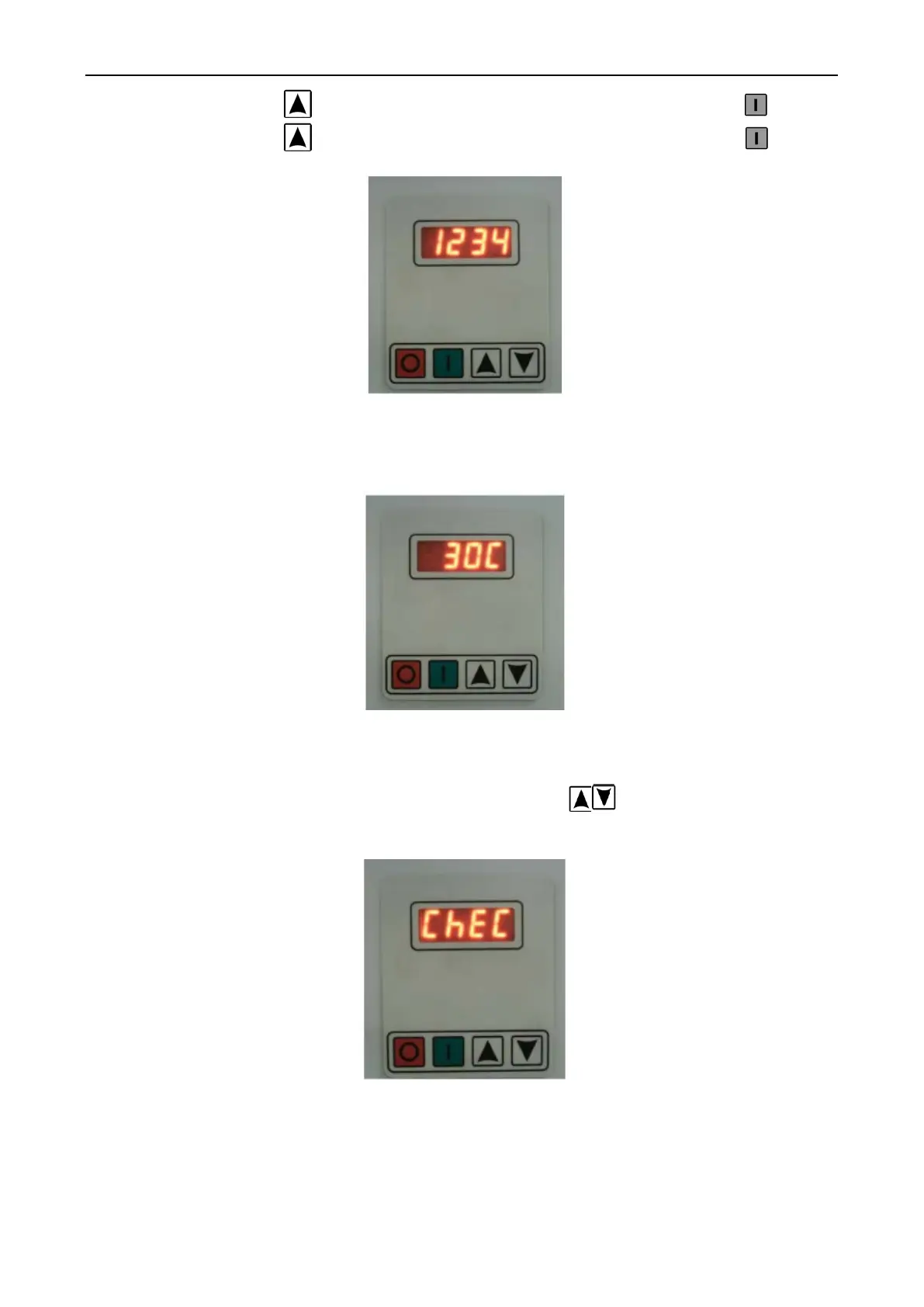
- Press Key UP 3. times. The monitor will show 123. Then Press Enter
- Press Key UP 4. times. The monitor will show 1234. The Press Enter
Fig. 4-3 Password Mode Display.
After put password correct. The monitor will show temperature default 30 °C.
Fig. 4-4 Set Mode Display
Then the controller can program. Prewash, Wash, Fill (Rinse), and Spin.
After Programming finish. Press Key UP and DOWN at the same time for out of
Setup mode to operate mode. In the operate mode you can fine program for checking the machine.
Fig. 4-5 Operate Mode Display.
STEP AFTER SETUP PROGRAM
1.1 The controller monitor will show CY 01 when finished the program setting, then the
controller monitor will display currently inside drum temperature.


 To Next Page