OPERATING INSTRUCTIONS
4-10
If your machine is equipped with Auxiliary heating, and it was enabled during Set up
programming, you may use the up or down key to select the target temperature for the segment. To
disable Auxiliary heat for the segment, set the value to zero. If the machine does not have
temperature here. If you program a target temperature that the machine is unable to achieve, the
machine will try for 30 minutes during the segment. It is also important not to flush fill. After you
have selected the temperature, press the Start key.
Now select the spin time for the segment. If you wish to skip the spin, set the value to zero.
After you have set the spin time, press the Start key, the display will now show the name of the next
program segment and what the display indicates for each.
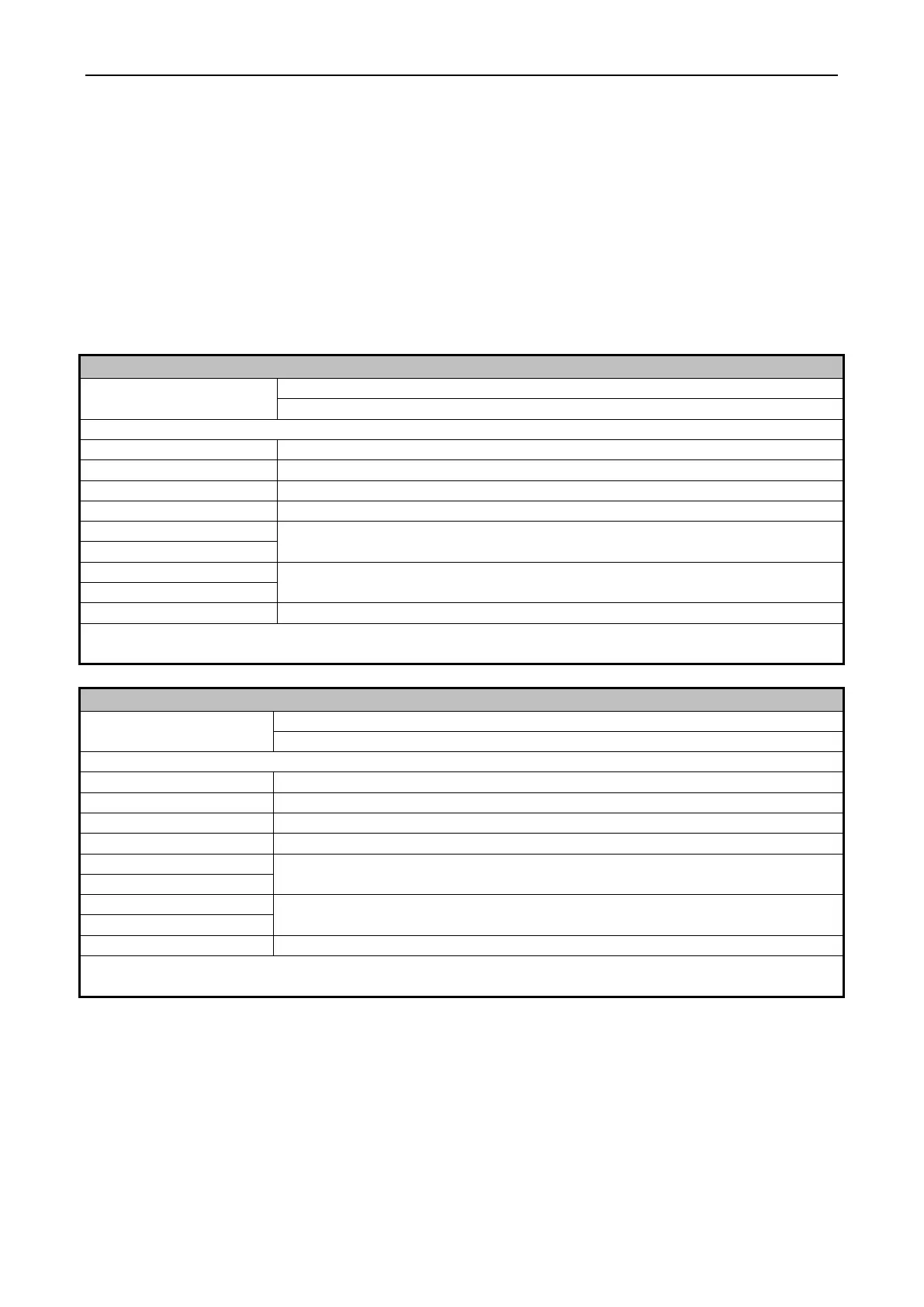
CYCLE SEGMENT CHARTS
Display
Use Up or Down to change. Start key is enter or advance
Select Regular prewash or Flush
Segment time: 00 to skip,or any time between 0 and 30 minutes
Fill temperature: Hot, Cold, or Warm (both fill)
Select Supply 0-7 (0 for no supply during the step)
Enter temperature: 75-200 deg F, 25-93 deg C. 00 for no heat Select 00 if you
have programmed a Flushing Prewash
Select time for spin: 30-120 seconds. 00 for no spin
NOTE: Supply 4 and 7 are only available if enabled in Setup
NOTE: Heat is only available if enabled in Setup
Display
Use Up or Down to change. Start key is enter or advance
Segment time: 00 to skip, or any time between 0 and 30 minutes
Fill temperature: Hot, Cold, or Warm (both fill)
Select Fill level, Low or High
Select Supply 0-7 (0 for no supply during the step)
Enter temperature: 75-200 deg F, 25-93 deg C. 00 for no heat Select 00 if you
have programmed a Flushing Prewash
Select time for spin: 30-120 seconds. 00 for no spin
NOTE: Supply 4 and 7 are only available if enabled in Setup
NOTE: Heat is only available if enabled in Setup


 To Next Page