OPERATING INSTRUCTIONS
4-8
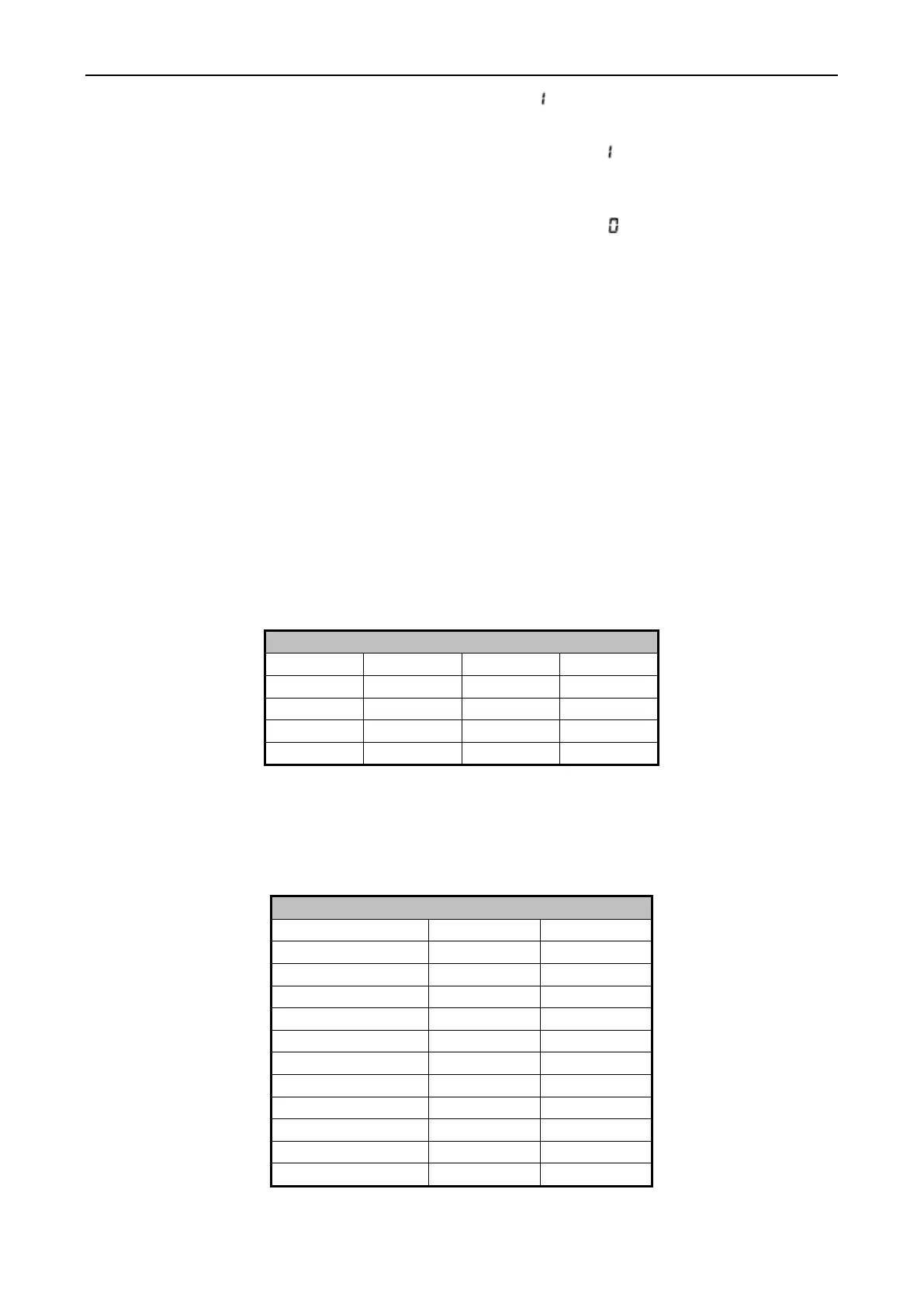
To enable advance. Press the up or down to see “ ”. Press the start SP40, SP60, SP90.
Press start key to select and press the stop key to save and exit setup mode
To enable advance function, use the up or down key to see “ ”. Press start key accepts the
selection and mores to next setup option. When this function is enabled. The machine operator can
use the advance function during running.
To disable advance function, use the up or down key to see “ ”. Press start key accepts the
selection and mores to next setup option.
CYCLE COUNT
To display the current cycle count, press the Start key after entering Program mode (the
display will show the current temperature in the wash cylinder). The display will show a 2 digit
number indicating how many cycles have been completed (cycles interrupted are not counted).
Press the Start key again to return to program mode without resetting the count. Press the Up or
Down key to reset the count to zero and return program mode.
CYCLE PROGRAMMING
To edit an existing cycle, or create a new one, press the Up key while the wash cylinder
temperature is displayed. The display will change to show cY01. Press the up or down key until the
cycle number you wish to change/create is displayed. Now press the Start key to begin editing your
cycle. Please note that the test cycle cannot be displayed or altered.
All programmed cycles follow a certain routine, consisting of eight program segments,
displayed in the table below.
When modifying a cycle time, a time must be entered for each segment. To skip a segment
or spin, enter 00 for the time and press the Start key. The following table shows the range of tine
allowed for each segment and spins, as well as the allowed temperature range for machines
equipped with auxiliary heat.
Time and Temperature Parameters


 To Next Page