OPERATING INSTRUCTIONS
4-9
Note that spin times are programmed in seconds for in seconds for intermediate spins
following Prewash, Wash, and Fills 1 throung5. The final spin, following Fill 6 is programmed in
minutes.
To begin programming, press the Up key shows the segment to be edited, and then press the
Start Key.
For the Prewash segment, you can select either PrEU (normal Prewash) or FLUS (overflow
fill Prewash). If Overflow Prewash is selected, the fill valves will remain on for the duration of the
Prewash step. Press the Start key to make your selection.
If the Spray Rinse option is enabling in Setup, you have the option of Spray Rinse or
Dilution Rinse during Fill 1 through Fill 5. The display shows Srin for spray rinse or drin for
dilution rinse.
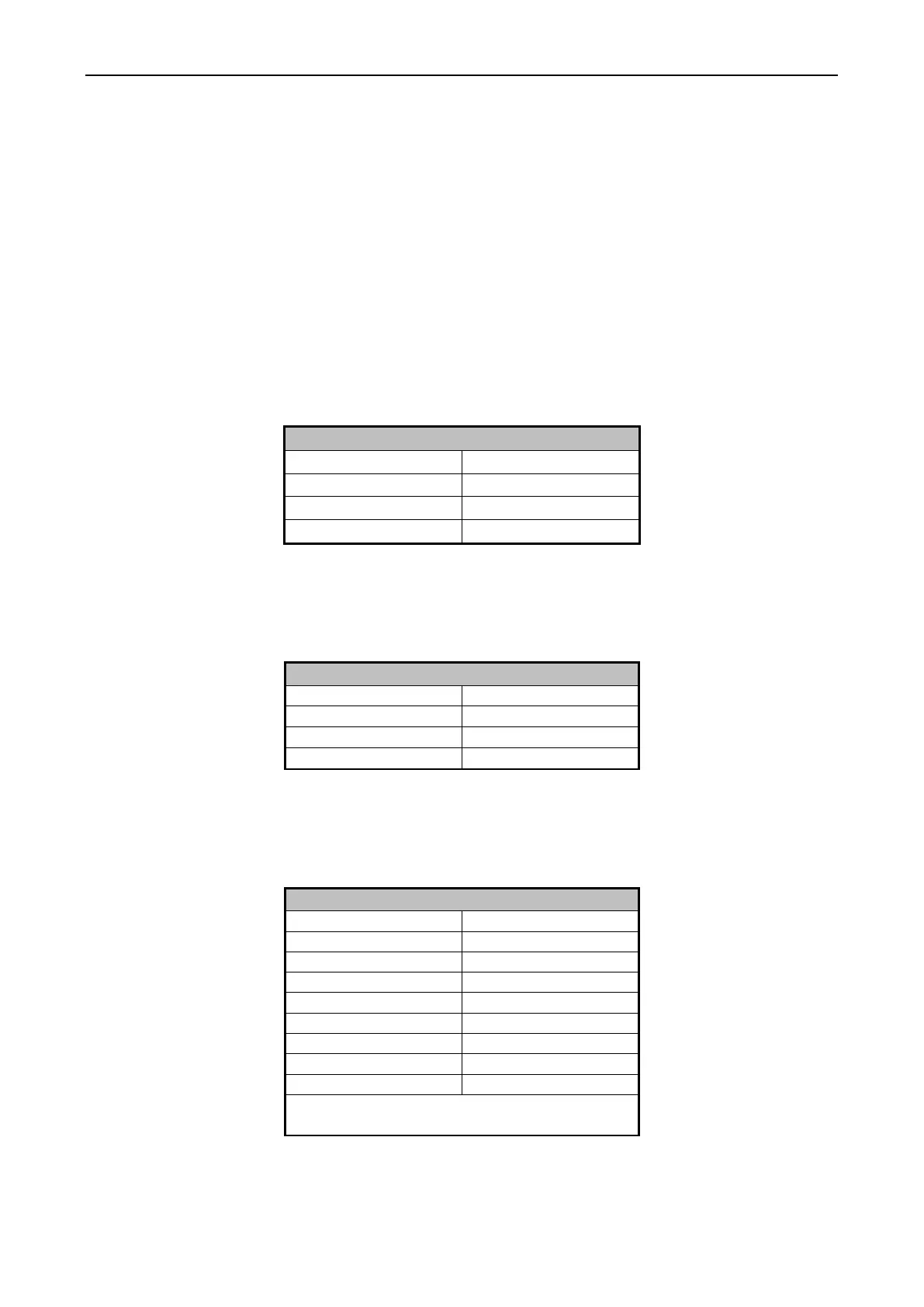
Use the Up and Down keys to select the fill temperature. The following table shows the
available options.
After you have selected the appropriate fill temperature, press the Start key.
Now you can select the Fill level by using the UP or DOWN key. Select your Fill level
according to the following to the following table.
Note that if you selected FLUS for the Prewash segment, this selection is skipped. After
your Fill level selection, press the Start Key.
Next select the desired Supply option. See the table.
Supply 4 & 7 are only available if is Supply 4
was enabled in Setup
After selecting your desired supply option, press the Start key.


 To Next Page