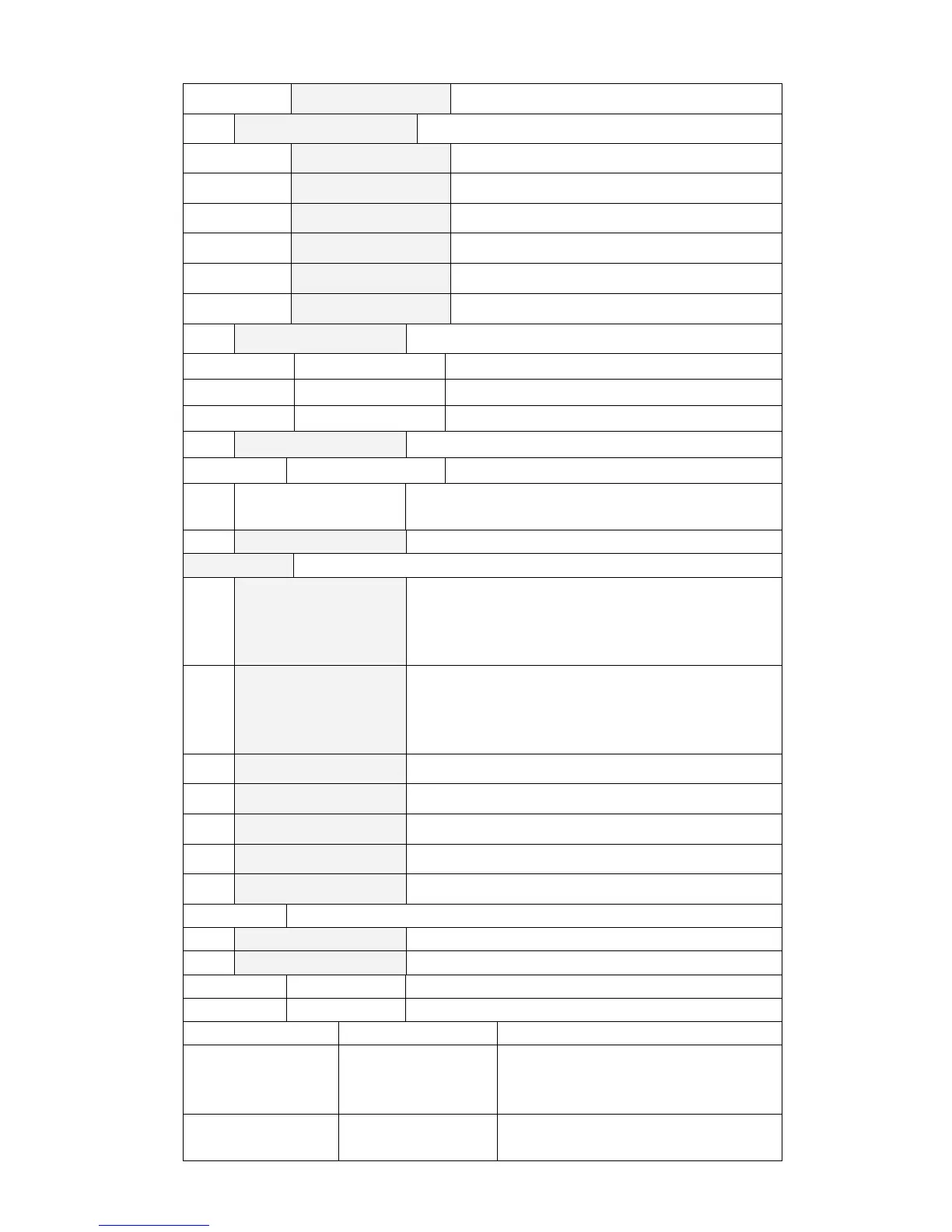
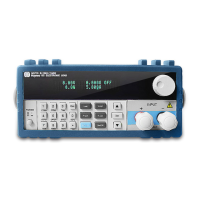
SEPARATE
Single
BAUD RATE SET
Setting the modem Baud rate
2400 baud
9600 baud
14400 baud
28800 baud
57600 baud
115200 baud
COMM.PARITY
Setting Communications Parity mode
NONE
No Parity
EVEN
Even Parity
ODD
Odd Parity
ADDRESS SET
Setting an Address
1~200
The address is the input number (1-200).
KEY LOCK SET
Setting the password to unlock the keypad (when 0 or
null is set, there is no password set)
EXIT
SYSTEM SET
MAX CURRENT SET
Setting the maximum Current.
If the maximum current set is higher than 3A, the load
is in high range. Otherwise, it is in low range.
MAX VOLTAGE SET
Setting the maximum Voltage.
If the maximum voltage set is higher than 20V, the
load is in high range. Otherwise, it is in low range.
MAX POWER SET
Setting the Maximum Power.
TERMINAL SET
Selecting the input terminal
FRONT
Select the input terminal on the front panel
BACK
Select the input terminal on the back panel
EXIT
LIST
LOAD LIST
Choose list files, 1~8
EDIT LIST
Edit list files
MINIMUM TIME
Edit minimum time(0.02~1310.7mS)
LIST MODE
List output mode
CONTINUOUS
Continuous mode
END HOLD
Retains the last output voltage level after
the entire sequence is successfully
completed
END RESET
Retains the load OFF state after the
entire sequence is successfully



 To Next Page