PAGE 18
FOR SERVICE TECHNICIAN’S USE ONLY
DO NOT REMOVE OR DESTROY
4. Disconnect the ignitor plug from the
burner. Using an ohmmeter, measure
the resistance across the ignitor’s 2-pin
connector. Resistance should be 50-500 Ω.
If resistance readings are outside the range
or open, replace the ignitor.
If resistance readings are within range,
reconnect the ignitor plug and continue
to step 5.
5. Disconnect the wires going to the flame
sensor terminals. Using an ohmmeter, measure
across the two sensor terminals for continuity.
If there is continuity, reconnect the sensor
wires and continue to step 6.
If the reading is open, the flame sensor
needs replacing.
6. Reassemble back panel before
reconnecting power.
7. Plug in dryer or reconnect power.
8. Run a high-temp “timed dry” cycle
of at least 2 minutes in duration.
9. Watch the ignitor for a couple of minutes
through the “peek window” in the side. If the
ignitor stays red hot and the gas does not come
out and ignite, the flame sensor needs replacing.
NOTE: If ignitor does not come on, line voltage
may not be present at the gas burner. The motor
centrifugal switch may be suspect.
IMPORTANT: To avoid damage to the gas burner
wire harness, ensure the harness is routed
exactly as it was prior to service.
10. Unplug dryer or disconnect power.
11. Reassemble all parts and panels.
12. Plug in dryer or reconnect power.
13. Perform the “Quick Diagnostic Test”
through Service Diagnostics to verify repair.
TEST #5: Moisture Sensor
This test is performed when an automatic
cycle stops too soon, or runs much longer
than expected.
NOTE: Dryer will shut down automatically
after 2½ hours.
3Quick Check: Moisture Sensor status
(open/closed) is provided in “Service
Diagnostics ➔ Component Activation ➔
Moisture Sensor.”
The following items are part of this system:
NOTE: Refer to strip circuit on page 22
to diagnose moisture sensor.
1. Activate Service Diagnostics and then
select the Component Activation ➔ Moisture
Sensor. See procedures on page 5.
2. Open the door. Using a wet cloth or one
finger, jointly touch both sensor strips.
If the sensor status changes from open to
closed, the sensor passed the test. Go to
step 9.
If the sensor status remains open, or was
closed before touching both moisture
strips, continue with step 3.
NOTE: Overdrying may be caused by a short
circuit in the sensor system.
3. Unplug dryer or disconnect power.
4. Remove top panel to access the machine
electronics.
5. Access the moisture sensor wires by
removing the console and front panel (see
page 24). Disconnect the 3-wire moisture
sensor connector located below the door
opening between the front panel and bulkhead.
6. Access the CCU and remove connector
P13 from the circuit board. Check the wire
harness for continuity between P13 and the
moisture sensor connector.
If there is continuity, go to step 7.
If there is no continuity, or if a short is
detected, replace the main harness.
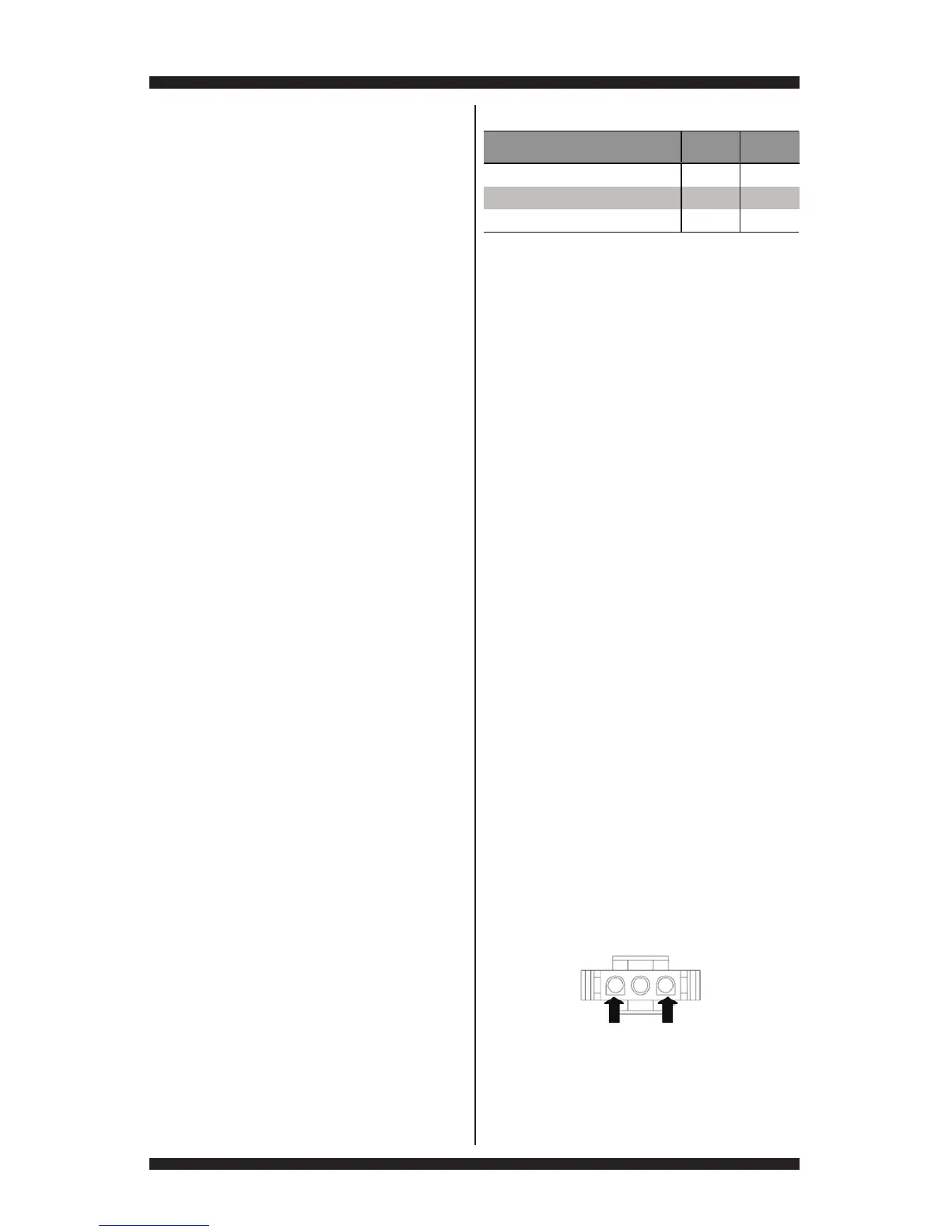
7. Measure the resistance across the
outermost contacts of the connector that
includes the two MOVs.
If any resistance is measured, clean the two
metal moisture strips inside the drum. If
any resistance is measured after cleaning,
replace sensor harness.
If the reading is open, continue to step 8.
Part of Moisture System
Electric
Dryer
Gas
Dryer
Harness/connection



 To Next Page