11
PAIRING YOUR BLUETOOTH
®
PHONE OR AUDIO DEVICE
Bluetooth
®
NOTE:
•For safety reasons, you cannot pair a phone while driving.
•Beforepairingyourcellphoneoraudiodevice,youmustmanuallyturnon
thedevice’sBluetooth
®
function. Refer to the owner’s manual for your device.
• For customer service and device compatibility:
Toll-free call: 800-430-0153
Website: www.MazdaUSA.com/bluetooth
• IMPORTANT: Set the volume level on your cell phone or audio device to the highest
level before distortion starts, then adjust the volume on the vehicle’s audio system.
•WheninrangeofanotherWi-Fidevice,theBluetoothconnectionbetweenyour
phone and the system may disconnect for a short time if you have Wi-Fi enabled
Turn off Wi-Fi on your phone if needed.
With the Infotainment System:
1 ManuallyturnBluetoothonyourphoneor
audio device.
2 Select Communication from Home screen.
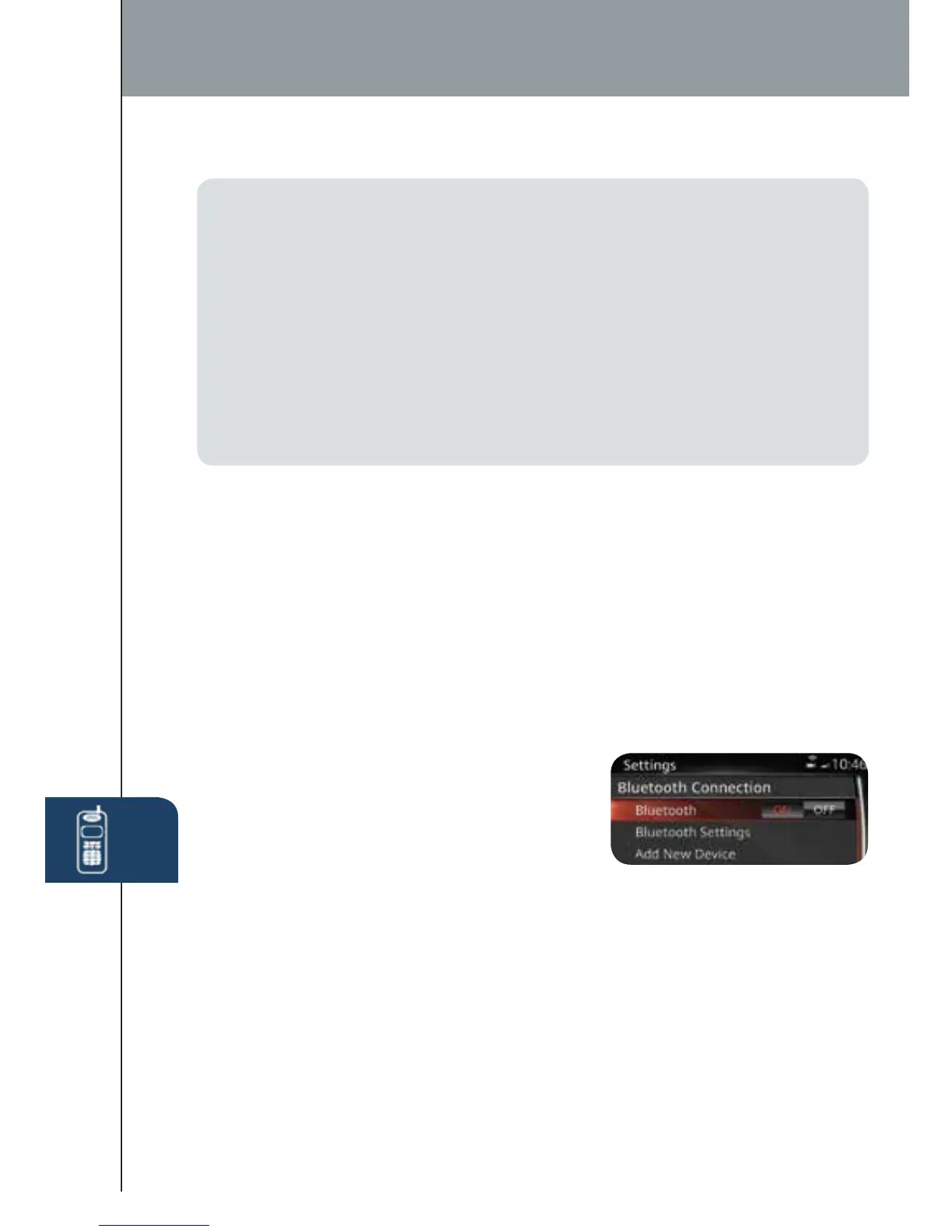
3 Select Settings.
4 SelectBluetooth.
5 Select Add New Device to display the
message and switch to the device operation. If this option is grayed out,
makesureBluetoothisturnedonatthetopofthemenu.
6 Usingthedevice,performasearchfortheBluetooth
®
device
(Peripheral device).
7 Select “Mazda3” from the device list searched by the device. (Device with
Bluetooth
®
version 2.0) Input the displayed 4-digit pairing code into the
device.(DevicewithBluetooth
®
version 2.1 or higher)
• Just Works is detected the pairing is performed automatically.
• Numeric Comparison is detected
8 Verify the displayed 6-digit code on the audio unit is also displayed on the
device, and touch the Yes on-screen button and then “YES” on the device
if needed.
Without the Infotainment System:
1 ManuallyturnBluetoothonyourphoneoraudiodevice.
2 Push and release the button on the steering wheel (wait for beep).
3 From main menu, say, “Setup,” then “Pairing Options.”
4 Say, “Pair.”
5 Say a four-digit code (i.e., “1, 2, 3, 4”).
6 Place phone in discovery mode; if necessary, consult your phone’s manual
orgotowww.mazdausa.com/bluetooth.Selectmodel,Bluetooth,andfollow
screen prompts.
7 After phone is recognized, you will be prompted to name the paired phone.
1518135_14d_Mazda3_SSG_070313.indd 11 7/3/13 3:13 PM



 To Next Page