15
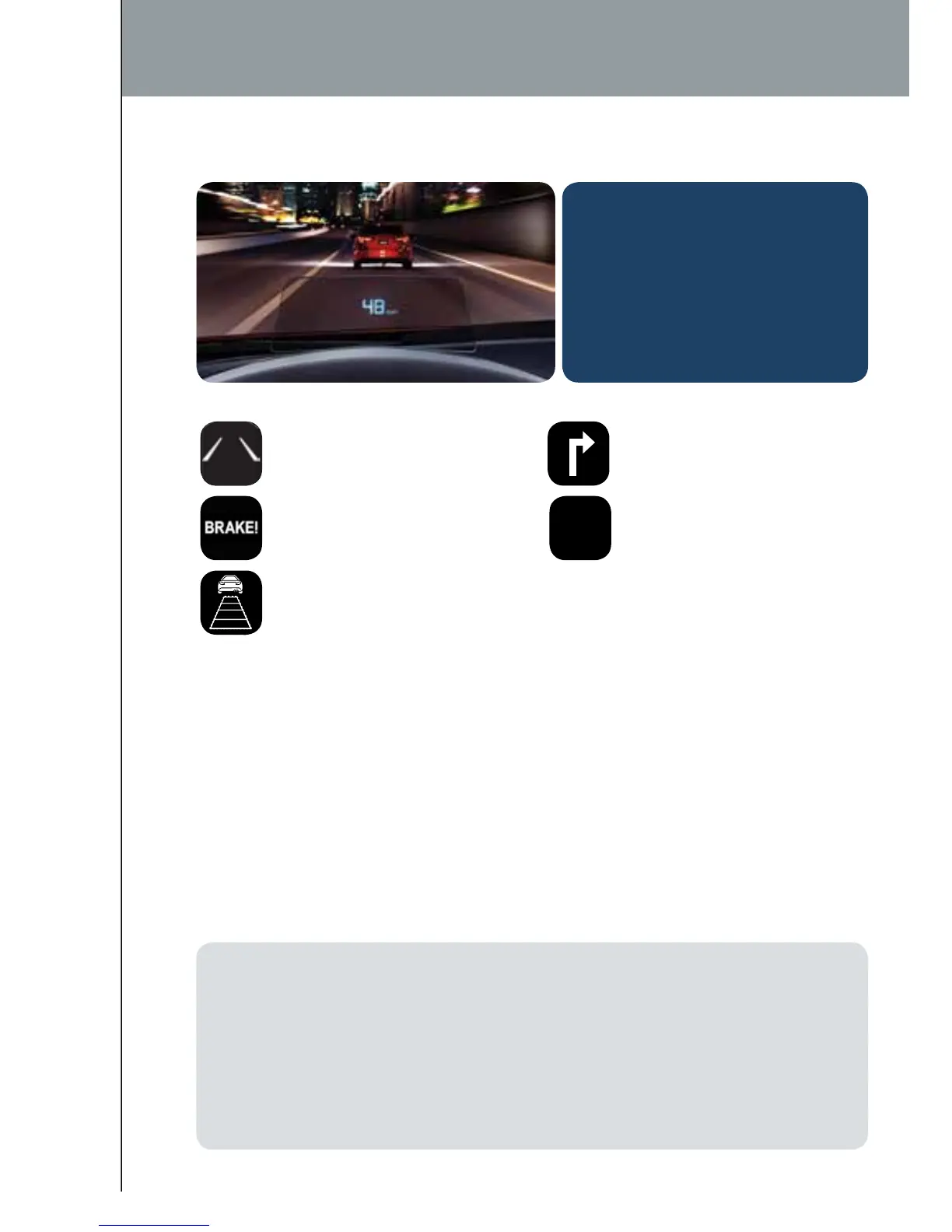
The Active Driving Display displays the following information:
• Lane Departure Warning
System (LDWS) operation
conditions and warnings
• Smart City Brake
Support (SCBS)
warnings
• Vehicle Speed Setting
using cruise control
• Navigation Turn-by-
Turn ( TBT) direction,
distance and lane guidance
• Vehicle Speed
To change the settings/adjustments for the Active Driving Display:
1 Select the Settings icon on the
Home screen.
2 Select the AD-Disp tab.
3 Select the desired item to change.
• Height: Adjust the position of the
virtual image of the Active Driving
Display up or down.
• Brightness Control: Method
for adjusting screen brightness
(Automatically with instrument
cluster illumination or manually).
• Calibration:Brightness
initialization setting (when
selecting automatic adjustment).
• Brightness:Brightness
adjustment (when selecting
manual adjustment).
• Navigation: On/Off.
• Active Driving Display:
On/Off.
• Reset: Reset to
default settings.
0
MPH
Active Driving Display
NOTE:
• If the display does not operate, switch the ignition off and then switch it back on. If it
still does not operate even with the ignition switched ON, have the vehicle inspected at
an Authorized Mazda Dealer.
• It may be difcult to view the display when wearing sunglasses. Take off your
sunglasses or adjust the luminosity.
• If the battery has been removed and re-installed or the battery voltage is low, the
adjusted position may deviate.
• The display may be difcult to view or temporarily affected by weather conditions such
as rain, snow, light, and temperature.
ACTIVE DRIVING DISPLAY (if equipped)
CAUTION: Always adjust the
display using the Settings screen
(AD-Disp tab). Do not try to
adjust the angle or open/close
the display by hand. Fingerprints
on the display will make it
difcult to view and manual
operation could cause damage.
1518135_14d_Mazda3_SSG_070313.indd 15 7/3/13 3:13 PM



 To Next Page