13
Navigation System
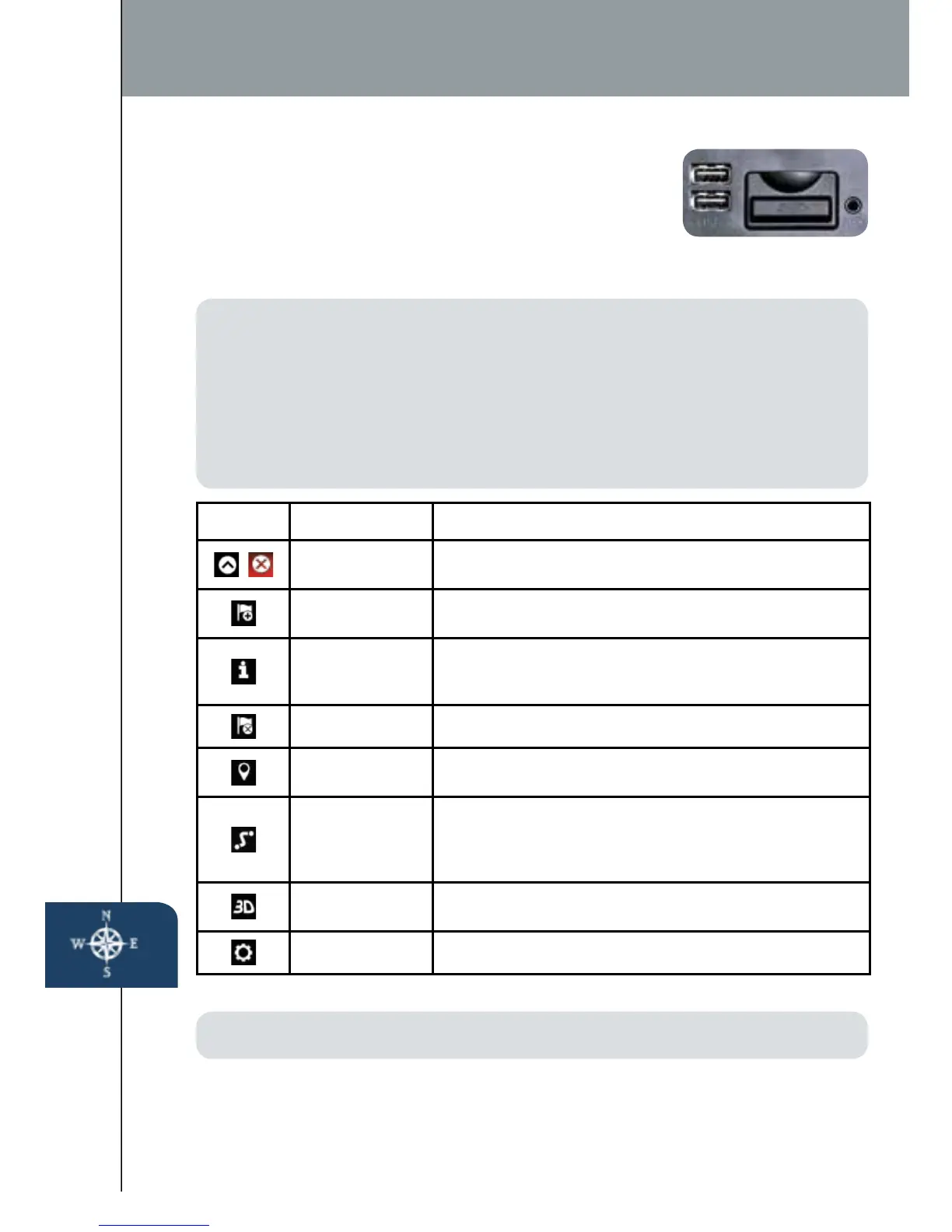
TO REMOVE OR INSERT THE MAP SD CARD
(To update the map database):
1 Turn the vehicle ignition OFF.
2 Locate the SD card slot inside the center console.
• Remove card: Open the cover and push the card once, then pull it out.
• Insert card: Push the card in (label-side up), then close the cover.
PLANNING A ROUTE
IMPORTANT: In the interest of safety and to reduce distractions while you are
driving, you should always plan a route before you start driving.
To plan a route on your Navigation system, do the following:
1 Push the NAV button on the commander switch.
2 Select NEW DESTINATION.
3 Select Find Address.
ICON Voice Control Purpose
Hide/Show
Menu Bar
To open and close the Menu bar.
Enter
Destination
To enter an address or favorite destination, or select
a place of interest or a location on the map.
Navigation
Information
To switch to the navigation information screen on
whichitemssuchastrafcinformationandGPS
reception conditions
Cancel To cancel an existing way point/route
Point of
Interest
To nd places nearby.
Route Options
To display the route parameters and full length of
route. Perform route-related actions such as edit
or cancel, pick route alternatives, avoid parts, add
destination to Favorites.
View Mode
To change the map mode (2D north up / 2D heading
up / 3D).
Settings To adjust the navigation settings.
NOTE:
•
Visit www.mazdausa.com/navigation within 60 days of vehicle delivery and
download the most recent map available for your device for free. Please refer
to the Navigation System Owners Manual section of www.mazdausa.com/
navigation for additional information.
• Only use your MAP SD card for operating and updating your navigation system.
Do not insert the MAP SD card into another vehicle or into any other device
such as a camera.
•Do not put other SD cards in this slot.
1518135_14d_Mazda3_SSG_070313.indd 13 7/3/13 3:13 PM



 To Next Page