TO MAKE OR RECEIVE A HANDS-FREE CALL
Basic Operation:
button: To make/receive/swap a call.
button: To end/reject a call.
button: To skip vehicle voice
guidance and allow user to
speak next voice command.
Automatic Bluetooth
Reconnection:
On engine start, the last connected
device will automatically be re-
connected after several seconds.
To switch phones, go to Device
SettingsandselectBluetooth.
www.MazdaUSA.com
NOTE: Some phone models do not support all features. If your phone or
device does not pair, please visit www.MazdaUSA.com/bluetooth or contact
(800) 430-0153 for further assistance or to report a phone/audio device concern.
NOTE: Forconnectionissues,pleaseconrmtheBluetooth
connection status by making sure there is cell phone icon on the
audio display (without infotainment) or by making sure there is a battery and
signal strength icon in the top right corner of the screen (with infotainment). Some
phoneswillturnofftheBluetoothsignalafterconnectingtheUSBcabletothe
vehicle or after downloading an update
• Ifnotdisplayed,checkyourphoneandmakesureBluetoothisturnedon(or
discoverable) in the Settings menu. Detailed instructions for some phones
are available online.
• If there is still no connection, delete the pairing data on the system and
your phone and try again after conrming your cell phone is compatible at
www.MazdaUSA.com/bluetooth.
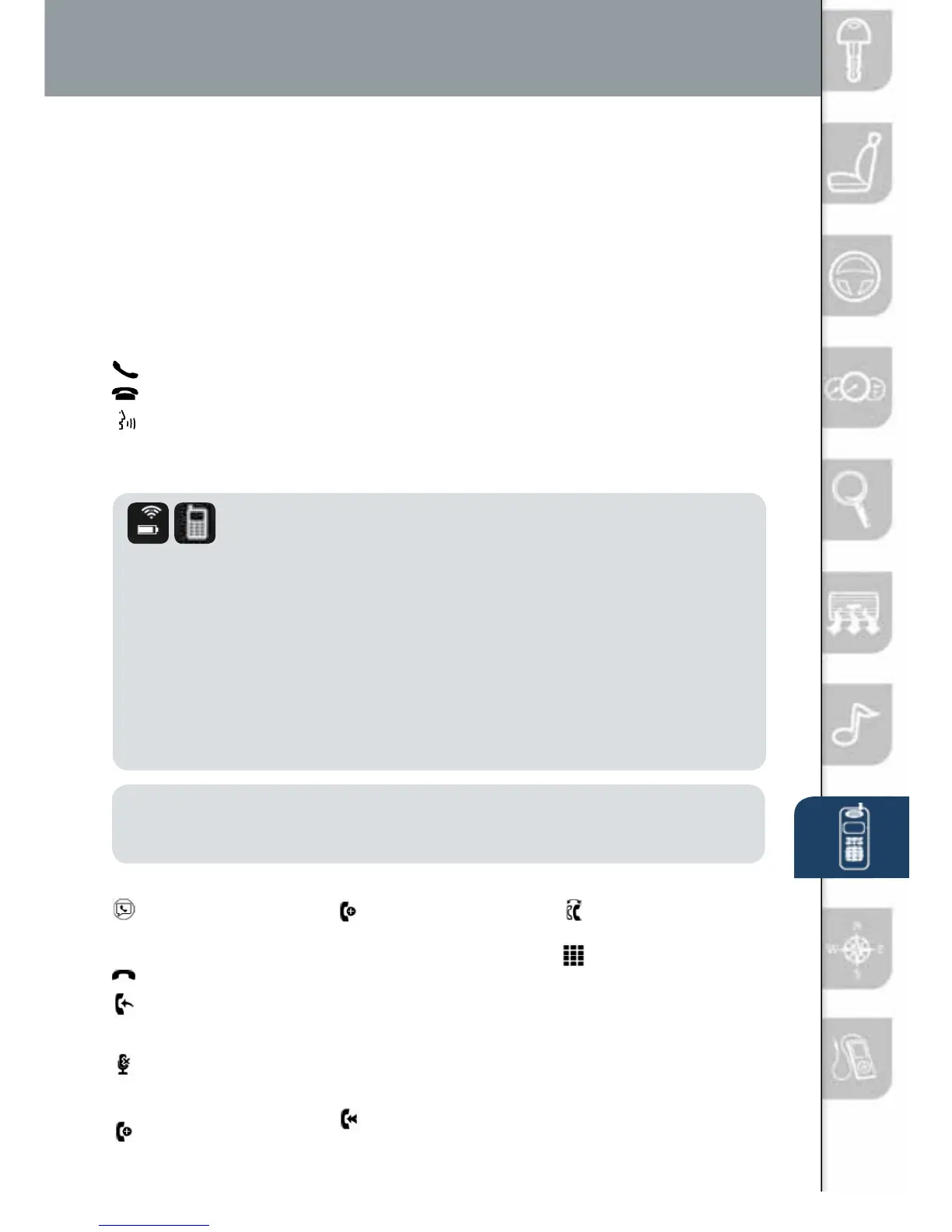
The following icons are displayed on the touchscreen during a call:
Displays the
Communication
screen.
Ends a call.
Transfers a call from
hands‐free to the
mobile phone.
Transfers a call from
the mobile phone
to hands‐free.
Mutes the call.
Calls another person
during a call and
creates a 3‐way
call. Select the
contact from one of
the following: Call
History, Contacts
(from phonebook),
or Dial (from
numerical keypad).
Joins the call on hold
to make a 3‐way call.
Switches the
call on hold.
Allows transmitting
DTMF (Dual Tone
Multi‐Frequency)
signal via the
numerical keypad
(generally to a
home telephone
answering machine
or an automated
guidance call center).
For phone’s compatible with Email, SMS and MMS:
9 (Call History) Incoming/Outgoing history for the device is downloaded
automatically as well as your Phonebook.
10 (Devices compatible with Mazda Email / SMS function) SMS (Short
Message Service) messages, MMS (Multimedia Message Service)
messages, and Email for the device are downloaded automatically.
Permission may be required, depending on the mobile device.
1518135_14d_Mazda3_SSG_070313.indd 12 7/3/13 3:13 PM



 To Next Page