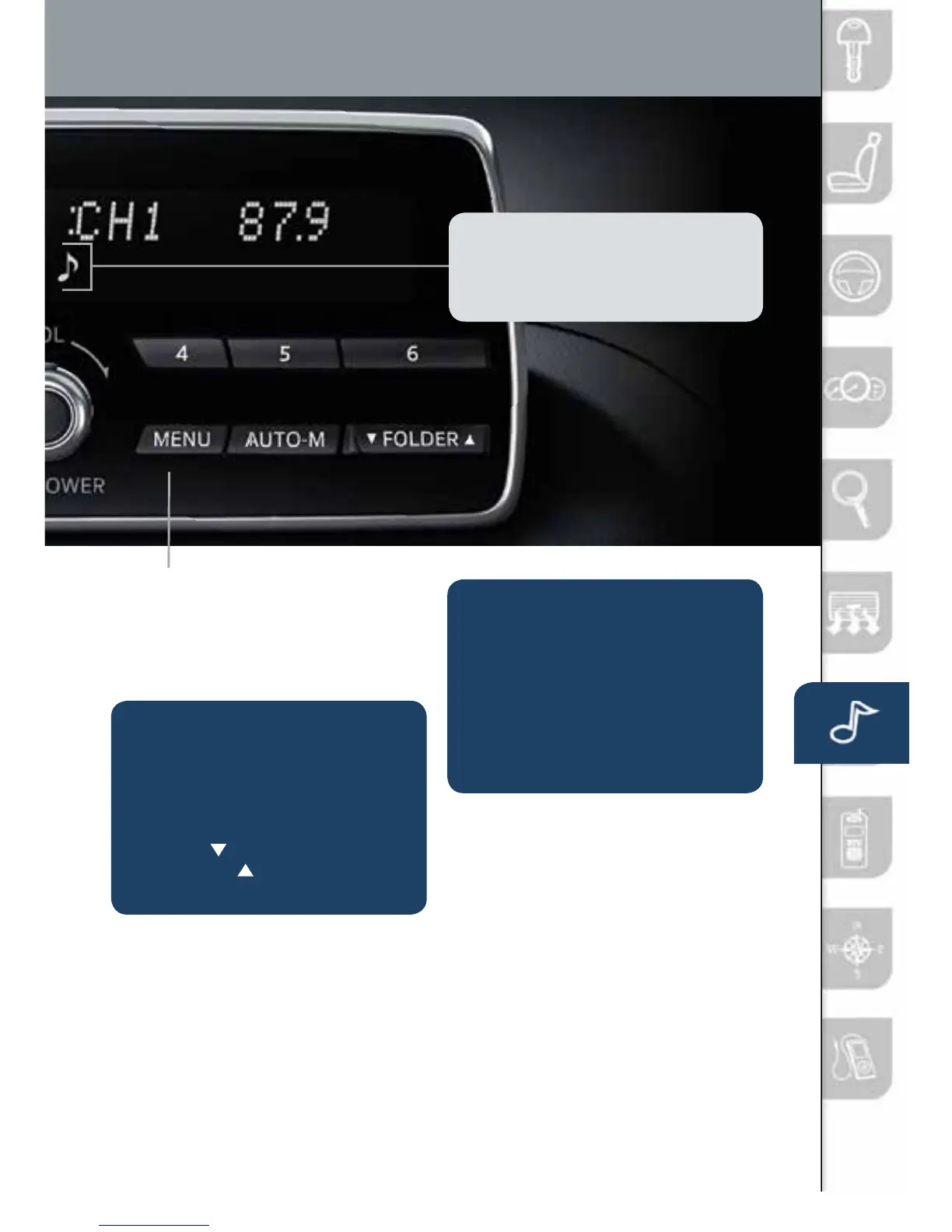
FOLDER SEARCH
(during MP3/WMA/AAC
CD or USB playback)
• Tochangetotheprevious
folder, push the folder down
button
, or push the folder
up button
to advance to the
next folder.
LOADING A CD
• CDplayerislocatedjustin
front of the transmission gear
selector (if equipped).
• InserttheCDintotheslot,
label-side up. The auto
loading mechanism will load
the CD and begin to play it.
MENU: Push the MENU button to
adjust the audio sound, turn audio
operation beep on and off, perform
Bluetoothsetup,orchangethe
clock between 12 and 24 hr times.
NOTE: TouseBTaudio,makesure
the musical note icon is displayed in the
audiodisplay.SomeBluetooth
®
audio
devices need a certain amount of time
before the icon is displayed.
1518135_14d_Mazda3_SSG_070313.indd 30 7/3/13 3:14 PM



 To Next Page