31
Audio Controls (with Infotainment)
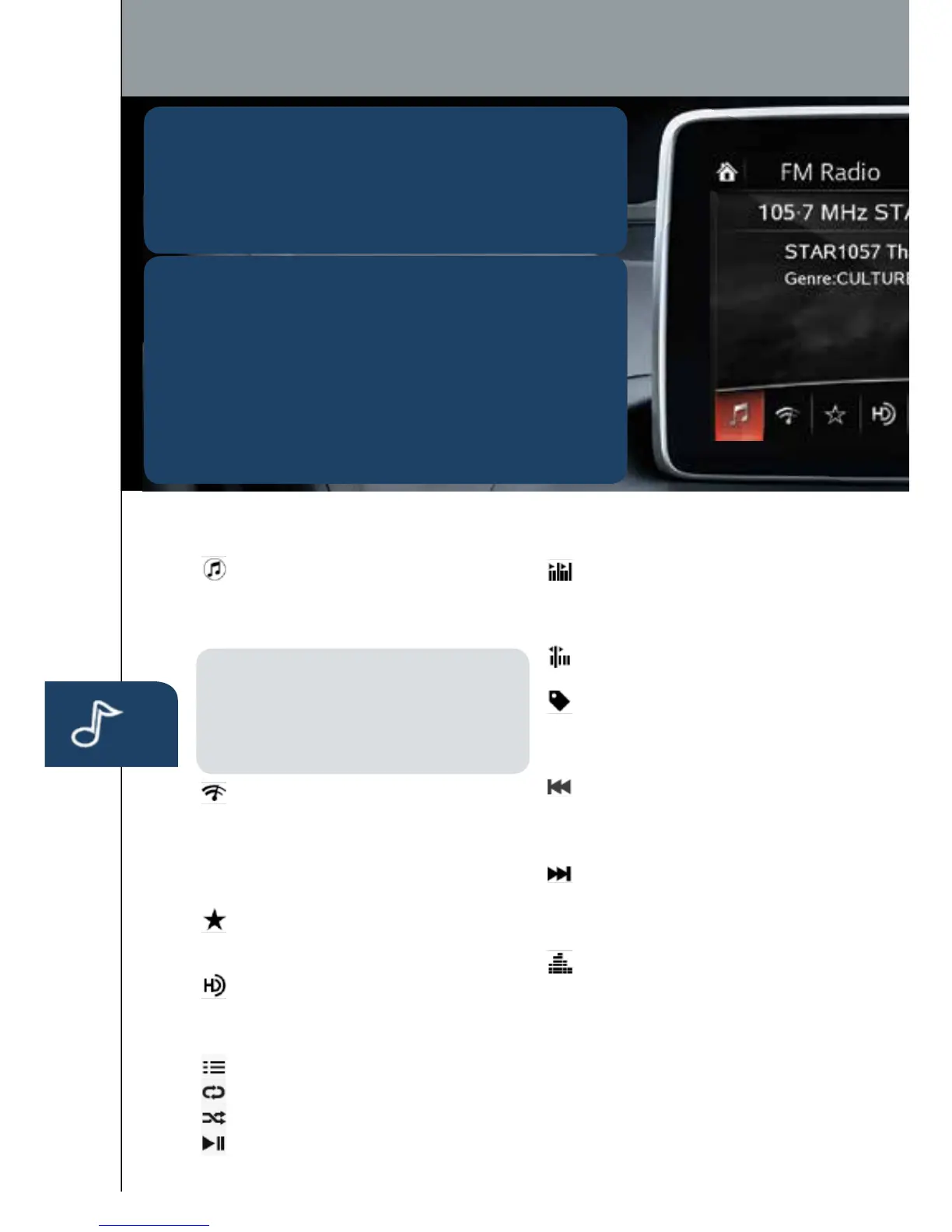
The following icons are displayed on the AM/FM screen and
some on the CD screen:
SOURCES: Displays Audio menu
to change audio source (FM / AM
/XM/Aha/Pandora/Stitcher/
Bluetooth/USB/CD/AUX).
NOTE: In order to use Aha, Pandora
and Stitcher as audio sources, the App
must be installed on your phone. These
Apps stream music using your data plan
and listening to them counts towards your
monthly cellular data usage.
AUTO MEMORY: Displays a list
of 10 strongest radio stations.
Becausestationstrengthchanges
as you drive, select Update
Station List icon to re-scan for
strong stations.
FAVORITES: Displays list of
yourfavoriteAM,FM,andXM
radio stations.
HD RADIO: Switches HD Radio
On /Off.
SCAN: Scans radio stations
or songs (scanning stops
at each one for 5 seconds).
Select again to stop.
TUNER: Displays manual
radio tuner.
TAG: Saves artist and title
and sends them to your Apple
device (for Apple devices
withUSBuseonly).
SEEK PREVIOUS: Selects
previous receivable radio station
or song. Press and hold to
change radio station continually.
SEEK NEXT: Selects next
receivable radio station or song.
Press and hold to change radio
station continually.
SETTINGS: Adjusts the audio
quality level (bass, treble, etc.).
The following icons are displayed on CD screen only:
TRACK LIST: Displays the track list of the CD.
REPEAT: Repeats the current song. Select again to stop.
SHUFFLE: Plays the songs on the CD in random order. Select again to stop.
PLAY/PAUSE: Plays and Pauses the CD.
PLAYING BLUETOOTH
®
(BT) AUDIO
1 MakesureBTaudiodeviceispairedtoyourvehicle.
2TurnonBTaudiodevice.
3SelectBluetoothfromSources.
See your Owner’s Manual for further information on:
· Pandora · Aha · Stitcher
GRACENOTE
TheGracenotemediadatabaseisusedtoimprovevoice
recognition of artist and album names with the Mazda
Hands Free system. To make best use of the voice
recognition, install the most recent database.
1 LoadtheGracenoteupdateonamemorystickfrom
www.MazdaUSA.com/USB.Insertthememorystick
intotheUSBport.
2 GotoSystemSettingsintheinfotainmentsystem.
3 Select Music Database Update.
1518135_14d_Mazda3_SSG_070313.indd 31 7/3/13 3:14 PM



 To Next Page