NOTE
Always set the vehicle speed according
to the laws and regulations of the
country/city in which the vehicle is
driven. In addition, always verify the
speed of the vehicle using the
speedometer.
▼
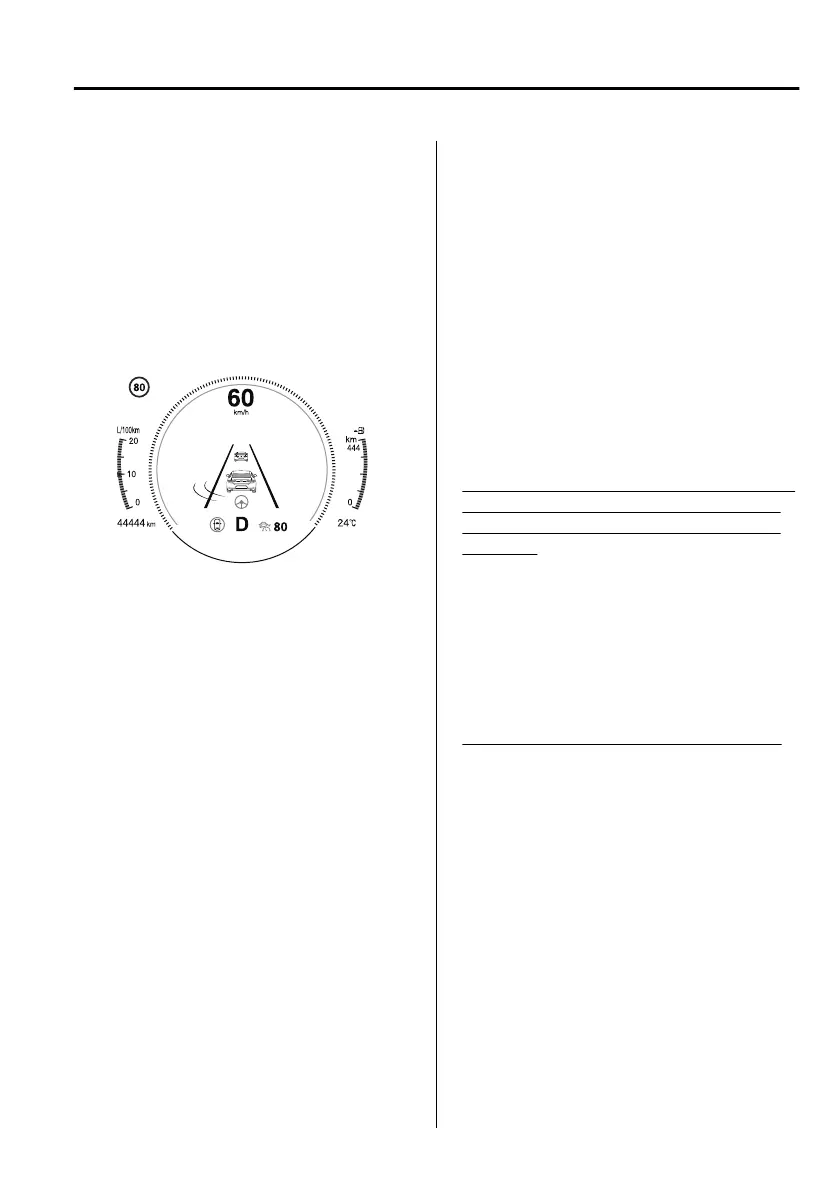
i-ACTIVSENSE Display
Displays the system status.
Refer to Lane Departure Warning
System (LDWS) on page 4-113.
Refer to Blind Spot Monitoring
(BSM) on page 4-117.
Refer to
Trac
Sign Recognition
System (TSR) on page 4-121.
Refer to Distance & Speed Alert
(DSA) on page 4-127.
Refer to Driver Attention Alert (DAA)
on page 4-129.
Refer to Driver Monitoring (DM) on
page 4-130.
Refer to Front Cross Trac Alert
(FCTA) on page 4-131.
Refer to Mazda Radar Cruise Control
(MRCC) on page 4-140.
Refer to Mazda Radar Cruise Control
with Stop & Go function (MRCC
with Stop & Go function) on page
4-150.
Refer to Cruising & Trac Support
(CTS) on page 4-162.
Refer to Lane-keep Assist System
(LAS) on page 4-175.
Refer to Adjustable Speed Limiter
(ASL) on page 4-176.
Refer to Intelligent Speed Assistance
(ISA) on page 4-181.
Refer to Smart Brake Support (SBS)
on page 4-188.
Refer to Smart Brake Support [Rear]
(SBSR) on page 4-192.
Refer to Smart Brake Support [Rear
Crossing] (SBSRC) on page 4-196.
Refer to Cruise Control on page
4-242.
▼
Message Display
A message such as the system
operation status, a malfunction, or an
abnormality is indicated.
Warning/indicator light in instrument
cluster turns on/flashes or symbol is
indicated on display at same time as
message
Check the information regarding the
warning/indicator light or indicated
symbol.
Refer to If a Warning Indication/
Warning Lights on page 4-35.
Refer to If a Indication/Indicator Lights
on page 4-37.
Message only is indicated on display
Follow the instructions indicated on
the display. For the display content,
refer to the next page.
Refer to If a Message Indicated on
Multi-information Display on page
7-69.
When Driving
Instrument Cluster and Display
4-33
Mazda3_8HS5-EE19I_Edition1_new 2019-7-1 10:56:36



 To Next Page