25
INITIAL TESTING
INITIAL TESTING
Nearly done, but it is smart to conrm that everything is working before you put the machine back together.
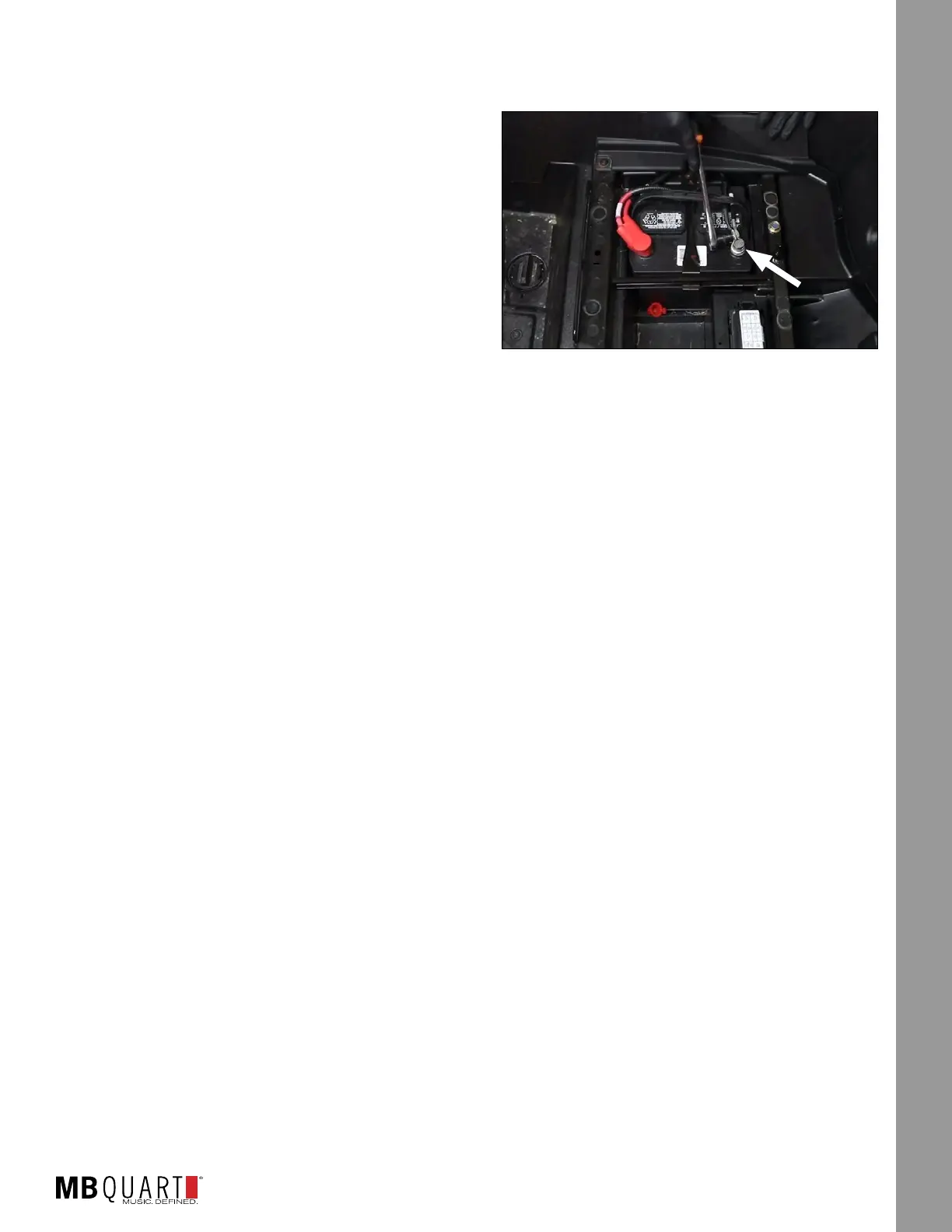
STEP 1 – RECONNECT THE BATTERY
With the harness connected to the busbar, you can now
reconnect the negative terminal of the negative battery
cable as indicated in Figure 19-1.
STEP 2 – TURN ON IGNITION
Turn the ignition key to the ACC position and push the
PWR button on your source unit.
STEP 3 – INITIAL CHECKS
The following instructions are for conrming connectivity
of the system you just installed. Refer to the full manual
for the source unit to use features like Bluetooth® pairing, adjusting treble and bass or working with the EQ.
Here is a check list so you know you did not forget something.
With the power “ON” use the list here to check the system for all of the following. Make sure you are using
the controls on the source unit to conrm Left is the left-side channel and right is the right-side channel.
There will be no change on the front/rear speakers as fas all speakers are on the same two-channel
amplier.
● POWER ON - Source unit lights up and responds to button presses
● USB INPUT (if used) responds when selected
● AUX 3.5mm INPUT (if used) responds when selected
● BT MUSIC - Follow the pairing instructions in your source unit and test a Bluetooth
®
source.
● AM/FM RADIO - Unless you have installed and AM/FM antenna, you will only hear static.
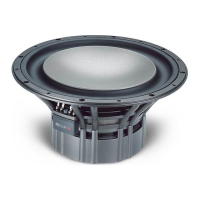
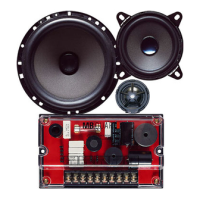
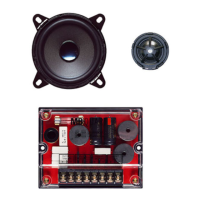
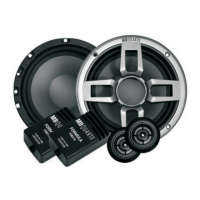
● SPEAKERS - Conrm all speakers play the correct range of frequencies (lows coming from the
subwoofer, mid to high coming from front and rear speakers).
● AMPLIFIERS - If the speakers are playing, the ampliers are on. Conrm settings are correct if something
doesn’t sound exactly right. CONFIRM ALL YOUR SPEAKERS AND AMPLIFIERS ARE CONNECTED
CORRECTLY
Refer to page 21 for initial amplier settings. If everything is working and making sound, proceed to the next
section - Fine Tuning.
Figure 19-1





 To Next Page