15
CD Changer Operation (Option)
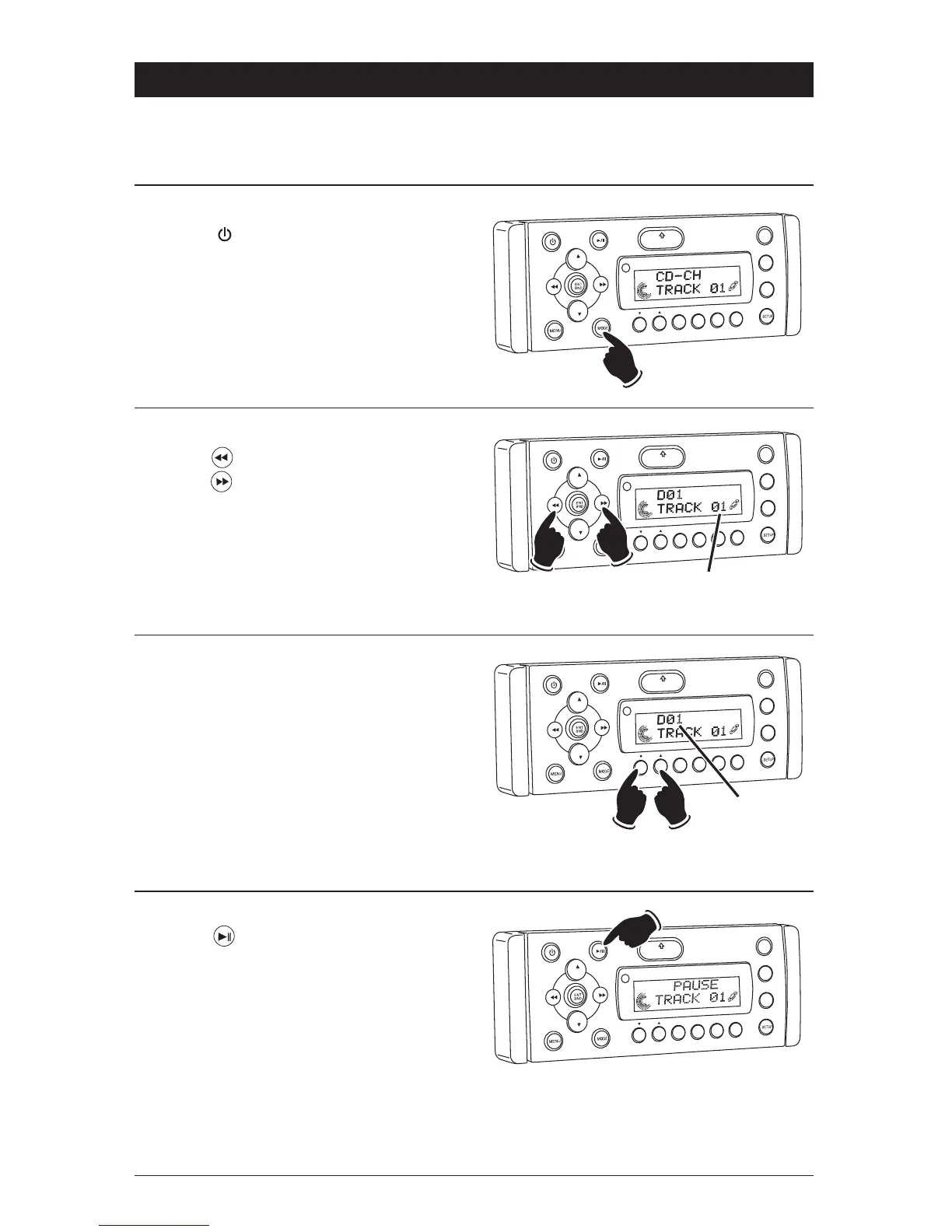
Load CDs into Changer:
Insert the CD magazine into the external CD
changer.
Power On/Off:
Press the button to turn the unit On.
Selecting the Play Source:
Press the MODE button until “CDC” appears in
the display.
VOL
LOU
D
VOL
MU
TE
DM
S-MOD
Pod MEN
U
OPEN
1
2
3
4
5
6
ASM
DISP
EQ
SUB
W
SH
F
R
PT
SC
N
DIR/CAT
CD Track Selection:
Press the button to select a lower track.
Press the button to select a higher track.
The track number will appear in the display.
VOL
LOU
D
VO
L
MU
TE
D
IM
OPEN
1
2
3
4
5
6
ASM
DSP
EQ
SUB
W
SHF
R
PT
DRCAT
Lower
Track
Higher
Track
Track
Number
CD Disc Selection:
Press the 1 button to select a lower disc in the
CD changer. Press the 2 button to select a higher
disc in the CD changer. The disc number will
appear in the display.
VO
L
LOU
D
VOL
MU
TE
D
IM
SMOD
Pod MEN
U
OPEN
1
2
3
4
5
6
ASM
DSP
EQ
SUB
W
S
R
PT
SC
N
DRCAT
Lower
Disc
Higher
Disc
Disc
Number
VOL
LOU
D
VOL
MU
TE
D
IM
SMOD
i
Pod MEN
U
OPEN
1
2
3
4
5
6
ASM
DISP
EQ
SUB
W
SH
F
R
PT
SC
N
DIR C
T
Pausing a CD:
Press the button to pause the disc. Press it
again to resume play.



 To Next Page