6
General Operations
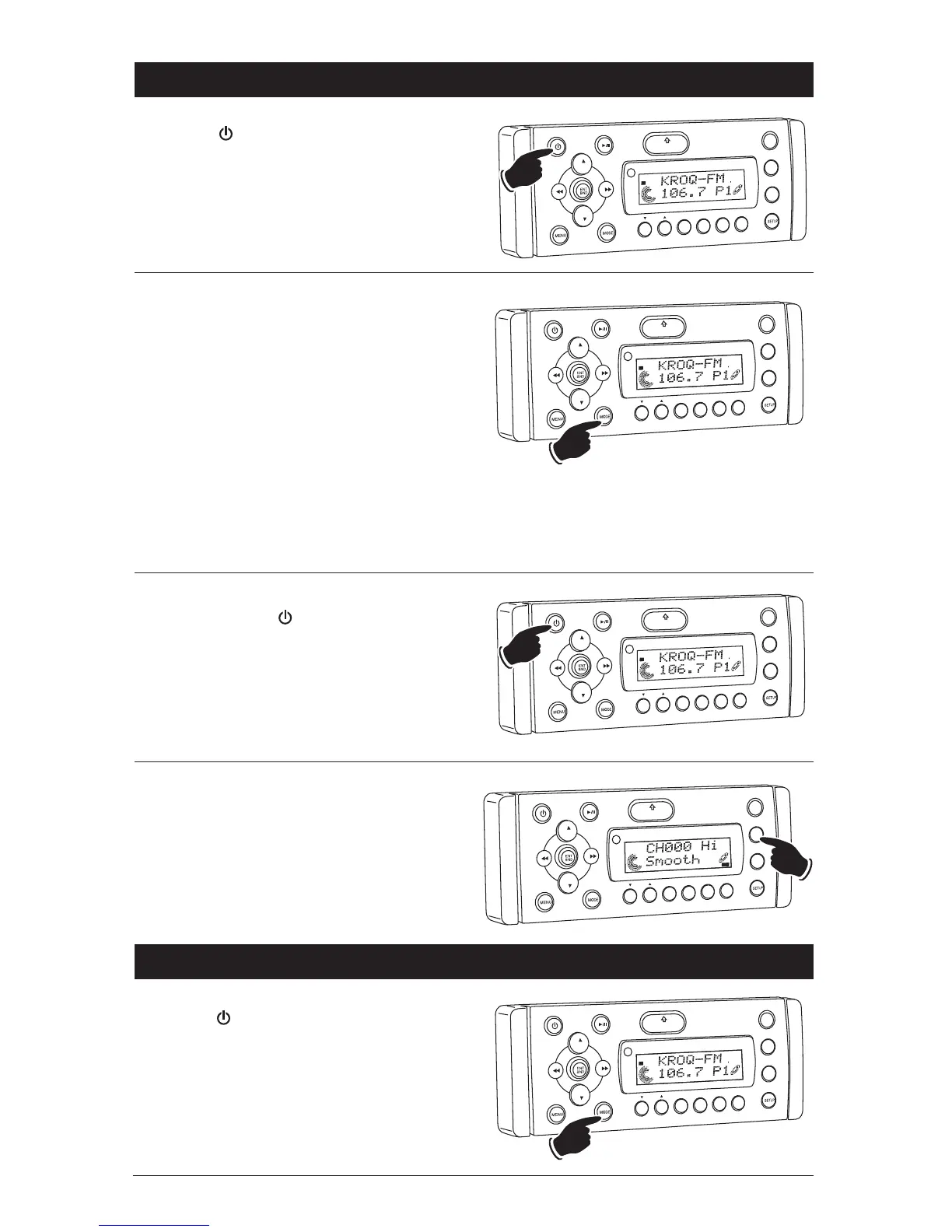
Power On/Off:
Press the button to turn the unit On or Off.
VOL
LOU
D
VO
L
MU
TE
DM
S-MOD
Pod ME
NU
OPEN
1
2
3
4
5
6
ASM
DISP
EQ
SUB
W
SHF
R
PT
SC
N
DIR/CAT
ST
Selecting a Play Source:
To select a play source, press the MODE button
until the desired source appears in the display:
AM1, AM2, FM1, FM2 or FM3
(AM and FM Radio),
SIRIUS (Satellite Radio Input, if connected),
CD (Built-in CD Player),
CD-CH (CD Changer, if connected),
AUX IN (Auxiliary Audio Input),
IPOD (IPOD Input, if connected) and
USB (MP3 Player, if connected).
Dimming the Display:
Press and hold the button to dim the bright-
ness of the display. Press and hold again to
restore the brightness of display.
VO
L
LOU
D
VOL
MU
TE
D
M
SMOD
i
Pod MENU
OPEN
1
2
3
4
5
6
ASM
DISP
EQ
UB W
SH
F
R
PT
SCN
DIR CAT
ST
VOL
LOU
D
VOL
MU
TE
DIM
SMOD
i
Pod MEN
U
OPEN
1
2
3
4
5
6
ASM
DISP
EQ
SUB W
SH
F
RPT
SC
N
DIR CAT
T
Display Selection:
Press the DISP button to display the information
according to the mode selected.
Example: Press the DISP button in the Sirius
Radio mode to display SONG-TITLE
_
> ARTIST
NAME
_
> CATEGORY
_
> SONG-TITLE.
VOL
LOU
D
VOL
MU
TE
DM
S-MOD
Pod ME
NU
OPEN
1
2
3
4
5
6
ASM
DSP
EQ
SUB
W
SH
F
R
PT
SCN
D R/CAT
SONG
T TLE
SAT
AM/FM Radio Operations
Power On/Off:
Press the button to turn the unit On.
Selecting the Play Source:
Press the MODE button until “AM1, AM2, FM1,
FM2 or FM3” appears in the display.
VO
L
LOU
D
VOL
MU
TE
DM
S-MOD
Pod MEN
U
OPEN
1
2
3
4
5
6
ASM
DISP
EQ
SUB
W
SHF
R
PT
SC
N
DIR/CAT
ST



 To Next Page