20
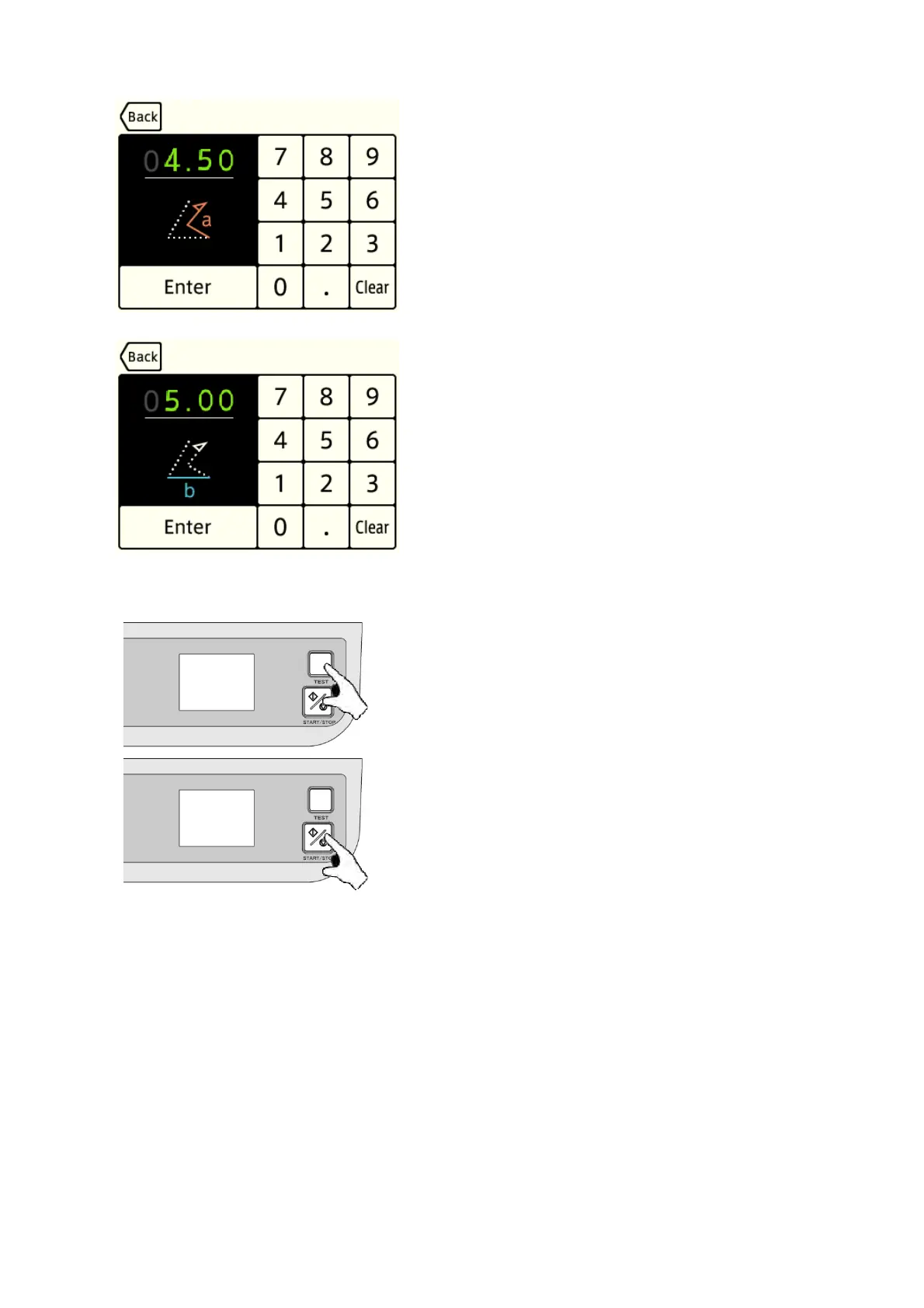
[5] Input the length of “a” using numerical keys and
press the “Enter” key.
[6] Input the length of “b” using numerical keys and press
the “Enter” button.
[7] Press the “TEST” key to perform test folding.
If test folding is satisfactory, proceed to step [8].
If it is not satisfactory, adjust folding misalignment.
= > Refer to “5.6 Adjustment” on pages 23 to 27.
[8] Press the “START/STOP” key to start continuous
folding.


 To Next Page