39
5-11-3 : Use of double feed detection
Notes: Make sure the double feed detection is activated.
It responds to all the fold types except cross folding.
[1] Perform test folding before starting actual operation.
By the process of test fold, the machine memorizes paper thickness, print pattern,
paper length. Based on the test fold data, it will detect double feed.
[2] Start folding operation as usual.
5-11-4 : When the machine stops based on double feed detection error (E-52)
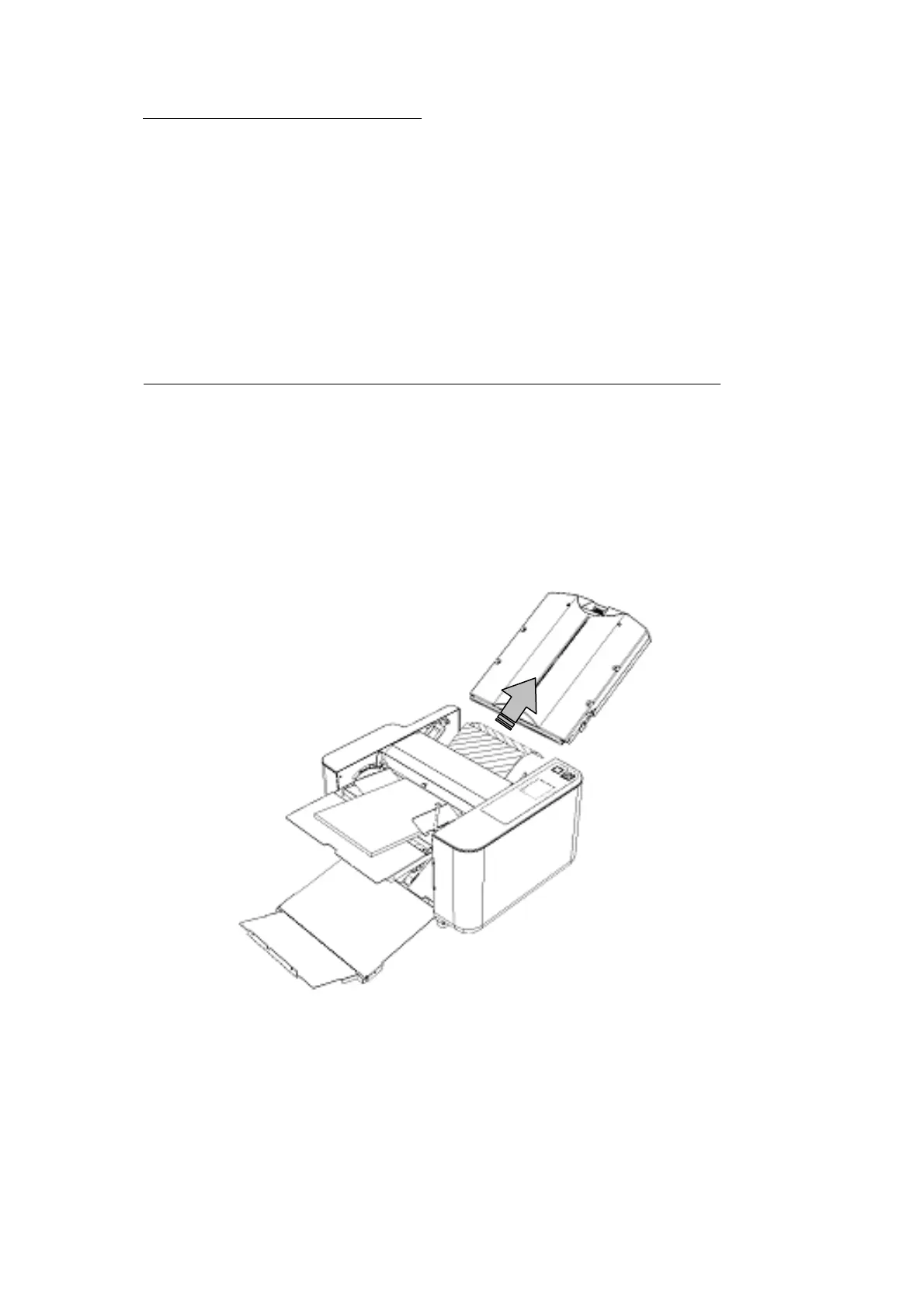
[1] Open the rear cover and remove the paper ejected by double feed.
[2] Close the rear cover and press the error release button to release the error (E-52). Then,
the machine will be able to restart its operation.
Note: The paper will not be ejected automatically.
The double fed paper is not folded and held at Table 1 so that they can be reused.


 To Next Page