TRUEresult
®
Quality Assurance / Quality Control Manual
30
1. Select area. Clean the area with soap and warm water, rinse or use an
approved disinfectant. Dry thoroughly.
2. Rub area vigorously or apply a warm, dry compress to increase blood flow.
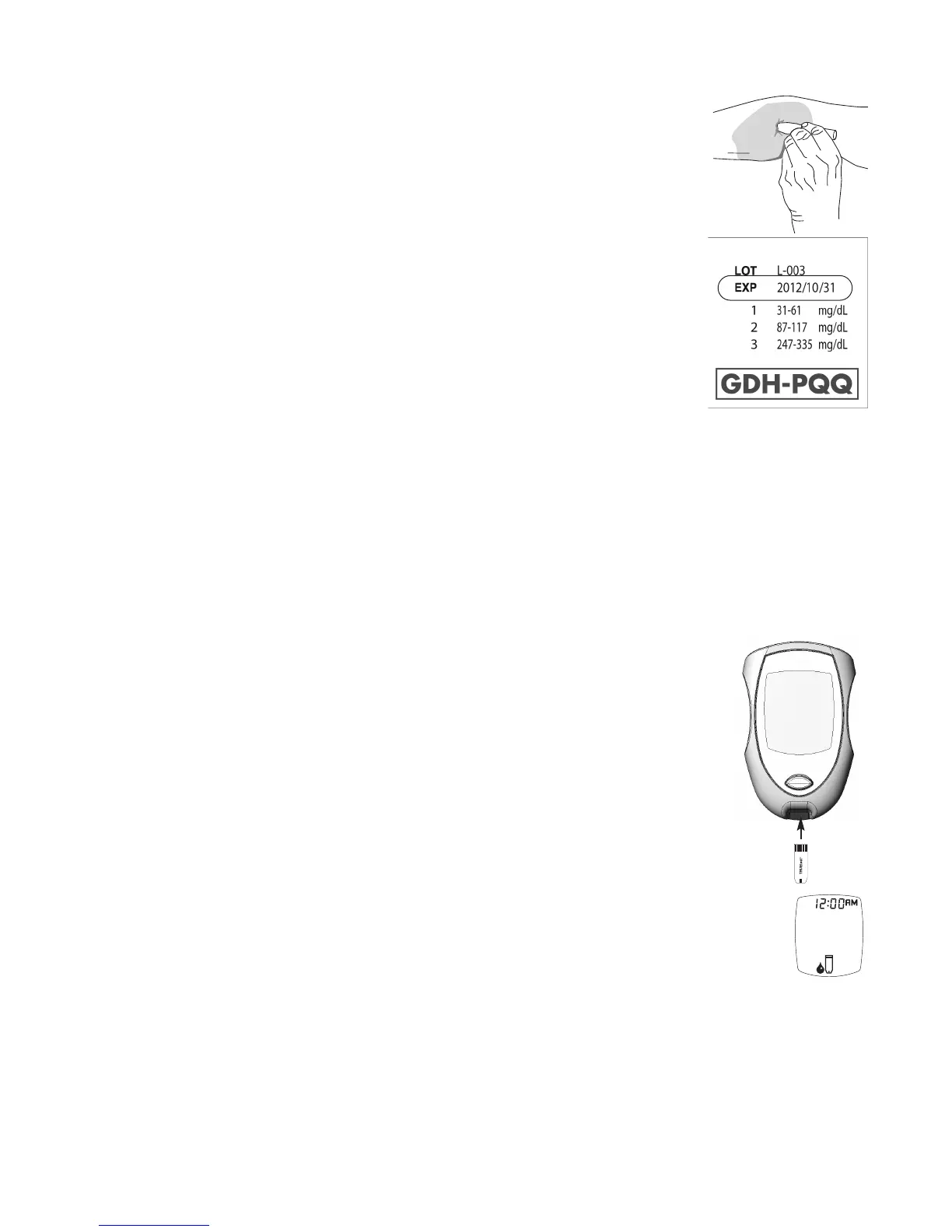
3. Lance forearm.
4. Discard all biohazard materials into appropriate container.
How to Perform a Blood Glucose Test
1. Check dates on Test Strip vial label.
• Do not use Test Strips 4 months past written opened date or
after EXP date printed on Test Strip vial label.
2. Clean the area to be lanced with an approved disinfectant. Dry thoroughly.
3. Remove one Test Strip from Test Strip vial by pressing up under the lip of
the vial cap. Close Test Strip vial immediately by pressing firmly down on
the top of the vial cap.
Note:
The TRUEresult is a no-coding system, which means the Meter does not
have to be coded to each lot of test strips.
Note: Use Test Strips quickly after removal from Test Strip vial. Test Strips that
have been left out of the vial too long will give an error message. If error
message displays, release and discard the old Test Strip and test with a
new Test Strip.
4. With Meter off, insert the Test Strip Contact End (TRUEtest name facing up)
into the Test Port. The Meter turns on. Keep the Test Strip in the Meter until
the test is complete.
Note: Removing the Test Strip before the result is displayed cancels the test. An
error message appears. Retest with a new Test Strip and do not remove
the Test Strip from the Meter before the result is displayed.
5. Wait until the Drop Symbol appears in the Display.
Note: To mark the test as an alternate site, press the “+” Button.
6. Obtain the blood sample. Allow blood drop to form (see Obtaining a Blood
Sample, Section 4).
Drop Symbol



 To Next Page