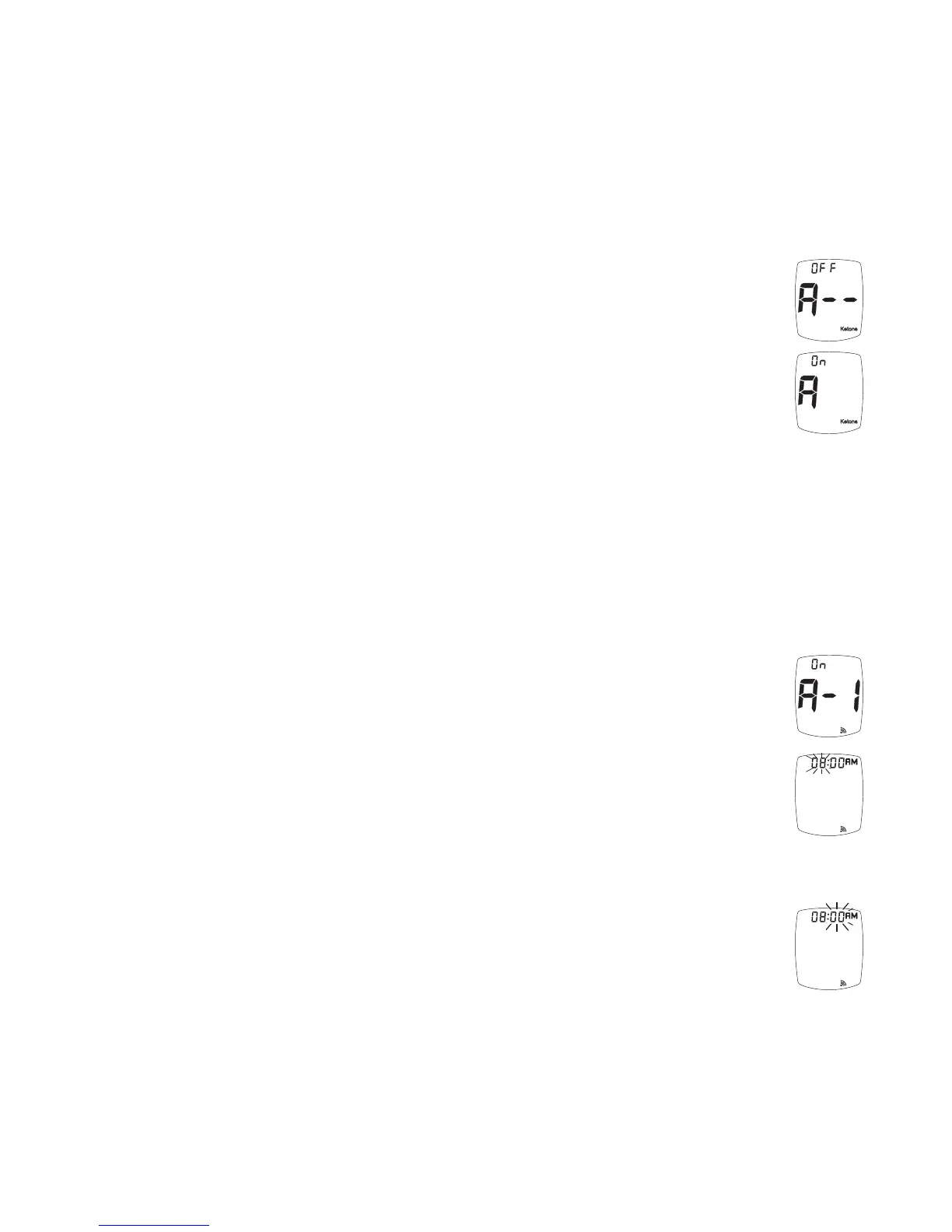
Ketone Alert
Note: If the Meter turns off at any time during the Set Up, go back to Step #1
under Time/Date and begin again.
When a blood glucose result is over 240 mg/dL, the Ketone Alert is a reminder
to check the patient’s ketones per their treatment plan prescribed by Doctor or
Healthcare Professional.
1. After setting year, the option to turn the Ketone Alert is shown.
Press the “+” or “-” Buttons to turn Alert on or off. Press “S” Button to set.
Caution! When a Ketone Alert sounds, it does not mean that ketones have
been detected in patient’s blood. The Ketone Alert is a reminder to
perform a ketone test as prescribed by the Doctor or Healthcare
Professional.
Testing Reminders
Up to four Testing Reminders may be set. When turned on, a Testing Reminder
sounds at the indicated time for 10 seconds. The Testing Reminder turns off
when Strip is inserted for testing.
Note: If the Meter turns off at any time during the Set Up, go back to Step #1
under Time/Date and begin again.
1. After pressing the “S” Button to set Ketone Alert, the Display shows the first
Testing Reminder setting (A-1). Press “+” (on) or “-” (off) to turn Reminder
on or off.
2. If “on” is chosen, press the “S” Button. The hour flashes. To change, press
“+” or “-“ Buttons on the top of the Meter to select the hour. To set “AM” or
“PM”, scroll through the hours until “AM” or “PM” appears in the Display
next to the time. Press “S” Button to set.
Note: “AM” or “PM” will not display if the Meter is factory set to a 24-hour
clock.
3. The minutes flash. To change, press “+” or “-“ Buttons on the top of the
Meter to select the minutes. Press “S” Button to set.
TRUEresult
®
Quality Assurance / Quality Control Manual
34



 To Next Page