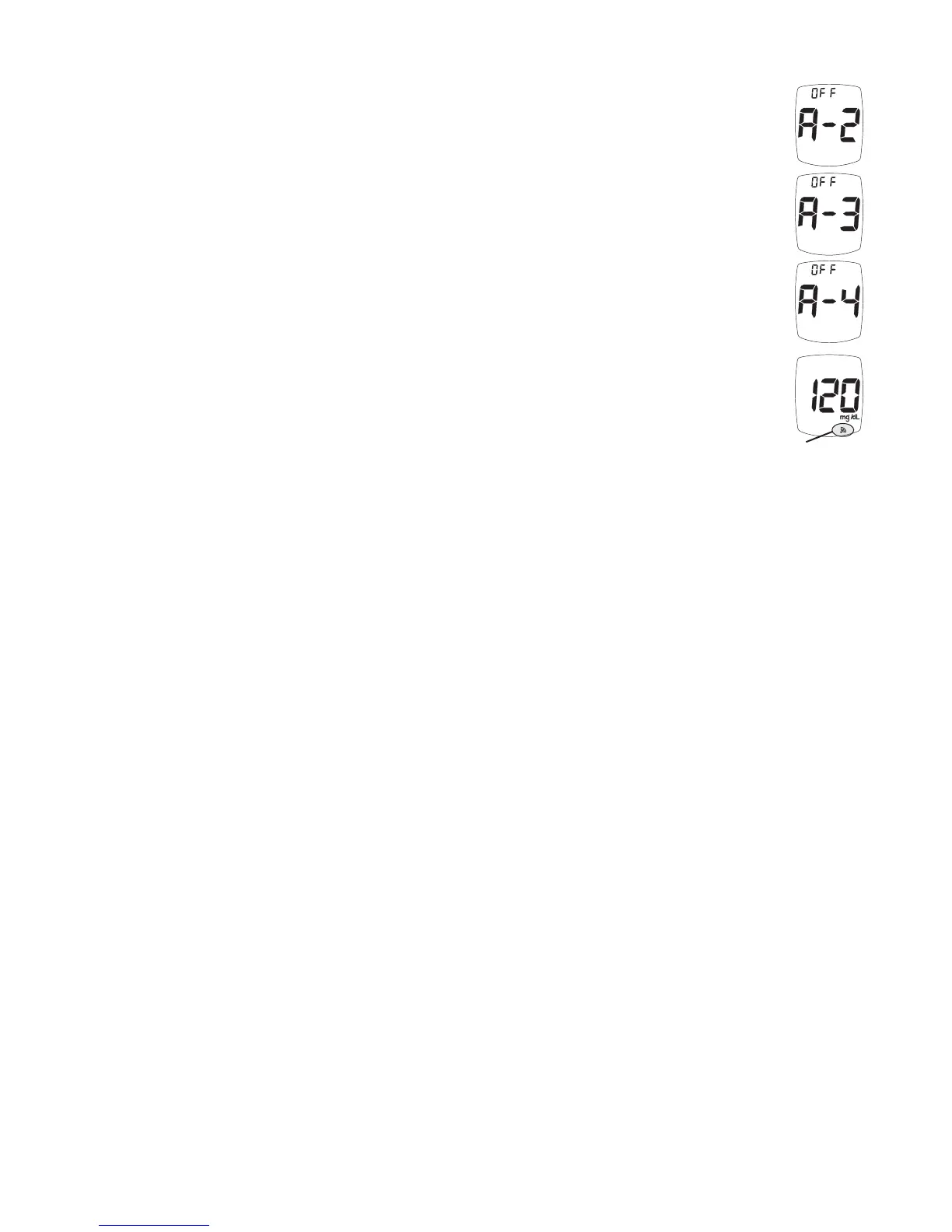
4. After the time is set by pressing the “S” Button, the Meter goes to the next
Testing Reminder set-up (A-2). Repeat turning on and setting the time (see
Steps 1 - 3) for the next 3 Reminders (if needed).
Note: If any Testing Reminders are set, the Alert Symbol appears in all
Displays.
Note: If battery dies or is replaced, the Ketone Alert and the Testing Reminders
may have to be reset.
Exit Set-Up
Press and hold “S” Button until Meter turns off. Set-up choices are saved. The
Meter also turns off after 2 minutes of non-use.
TRUEresult
®
Quality Assurance / Quality Control Manual
35
Alert Symbol



 To Next Page