Memory
Note: The use of the Memory features (Averages, Memory) may not be suitable
for a multi-patient use of the System. Check with the facility procedures /
policies before use.
Viewing Averages
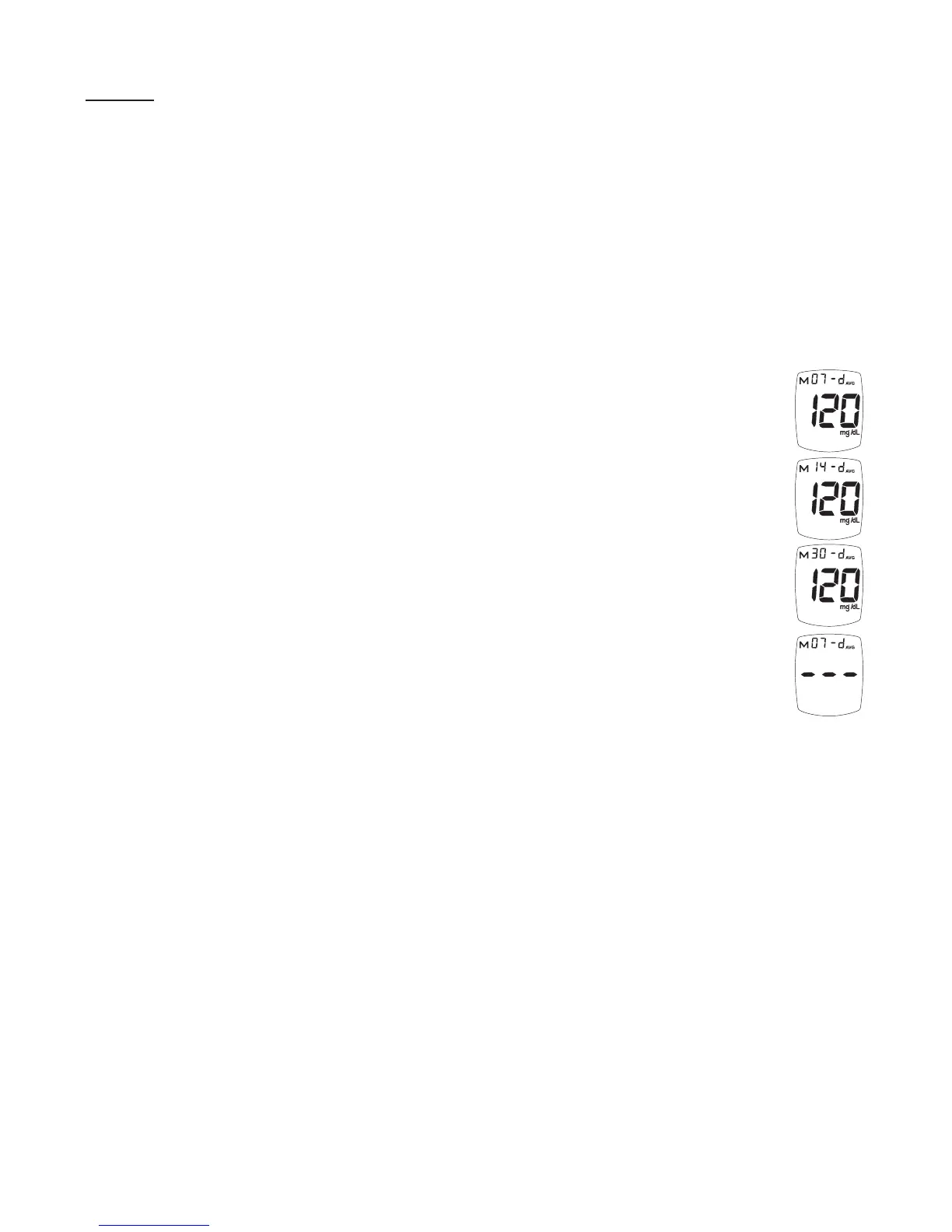
The Averages feature allows the viewing of the average of all the blood glucose
results performed on the Meter within a 7, 14 or 30 day period. Control Test
results are not normally included in the averages.
Note: If a Control Test is performed outside the recommended testing
temperature (see How to Perform a Control Test, Section 3), the Control
may read as a blood test and be included in the averages. Make sure that
all Control Tests are performed within the recommended testing
temperature range.
1. Start with the Meter off. Press and release the “S” Button. The Display
scrolls through the 7, 14, and 30 day Average values.
2. The Meter turns off after 2 minutes if no other buttons are pressed.
Note: If there are no Average values, three dashes are displayed for the 7, 14,
or 30 day Average results.
TRUEresult
®
Quality Assurance / Quality Control Manual
37



 To Next Page