Extreme 9" Monitor/DVR System© 2014 McNeilus Truck and Manufacturing, Inc.
8
Installation
d. Connect the reverse wire (green) to the reverse light circuit. When connected properly, this wire allows
the monitor system to come on when the vehicle is placed in reverse.
e. Connect the power accessory harness to the power socket on the rear side of the monitor.
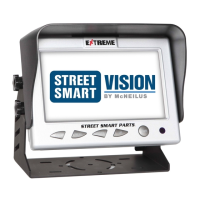
5. Bolt the monitor in the bracket, and adjust the position as needed for the driver's view.
6. Clip the provided sun shield onto the monitor using the provided hardware, if desired.
7. Connect the GPS antenna to the Master Cable Harness.
8. Attach the GPS receiver on the dash or on the inside cab windshield in clear reception of satellites. The
receiver is magnetized for attaching, or it may be attached with a piece of Velcro.
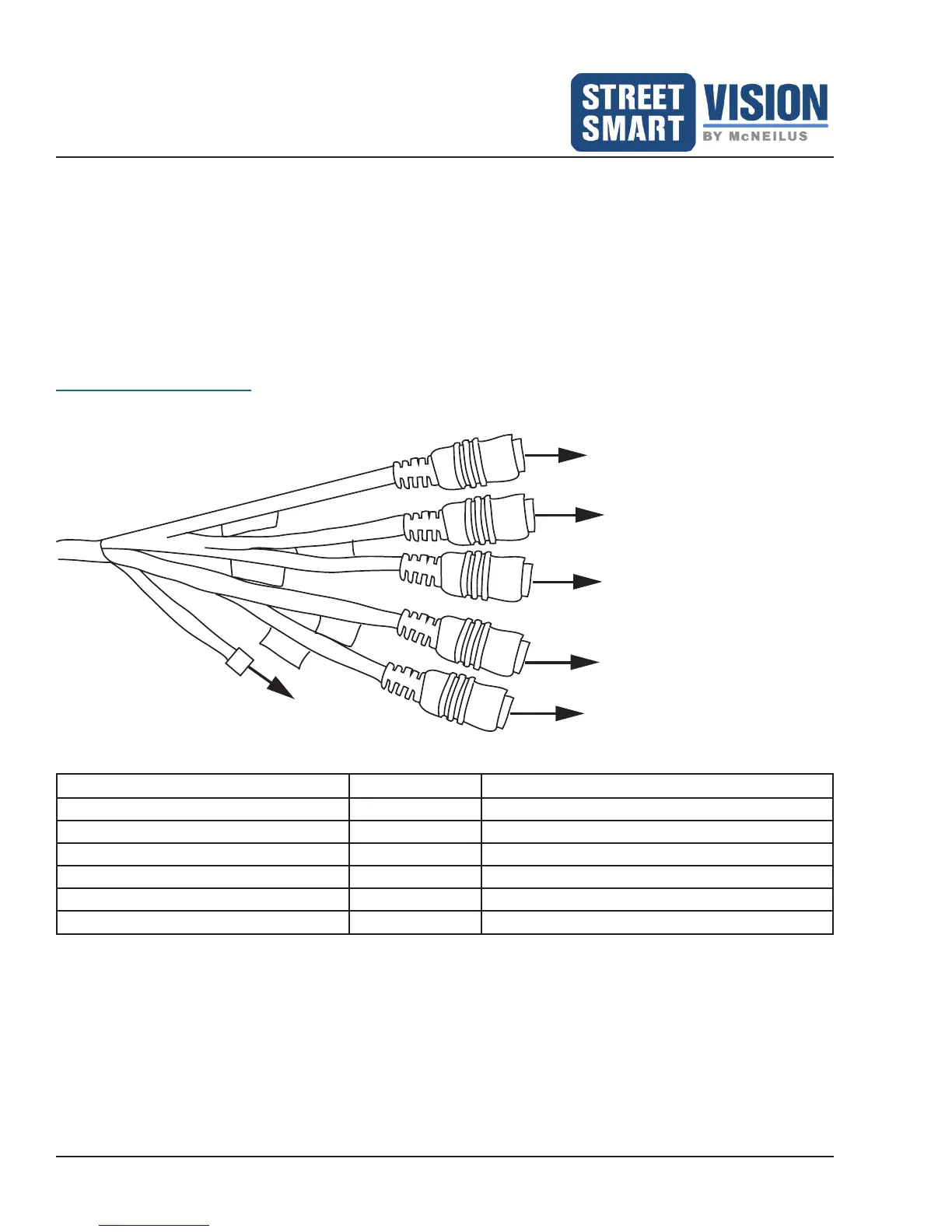
Master Cable Harness
CAMERA A
CAMERA B
CAMERA C
CAMERA D
CAMERA E
GPS
Antenna
Wire Function Note
BROWN (Color Wire 4 Pin Connector) CAMERA A For Backup / Reverse Camera Connect
PURPLE (Color Wire 4 Pin Connector) CAMERA B For Left Camera Connect
BLACK (Color Wire 4 Pin Connector) CAMERA C For Right Camera Connect
GRAY (Color Wire 4 Pin Connector) CAMERA D For Driver / Facing Forward Camera Connect
BLACK (Color Wire 4 Pin Connector) CAMERA E For Front / Hopper Connect
GPS ANTENNA CONNECTOR GPS To connect the GPS Antenna to the monitor


 To Next Page