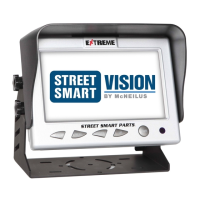
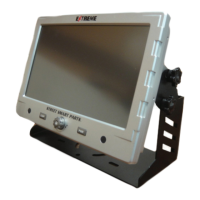
Extreme 9" Monitor/DVR System © 2014 McNeilus Truck and Manufacturing, Inc.
5
Component Features
Camera Features
Part Number 1470028
• 720P all digital resolution
• High Denition
• 140° wide angle
• IP69K code - waterproof and dust proof rating
• 12 LEDs
• Certified Anti-Shock Design up to 20G
• Automatic or manual night vision adjustment
• Up to 100 feet of night vision distance
• Bracket mounted
• Image sensor: IR and Color
• Operating temperature of -67°F to 158°F
• Adjustable IR from off, high, medium, medium-
low, low positions
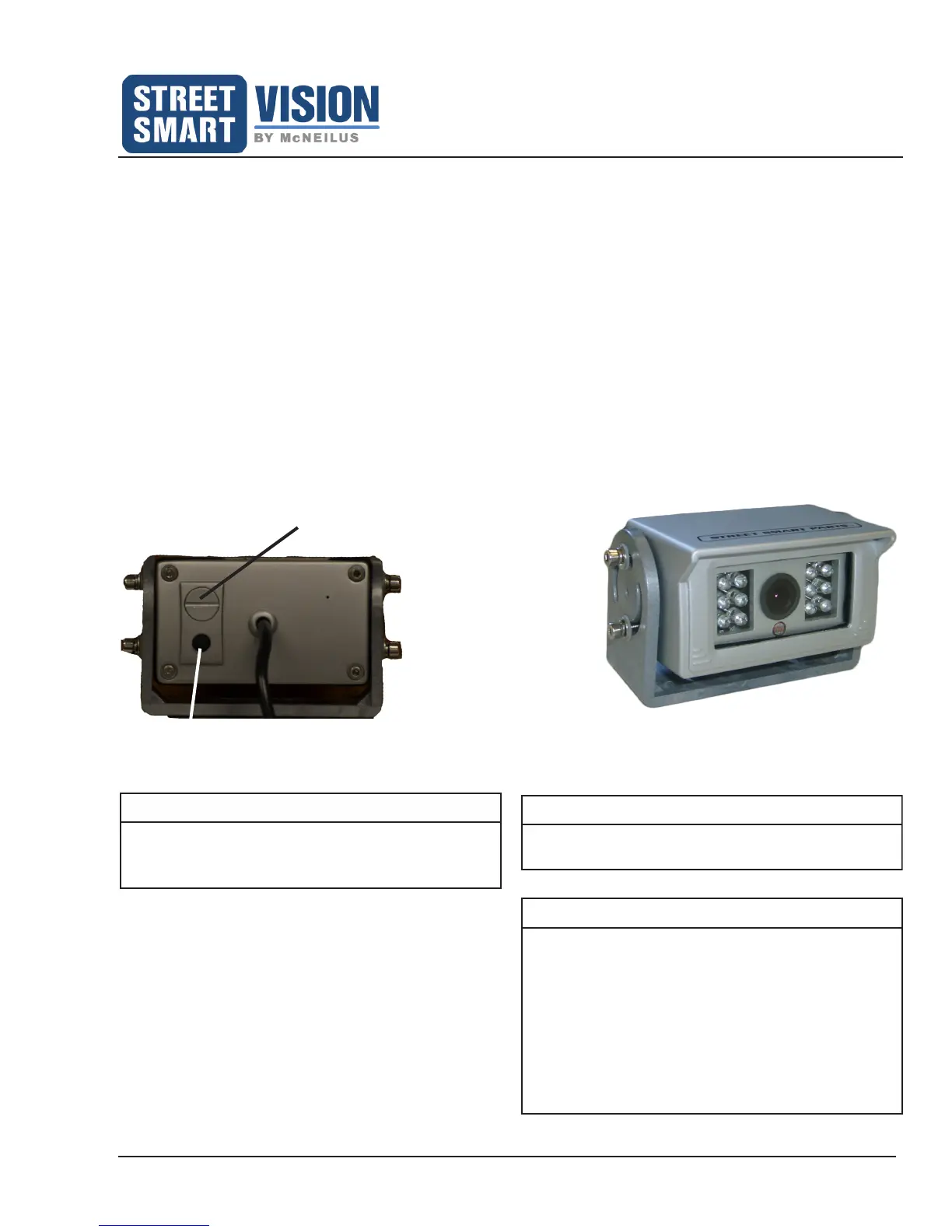
• Mirror image capable by removal of threaded plug
located on the back of the camera
• Automatic heat chip set
• Microphone / audio capable
NOTE
Remove the threaded plug on the back of the
camera to mirror the image on the screen. The
DVR will record a mirrored image.
NOTE
The adjustable IR button is used to adjust the
intensity of the IR for night vision. Patent Pending.
Front View of Camera
Mirror Image Plug
Adjustable IR Button
Back View of Camera
NOTE
If a forward drive facing camera is used in the cab,
the IR must be turned off.
To do this:
1. Turn on the camera image on the monitor.
2. Place your hand in front of the camera so it is
viewed on the monitor.
3. Keep pressing the IR button on the back of the
camera until the view of your hand goes black
on the monitor. The IR is now turned off.


 To Next Page