Extreme 9" Monitor/DVR System© 2014 McNeilus Truck and Manufacturing, Inc.
14
Main Menu Functions
Input Source
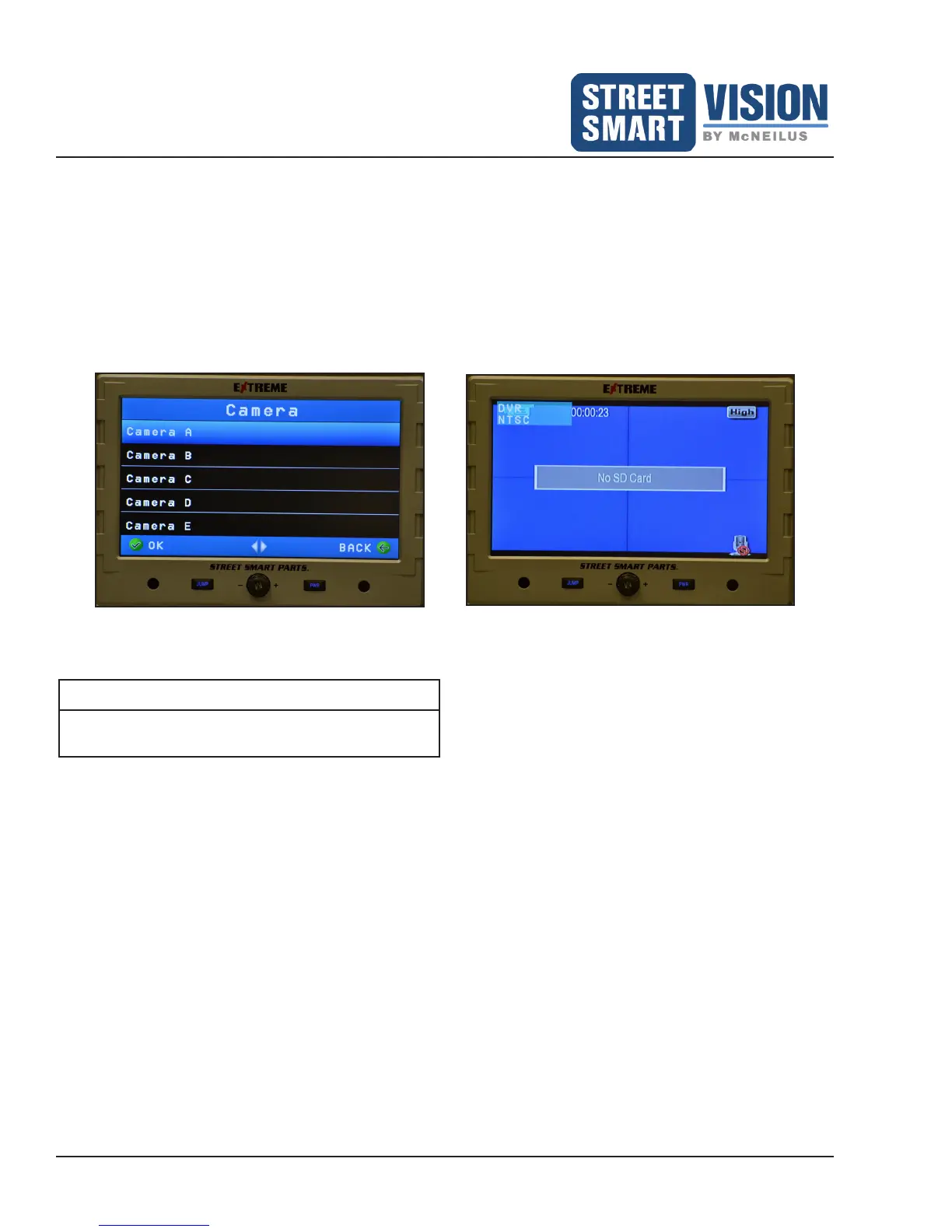
Displays the options for video input (Figure 2).
• Camera
• Displays what is currently showing for each camera.
• DVR
• In DVR view, screen will display the camera views that are currently being recorded. Any changes to
DVR settings must be completed in the DVR menu, DVR Record Source.
NOTE: Shown is the screen without any cameras selected to record.
Figure 2: Camera Settings and DVR Settings.
NOTE
The OK button MUST be pressed to accept/save
changes to settings.


 To Next Page