Page 21 65-J Diesel - Operator’s Manual
September 2022Section 7 - Operating Instructions & Pre-Operation Function Tests
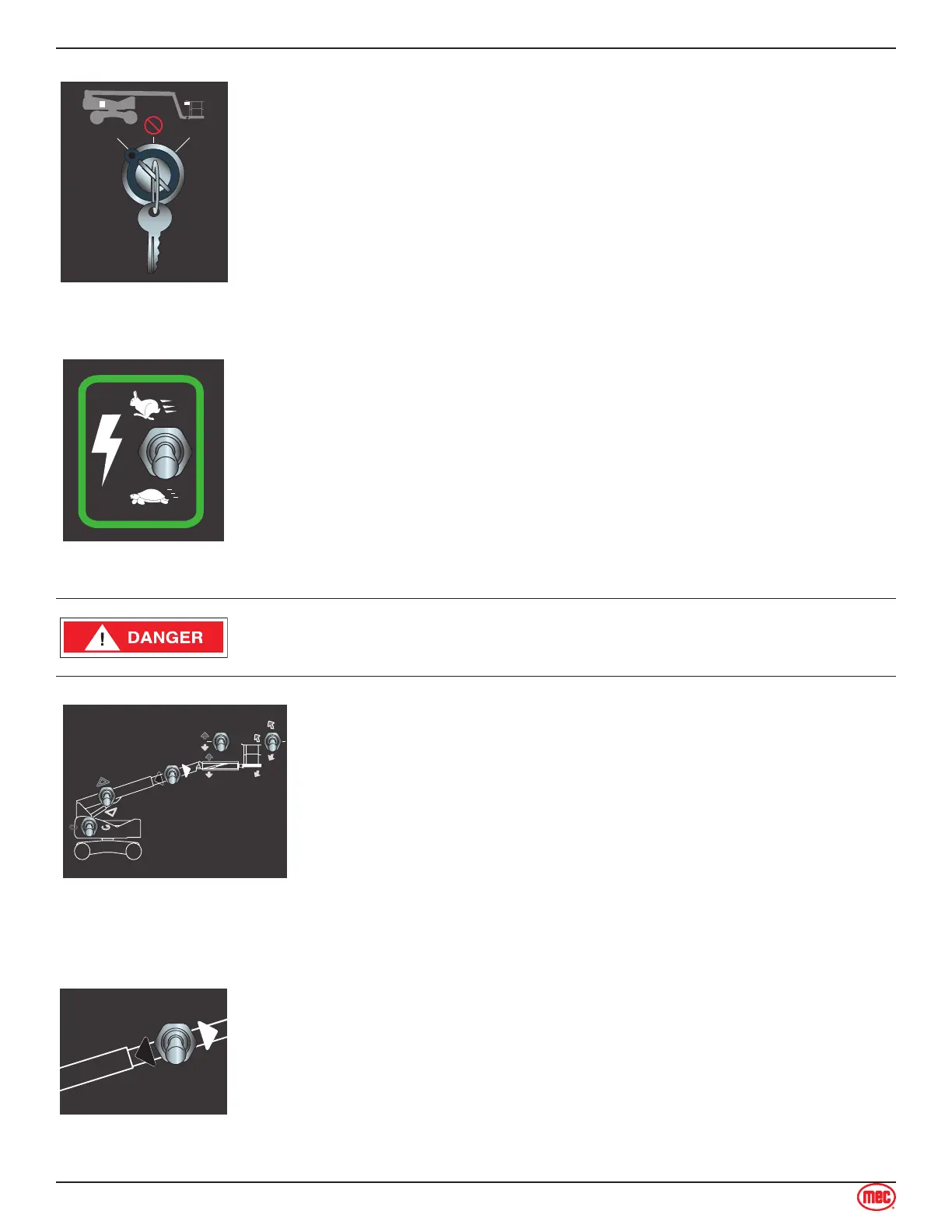
Select BASE Operation
Turn the Selector Key Switch to BASE.
Function Enable
Press and hold this switch to enable and operate machine functions from the
base controls.
Press down to operate the controls at slow speed.
Press up to operate the controls at higher speed.
Releasing this switch will disable machine functions.
Do not elevate the platform if the machine is not on a rm level surface.
Base Control Boom/Platform Functions
Boom Extend/Retract
Move and hold the Extend/Retract switch on the base control panel to extend
or retract the boom.
Test Operation
• Press and hold the Function Enable switch.
• Extend boom until it stops. Boom should extend to maximum length.
• Retract the boom until it stops. Boom should retract to minimum length.
• Releasing the switch will stop boom extension or retraction.
• Pressing the Emergency Stop Switch will stop boom extension or
retraction.



 To Next Page