Page 18 92RT Scissor Lifts - Operator’s Manual
July 2020Section 6 - Function Tests and Operating Instructions
Steering
Always check front steer wheel direction before driving.
With the Mode Select Switch in the DRIVE position, squeeze the Enable
Bar and press the Steering Switch with your thumb to steer left or right.
Test Operation
Releasing the Steering Switch will stop steering function.
The steer wheels will not center themselves after a turn. The steer wheels
must be returned to the straight-ahead position with the Steering Switch.
•
•
•
•
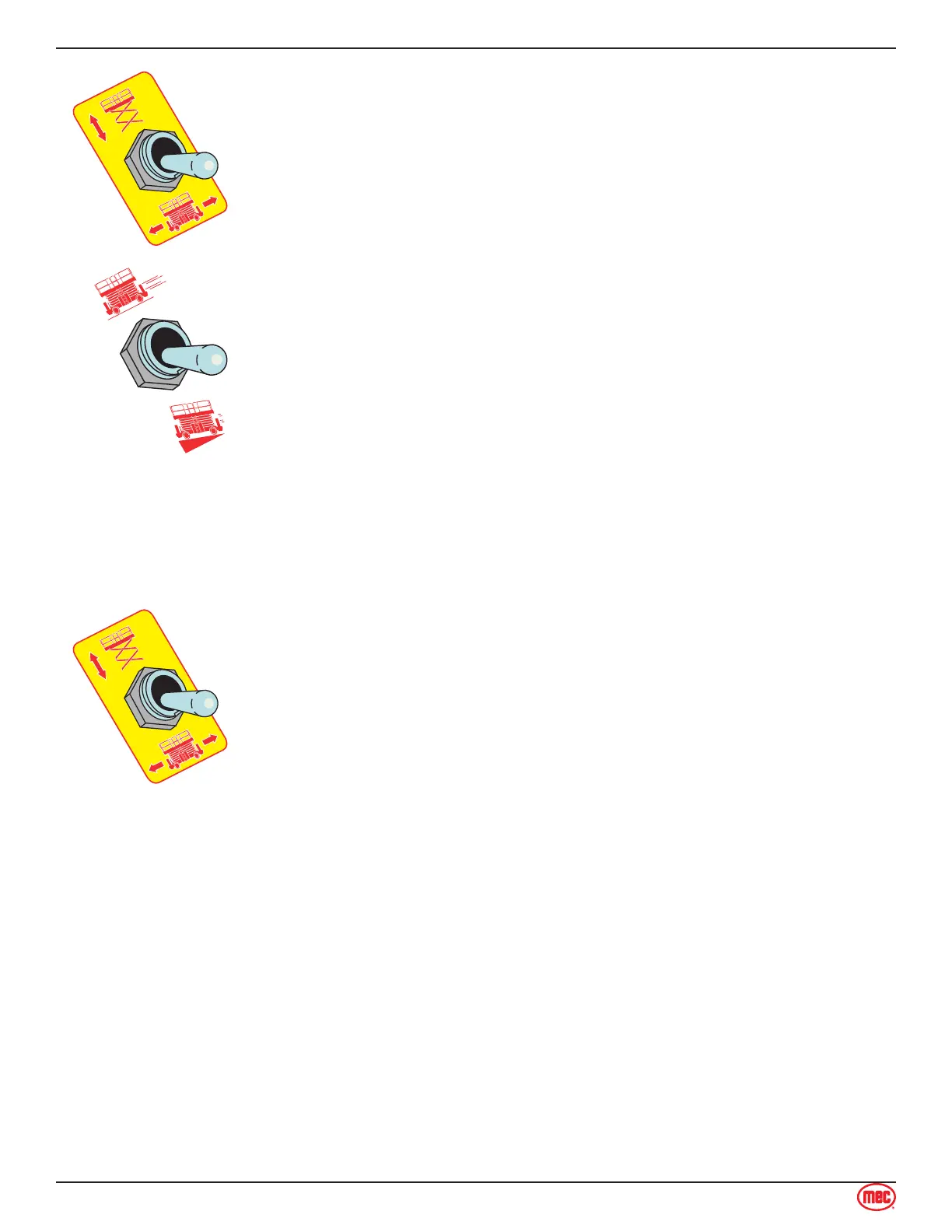
Drive Speed
Drive speed is selectable until the platform is elevated above 10 Feet (3 m).
When the platform is elevated the machine defaults to HIGH TORQUE and the
switch is locked-out (non functioning).
HIGH SPEED: allows speeds up to 4.4 m.p.h. (7.0 km/h).
HIGH TORQUE: use to drive up or down a slope that is too steep for
normal speed.
•
•
Drive Forward
Place the Mode Select Switch in the DRIVE position.
Squeeze the Enable Bar and move the Joystick away from you.
Test Operation
Drive speed is proportional and is dependent on the movement of the
Joystick.
Releasing the Enable Bar or returning the Joystick to the center position
will stop drive.
Pressing the Emergency Stop Switch will stop drive.
Drive Reverse
Place the Mode Select Switch in the DRIVE position.
Squeeze the Enable Bar and move the Joystick toward you.
Test Operation
Drive speed is proportional and is dependent on the movement of the
Joystick.
Releasing the Enable Bar or returning the Joystick to the center position
will stop drive.
Pressing the Emergency Stop Switch will stop drive.
•
•
•
•
•
•
•
•
•
•
Brake
For parking, the brake is automatically applied when the Joystick is positioned in the neutral
(center) position.
•



 To Next Page