24
piezo smart - manual of use and maintenance
25
piezo smart - manual of use and maintenance
PROBLEM POSSIBLE CAUSE SOLUTION
One of the following wordings
appears on the display:
WARNING 6
WARNING 26
WARNING 27.
Power supply voltage out-of-
range safety circuit tripped.
Contact an authorised
MECTRON Service Centre.
One of the following wordings
appears on the display:
WARNING 16
WARNING 19
WARNING 26
WARNING 27.
The device switches off. Contact an authorised
MECTRON Service Centre.
The following wording ap-
pears on the display:
WARNING 17.
Pump operational error. Check whether the pump
and the tube are correctly
installed. Make sure there is
nothing preventing the pump
from turning.
The following wording ap-
pears on the display:
WARNING 18.
Pump operational error. Contact an authorised
MECTRON Service Centre.
Checksum error.
Modification of the firmware.
One of the following wordings
appears on the display:
WARNING 21
WARNING 22.
The device is in proper
working order.
The device is not in proper
working order.
Contact an authorised
MECTRON Service Centre as
soon as possible.
Disconnect the
power-supply unit from the
mains outlet and contact an
authorised MECTRON
Service Centre immediately.
No water comes out of the
insert during operation.
The insert is not of the
cannuled type.
The pump output is on zero.
The bottle for the liquid is
empty.
The bottle containing the
liquid is not correctly installed.
The tubes of the pump are not
correctly installed.
The insert is clogged.
The handpiece is clogged.
Use a cannulated insert.
Increase the output of the
pump.
Replace the bottle with a full
one.
See points 04.6 and 04.5.
Check the connections of the
tubes.
Unstop the insert to allow the
passage of water.
Contact an authorised
MECTRON Service Centre.
PROBLEM POSSIBLE CAUSE SOLUTION
The following wording
appears on the display:
WARNING 5.
The insert is not properly
tightened onto the scaler
handpiece.
Insert worn, broken or
deformed.
The electric contacts of the
cord or of the handpiece are
wet.
Handpiece overheated.
Unscrew the insert and screw
it back into place correctly.
Replace the insert.
Switch off the device, dry the
contacts of the cord and of the
handpiece with compressed
air.
Wait for it to cool down. To
speed up cooling carry out a
cleaning cycle (after removing
the insert it is of the dry work
type).
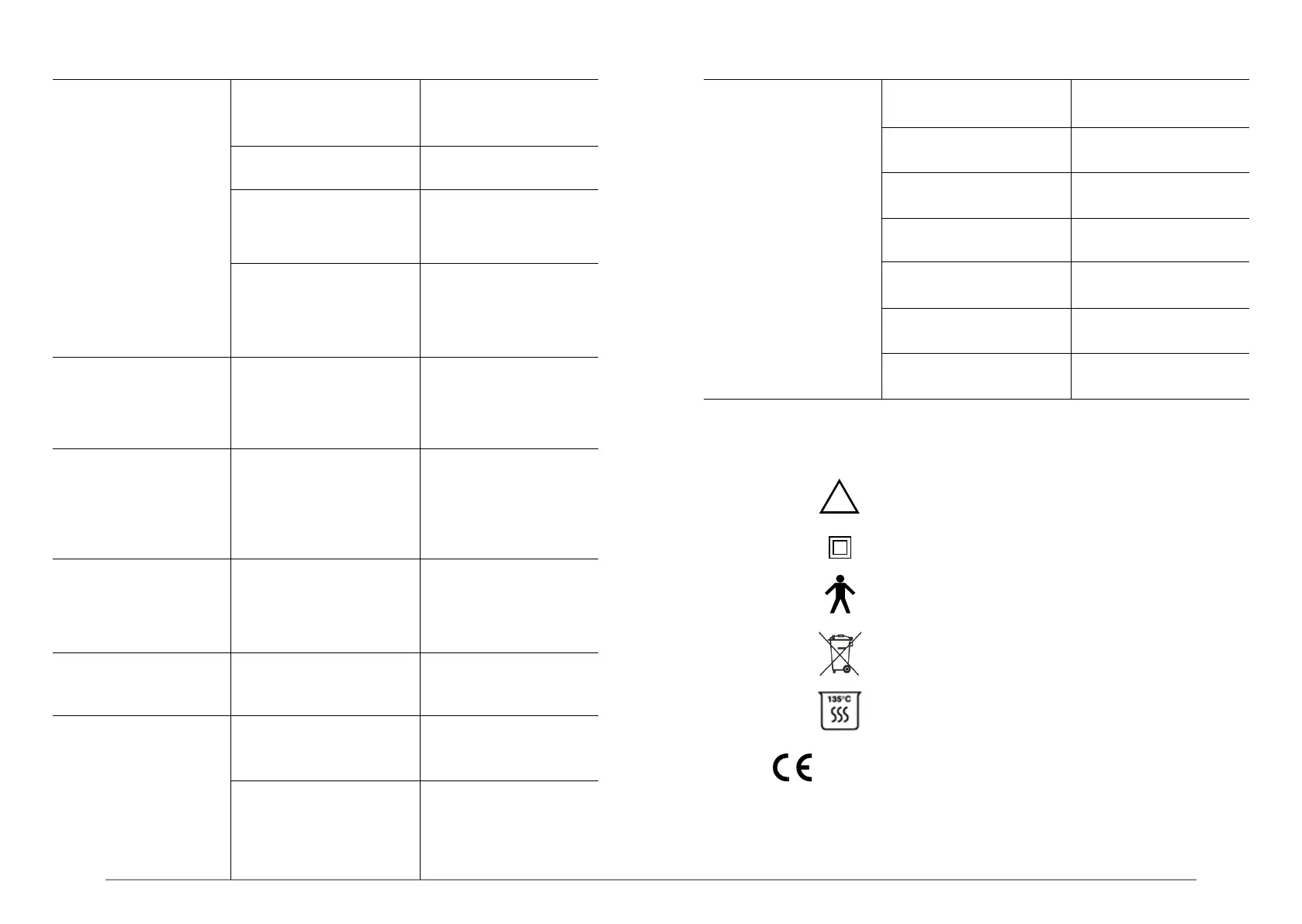
N.B.: Please read carefully the instructions for use.
Class II apparatus.
Type “B” applied part.
This device and its accessories shouldn’t be
disposed or treated as solid urban waste.
Apparatus in accordance with EC Directive 93/42 EEC
Including EN 60601-1 and EN 60601-1-2.
Notified body: CERMET
The sterilisable materials must be autoclave sterilised
and can withstand a maximum temperature of 135° C.
11.0 Symbols



 To Next Page