6
piezo smart - manual of use and maintenance
7
piezo smart - manual of use and maintenance
01.0 Identication data
01.1 Identification
An exact description of the model and the serial number of the equipment will make it easier for our
After-Sale Service to respond quickly and efficiently to your queries.
Always provide the above information whenever you contact a Mectron Service Centre.
01.2 Equipment identification plate
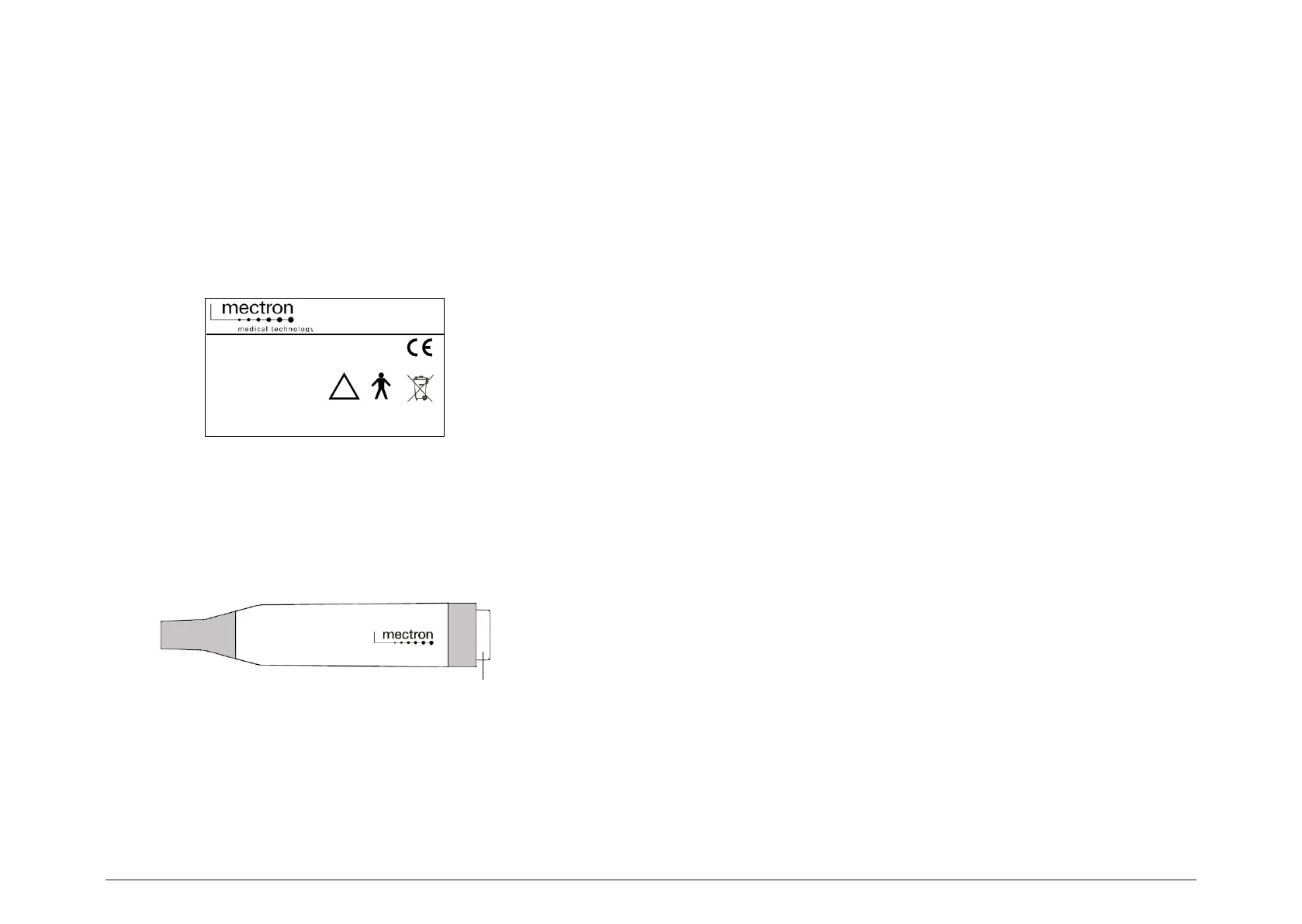
Each device has its own identification plate (Fig.1) on which the technical specifications and the
serial number are indicated. The identification place is on the bottom of the device. The remaining
data are indicated in this manual (see Section 13.0”).
01.3 Identification place of the scaler handpiece
The serial number of the scaler handpiece is engraved on the grey connector of the handpiece
(Fig.2 - Ref.A).
02.0 Testing
02.1 Testing of the equipment
Each component of all equipment manufactured by MECTRON is thoroughly checked and tested.
During the testing procedure the components are subjected to a number of work cycles.
The tests highlight any malfunctioning due to faulty components.
This procedure ensures proper functioning and reliability of all components.
03.0 Delivery
03.1 Delivery of the device
The equipment contains electronic components that may be damaged by impacts even inside the
packaging. Special care must therefore be taken during both transport and storage.
To avoid crushing, do not pile cartons one on top of another.
All material shipped by MECTRON is checked at the time of shipment.
The equipment is delivered properly protected and packaged.
Check the equipment upon receipt for possible transport damage. If any damage is found make a
complaint to the carrier.
Fig. 2
A
Fig. 1
�



 To Next Page