EasyManua.ls Logo

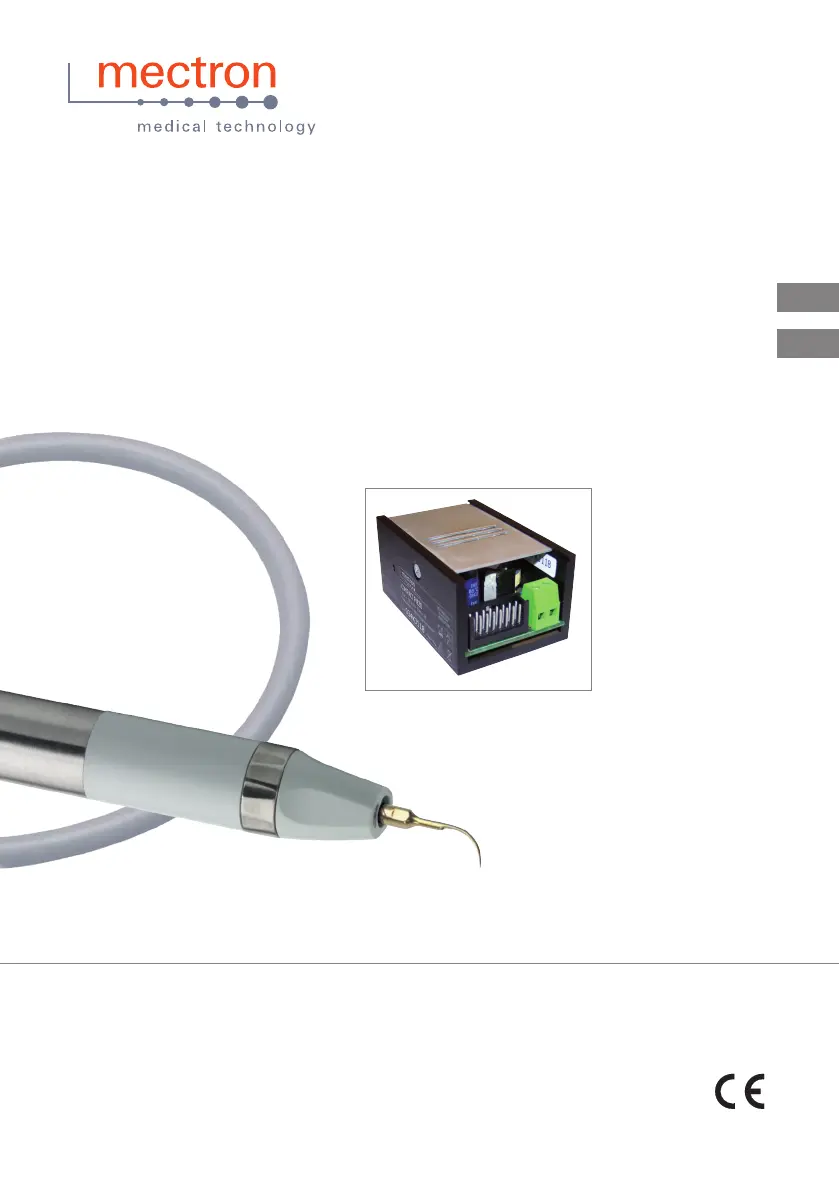
mectron COMPACT PIEZO LED - User Manual

mectron COMPACT PIEZO LED
28 pages
Go to English
Print Icon
To Next Page IconTo Next Page
Loading...
EN
IT
0476
compact piezo led
Collegamenti compact piezo led
Compact piezo led conections

Table of Contents

Other manuals for mectron COMPACT PIEZO LED

Questions and Answers

  • F
    feliciacunninghamAug 4, 2025
    What to do if my mectron Dental equipment has insufficient performance?
    • M
      Misty ToddAug 4, 2025
      If your equipment isn't performing well, check the following: * Make sure the insert is correctly tightened on the handpiece using the Mectron torque wrench. * Replace the insert if it is broken, worn-out, or deformed.
  • C
    Christine Jacobs MDAug 13, 2025
    What to do if my mectron Dental equipment is on but not working?
    • D
      Darren TaylorAug 13, 2025
      If your device is on but not working, and the APC protection circuit has intervened, consider these possibilities: * Ensure the insert is correctly tightened using the Mectron torque wrench. * Replace the insert if it's broken, worn, or deformed. * Dry the handpiece or cord connector contacts thoroughly with compressed air. * Check that the handpiece is correctly connected to the cord.
  • P
    Patrick GuerreroAug 22, 2025
    Why is there no liquid outflow from the insert during operation of my mectron Dental equipment?
    • W
      wmorenoAug 22, 2025
      If there's no liquid outflow from the insert during operation, it could be due to several reasons: * The insert type may not be designed for liquid passage, so use an insert type with liquid passage. * The insert might be obstructed. Unscrew it and blow compressed air through it to clear the passage. If it persists, replace the insert. * The water function on the dental chair might be off. Turn it on.

Summary

Power Supply

AC Power Supply

Connects the module to 24V~ 50/60 Hz supply via pins 13 and 14.

DC Power Supply

Connects DC power to the module using pins 14 (positive) and 15 (negative).

Power Regulation

Potentiometer 2.2 K

Configures power output using a 2.2K potentiometer between pins 6 and 10.

Potentiometer 10 K

Sets power with a 10 K potentiometer and a 20 Kohm resistor between pins 6, 10, and 12.

Connections

Fixed Connections

Ensures pins 1 and 16 are always connected for proper operation.

Available Wiring Diagrams

Scaler Handpiece Cord Connection

Installation and Technical Data

Technical Data

Provides specifications like operating mode, supply voltage, frequency, and power.

mectron COMPACT PIEZO LED Specifications

General IconGeneral
LED LightYes
ControlTouch panel
Power Supply100-240 V, 50/60 Hz
Frequency24-36 kHz
Water SupplyIntegrated
ApplicationScaling, Endodontics, Periodontics
Tip CompatibilityMectron tips
TypeUltrasonic Piezoelectric Scaler

Related product manuals