Harmony
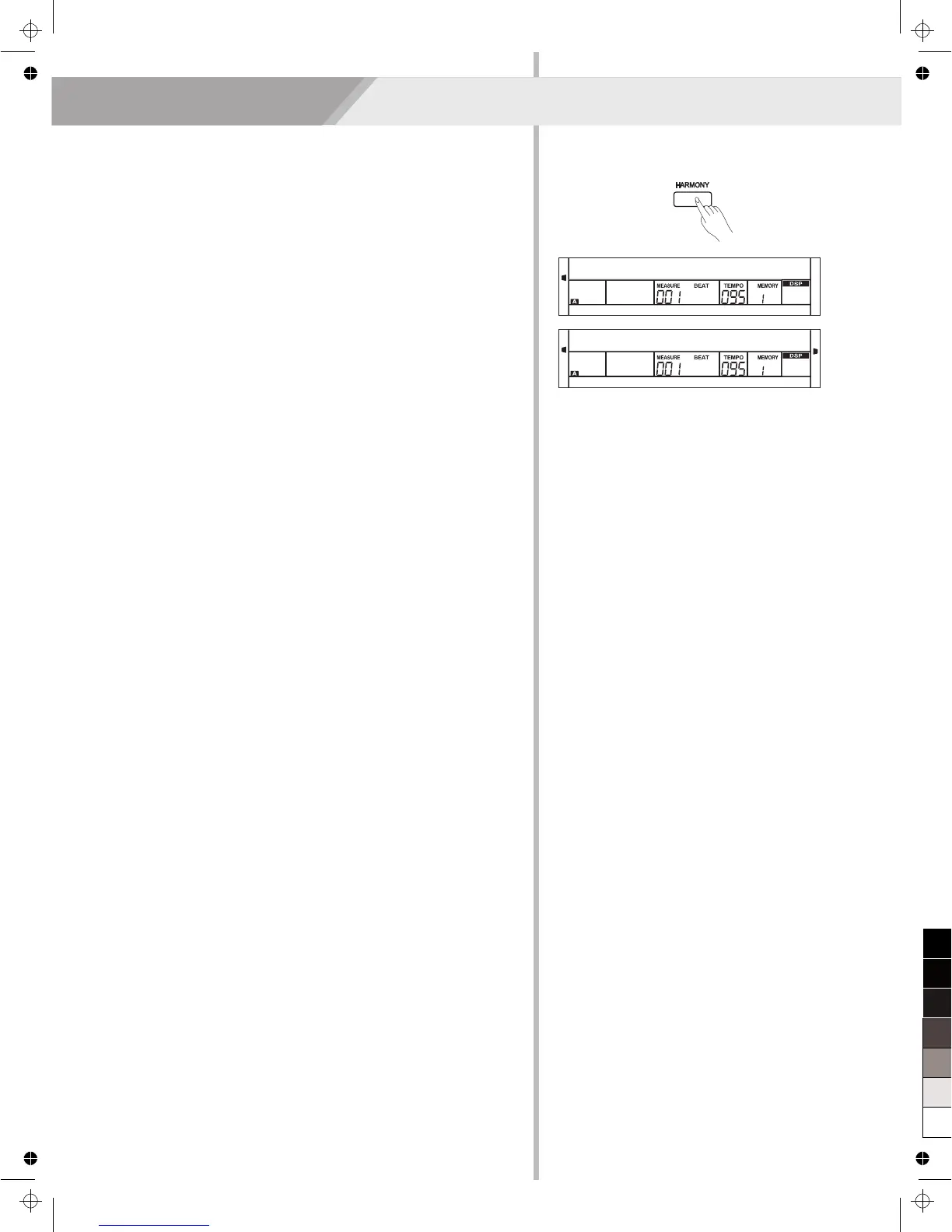
Harmony Switch
1. Press [HARMONY] button. The LCD displays “OFF”, which
indicates the harmony effect is turned off now.
2. When the LCD displays “OFF”, repeat the previous operation. The
LCD now displays “Duet”, which indicates the harmony effect is
open, and the type is Duet.
3. To choose a different harmony type, please refer to the harmony
setting in function menu.
Play with Harmony Effect
Open the A.B.C., first play a chord, then play notes in right hand
section, the notes played in main voice will be added with the harmony
effect.
Note:
The harmony types of 1+5, Octave, Echo, Tremolo, Trill will respond
whether the A.B.C. is open or not. Other types of harmony will respond
only when the A.B.C. is open.
19
The harmony function can add harmony effect to the main voice.
Off
Duet



 To Next Page