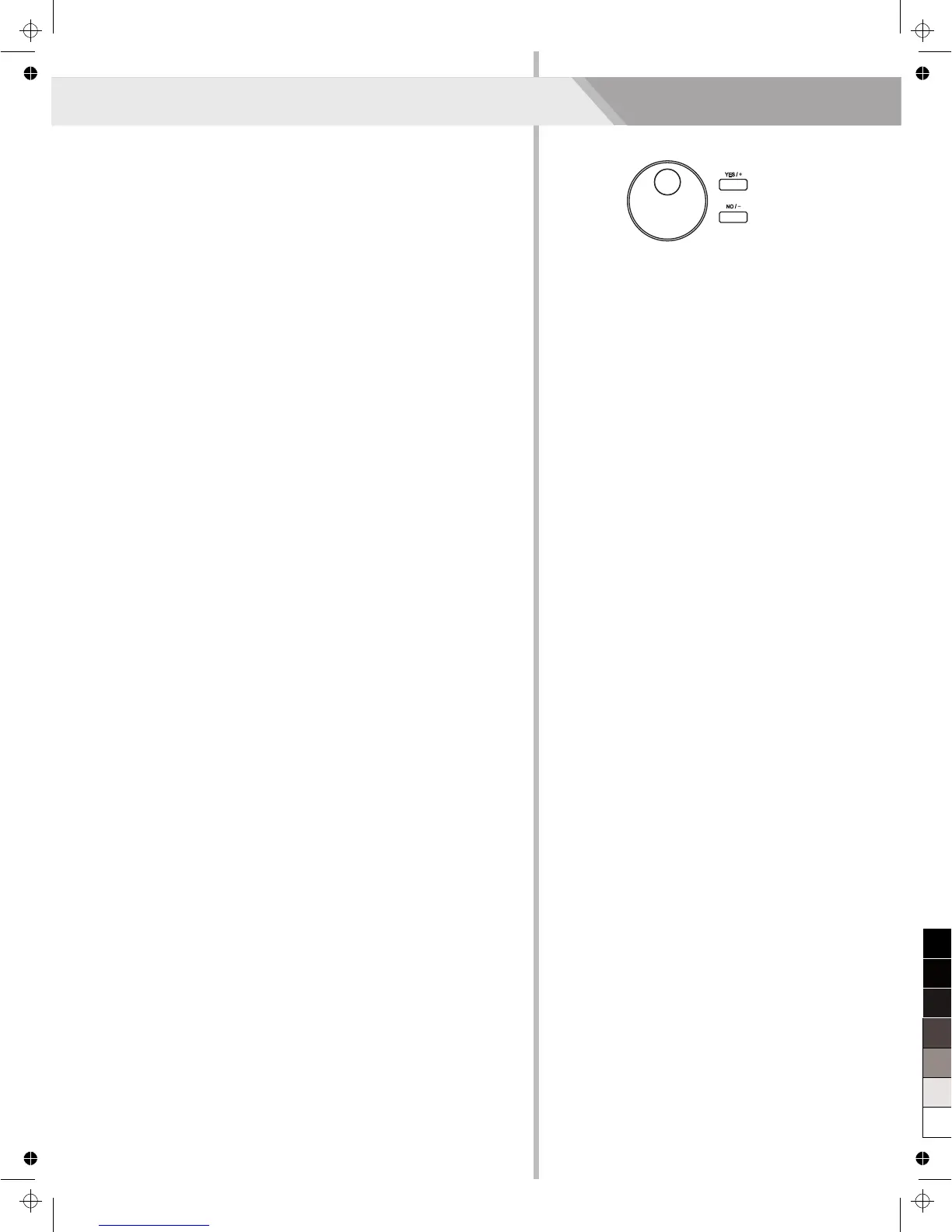
Pressing and holding [+/YES] and [-/NO] button together and then turn
the power on, the piano would be restored to factory setting. It will
delete all the user data: user styles, user songs and registered
memory. The LCD will display “Loading.”. After the restore completed,
the piano will start normally.
Restore Factory Setting
28



 To Next Page