Song Album
The piano has Song Album function. It presets 120 album songs
parameter, which includes style type, tempo, and voice. You can play
the preset song using song album function using the parameter in
accordance with that song. Please refer to appendix for album list.
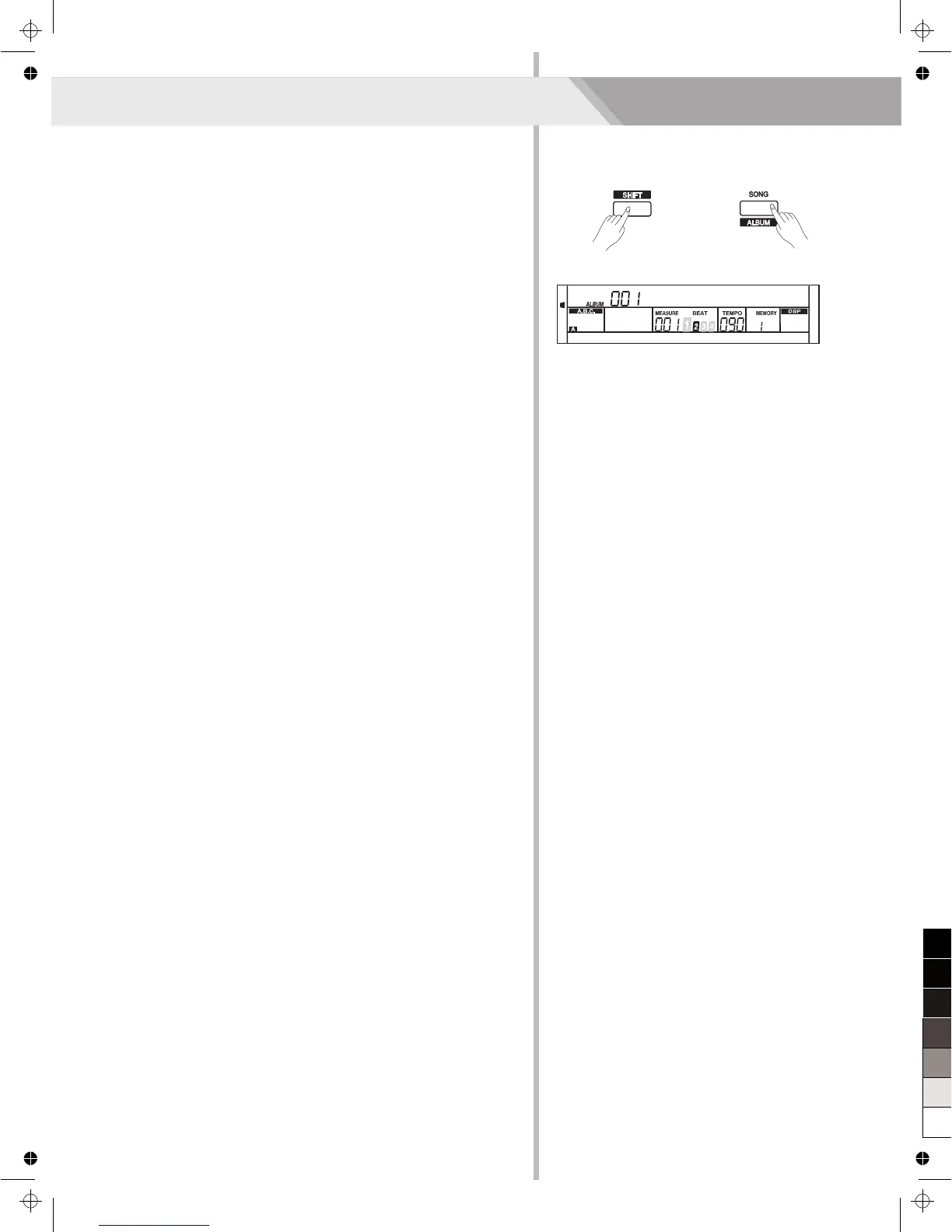
1. Holding down [SHIFT] button, and then press [ ] button can
turn the album function on or off.
2. When the album function is on, LCD displays the album song name
and the indicate of album. Now use the data dial, [+/YES] or [-/NO]
button can select the song to play. The piano will adjust the
accompaniment parameters to fit that song.
3. Press voice direct button or style direct button can exit the album
function.
ALBUM
30
13JoursEnFR



 To Next Page