15
Voices and Effects
DSP Effect
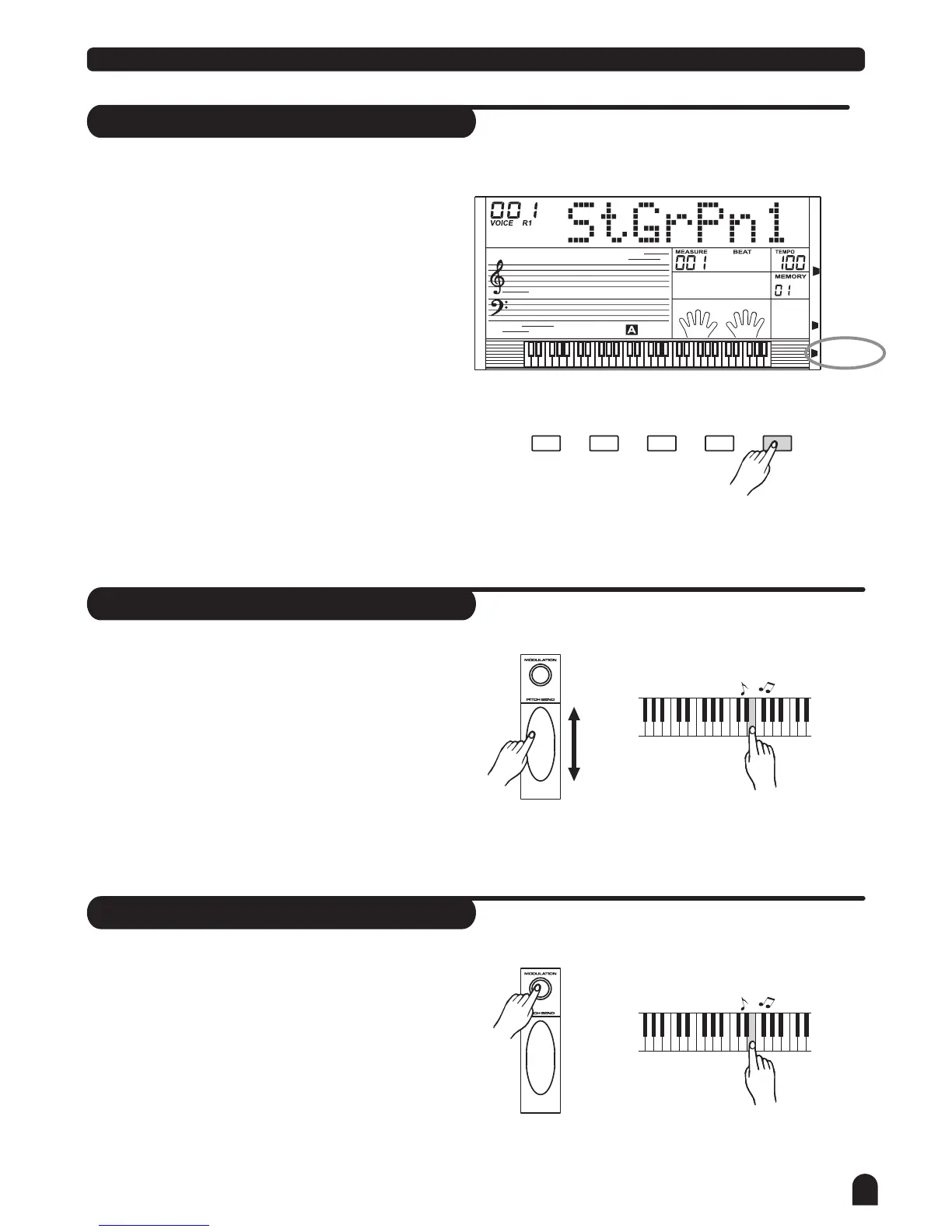
This function allows you to perform the overall
sound in a realistic style.
The DSP effect is set to ON when keyboard power on.
Press [DSP] button to turn off the DSP effect.
1.
2.
DUAL
SPLIT
TOUCH
SUSTAIN
DSP
SUSTAINDUAL TOUCHSPLIT DSP
Pitch Bend
The pitch bend wheel can be used to bend the note
upwards or downwards, ranging between +/- 2 semitones.
When the wheel is released, the note will return back
to the normal status.
Higher (+2)
semitones
Lower (-2)
semitones
PHONES
Modulation
Press and hold [MODULATION] button. You can hear
the vibrato effect while playing the keyboard.
Release the button to turn off modulation effect.
PHONES



 To Next Page