Fill A/B
Style Control
21
1.
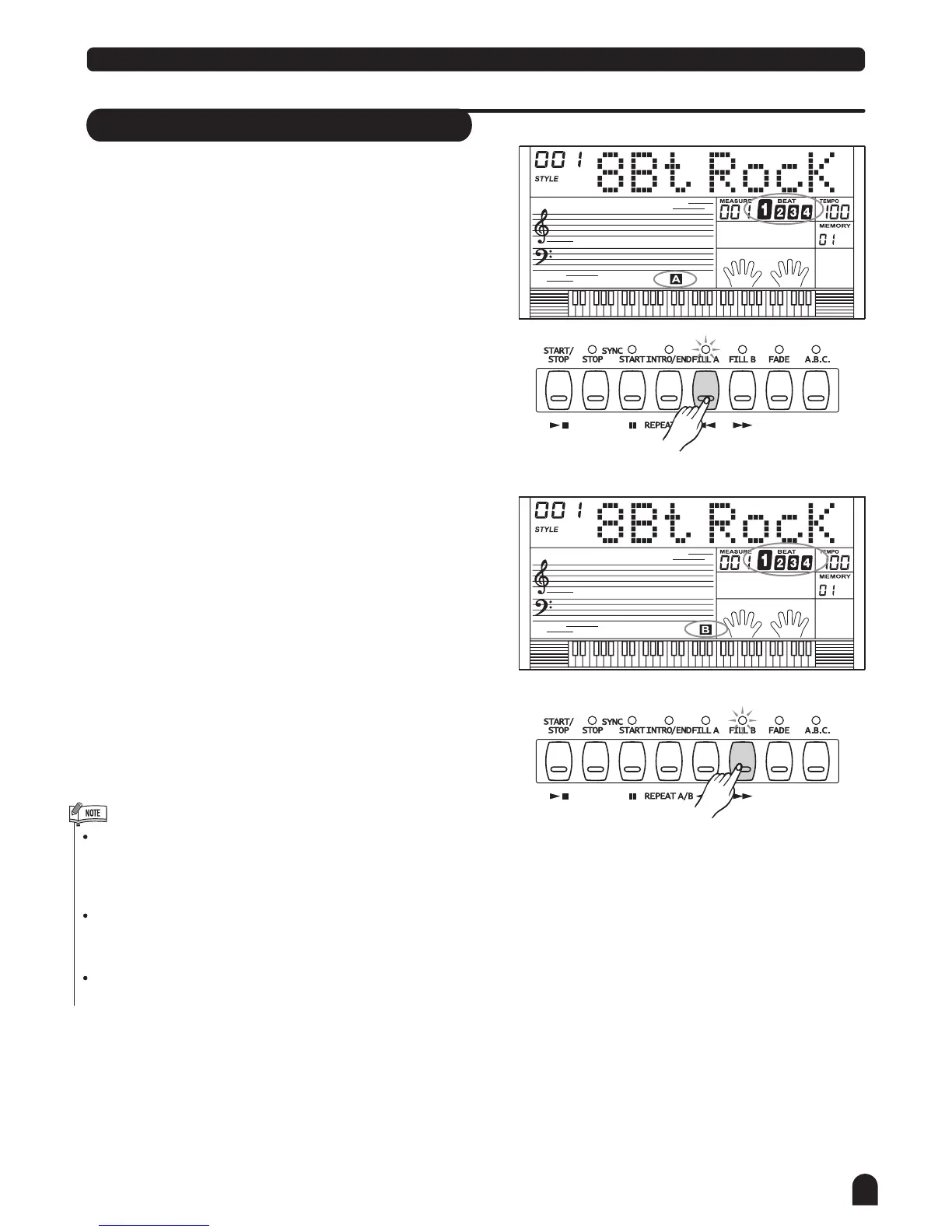
In NORMAL mode, press [FILL A] button to insert 1
measure fill and LCD flashes 'A'. After one measure is
over, NORMAL style will be returned.
3.
In VARIATION mode, press [FILL B] button to insert 1
measure fill and LCD B flashes 'B'. After one measure is
over, VARIATION style will be returned.
2.
In mode, press [FILL B] button to insert 1
measure fill and LCD flashes 'B'. After one measure is
over, VARIATION mode will be started.
NORMAL
4.
In VARIATION mode, press [FILL A] button to insert 1
measure fill and LCD flashes 'A' . After one measure is
over, NORMAL style will be started.
Hold down the FILL A/B button when the style is playing,
the selected FILL pattern repeats continuously until
button is released.
Press [FILL A] when style stop, it will change to the normal
section, the flag A on LCD will be lightened;
Press [FILL B] when style stop, it will change to the
variation section,the flag B on LCD will be lightened.



 To Next Page