EXECUTE
MENU
CARD
EXECUTE
MENU
CARD
Transpose
1.
3.
You can shift the pitch of the entire keyboard with
the TRANSPOSE function by semitone steps.
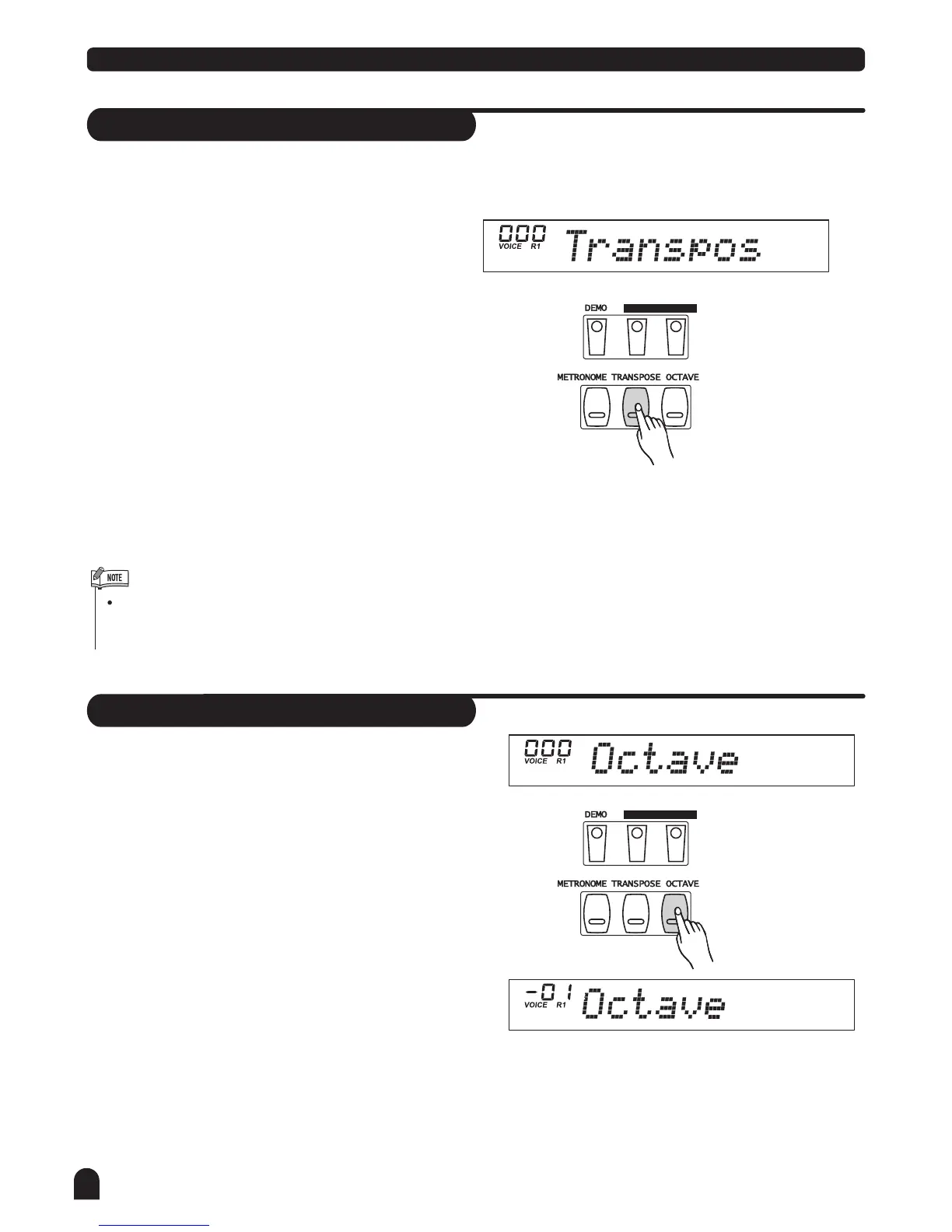
The first time press [TRANSPOSE] button to enter
Transpose setting mode.
Press [+/YES] and [-/NO] together will set the transpose
value to the default one.
If you don't press any button for 5 seconds after
entering the Transpose setting mode, it will quit
this mode automatically.
Voices and Effects
The first time press [OCTAVE] button to enter octave
setting mode.
Octave
1.
16
2.
Use [+/YES] / [-/NO] to adjust the value from -12 to +12
semitones The default value is 0.
Use [+/YES] / [-/NO] to adjust the value from -1 to +1
octaves.
2.



 To Next Page