数码效果
Voices and Effects
17
16
If you don't press any button for 5 seconds after
entering the Octave setting mode, it will quit this
mode automatically.
3.
Piano
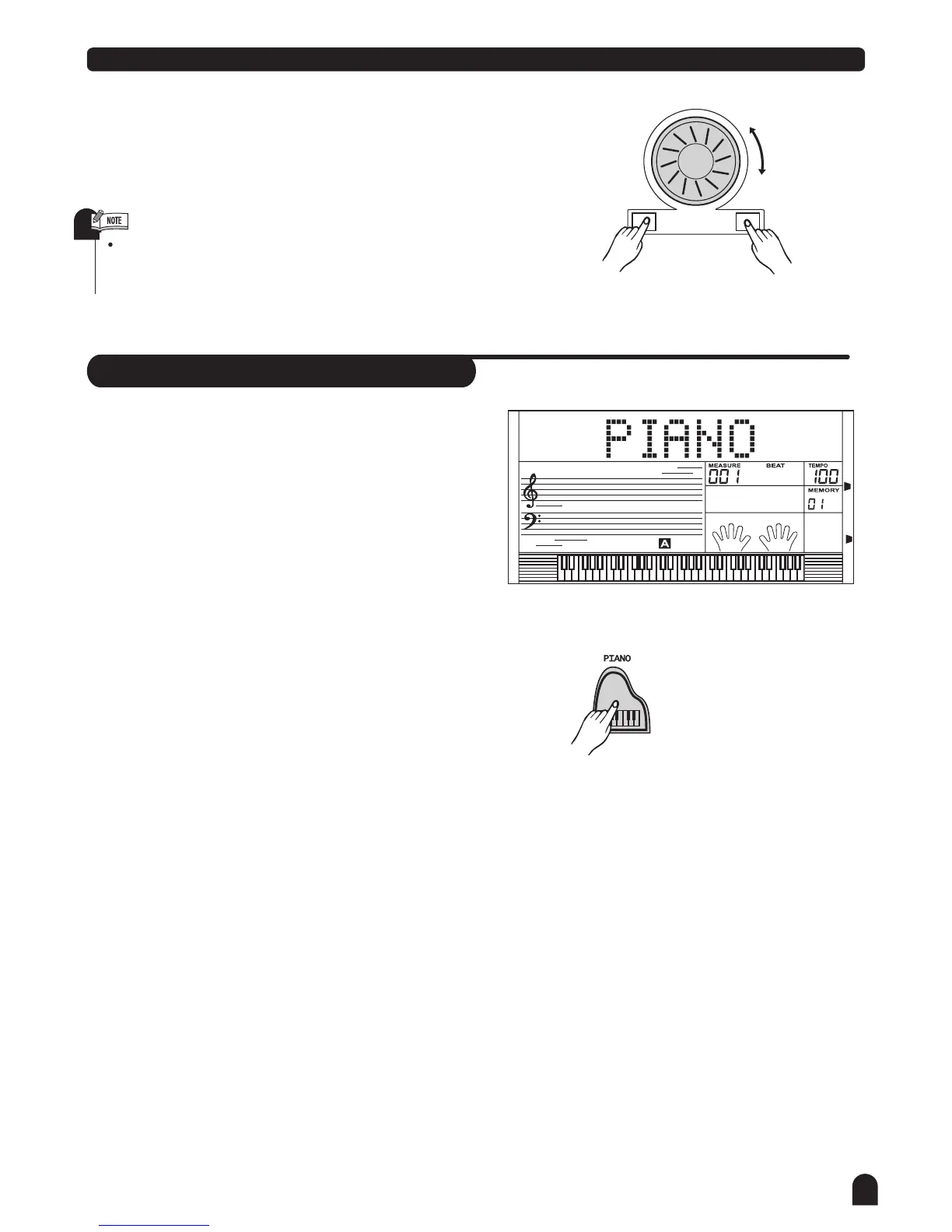
Press [PIANO] button to enter piano mode.
The LCD displays PIANO, and the voice is changed
to piano immediately. In this mode, A.B.C. is OFF.
Press [PIANO] button again to exit the PIANO mode.
You can select the style number with the [+/YES] / [-/No]
button, or dial at the PIANO mode. Press the
[START/STOP] button to play the style(only drum).
The MIXER and FUNCTION menu can be entered.
1.
2.
3.
4.
Press [+/YES] and [-/NO] together will set the octave
value to the default one.
+/YES-/NO



 To Next Page