page 37 of 73
– use standard palette colors
– DXF:
– all elements should be on a single, zero layer
– do not use BLOCKS, all elements should be drawn with polylines, curves,
etc.
– each element needs to be colored (layer color is ignored)
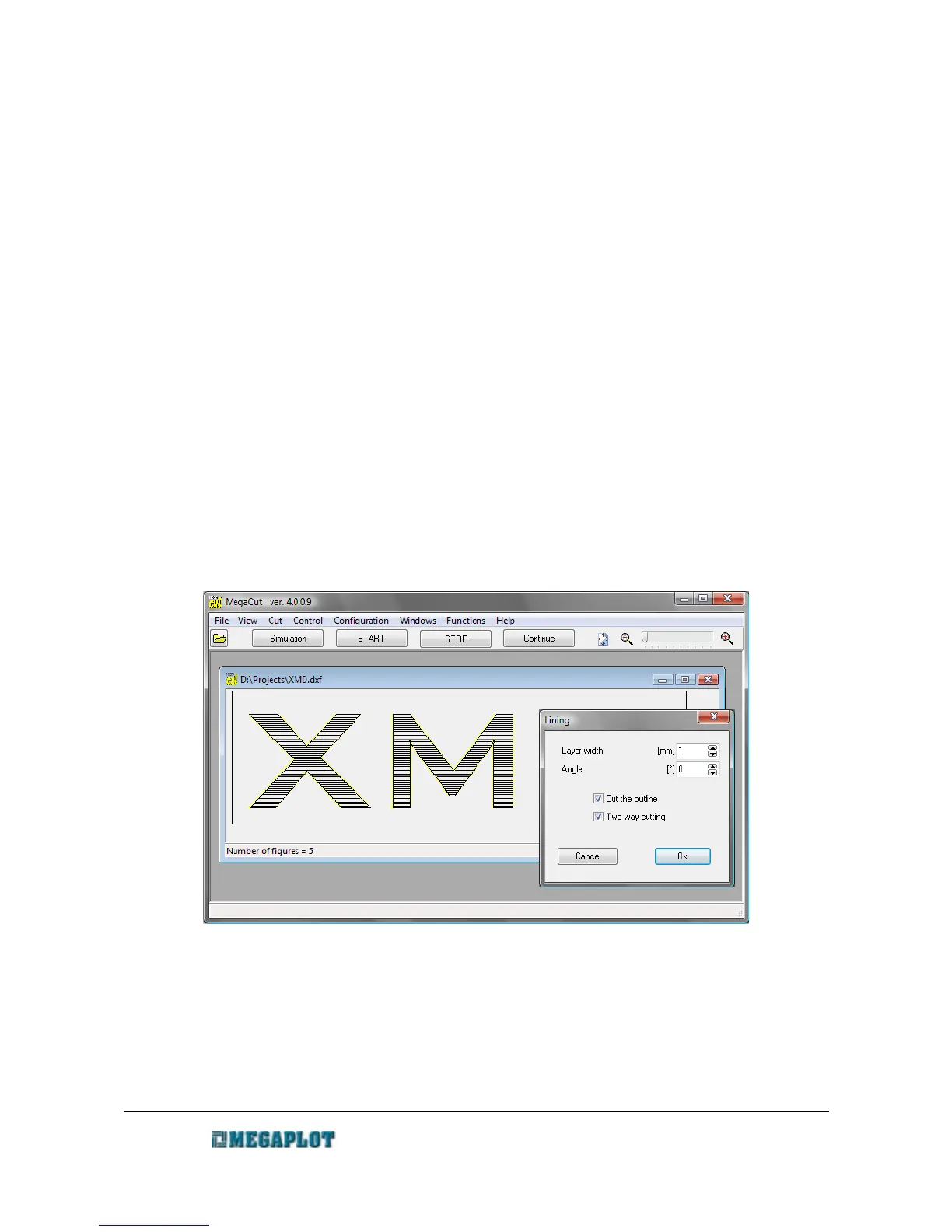
Lining – cutting out the insides of shapes
Lining – cutting out the insides of shapes
In order to clear the inside of a closed shape, go to Functions \ Lining. You can modify the lining
operation by specifying the distance between the passes as well as the required angle.
Prior to performing the lining operation, it is important to select – as required – the Cut the
negative and Skip the frame parameters as they influence the lining operation (insides vs.
outsides). Select Allow for tool diameter if required.
The following examples show the lining operation alternatives, depending on the settings.
www.megaplot.com phone: +48 693 707 575 office@megaplot.com



 To Next Page