page 48 of 73
The top part of the window shows the main menu.
Typical tooling sequence
Typical tooling sequence
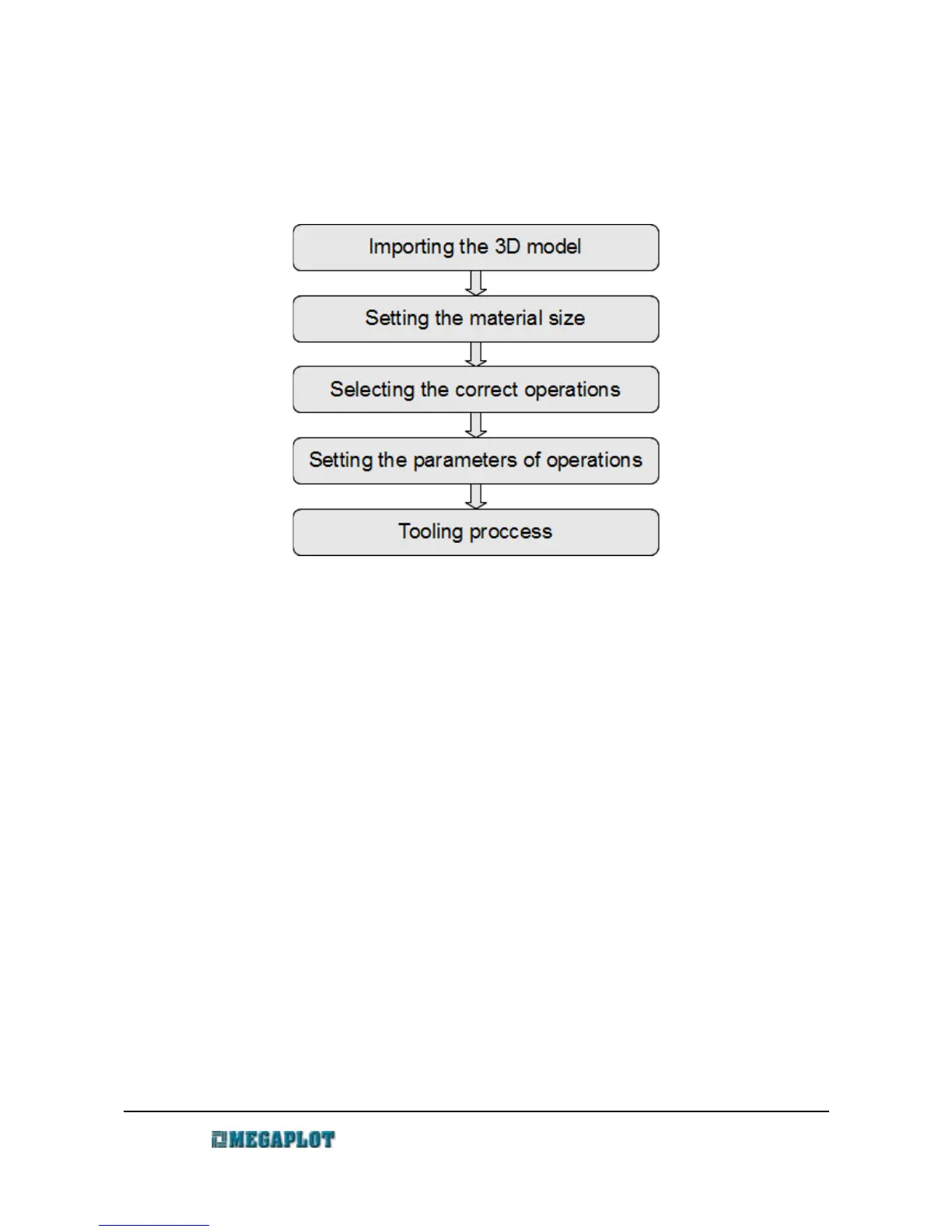
Here is the outline of the standard, most common 3D tooling process:
Here is the more detailed way which one should follow for best results:
1. Turn the machine one and wait till the controller's display says Ready
a) fix the material on the machine table
b) set the project's starting position (Manual Control – Set Project's starting postion)
2. Open MegaCut 3D
3. Create a new project – Project – New [CTRL+N])
4. Open a previously prepared 3D model (Model \ Open [CTR+O])
5. Set material size (Menu: Material)
6. Define the tools you will use for given operations (Tool library)
7. Define the operations you will perform and set their parameters (Operations)
8. Select the operations you will perform
9. Generate the output files for your operations (button Generate output files on the right
side of the operations list or go to Tooling – Generate output files F4)
www.megaplot.com phone: +48 693 707 575 office@megaplot.com



 To Next Page