page 54 of 73
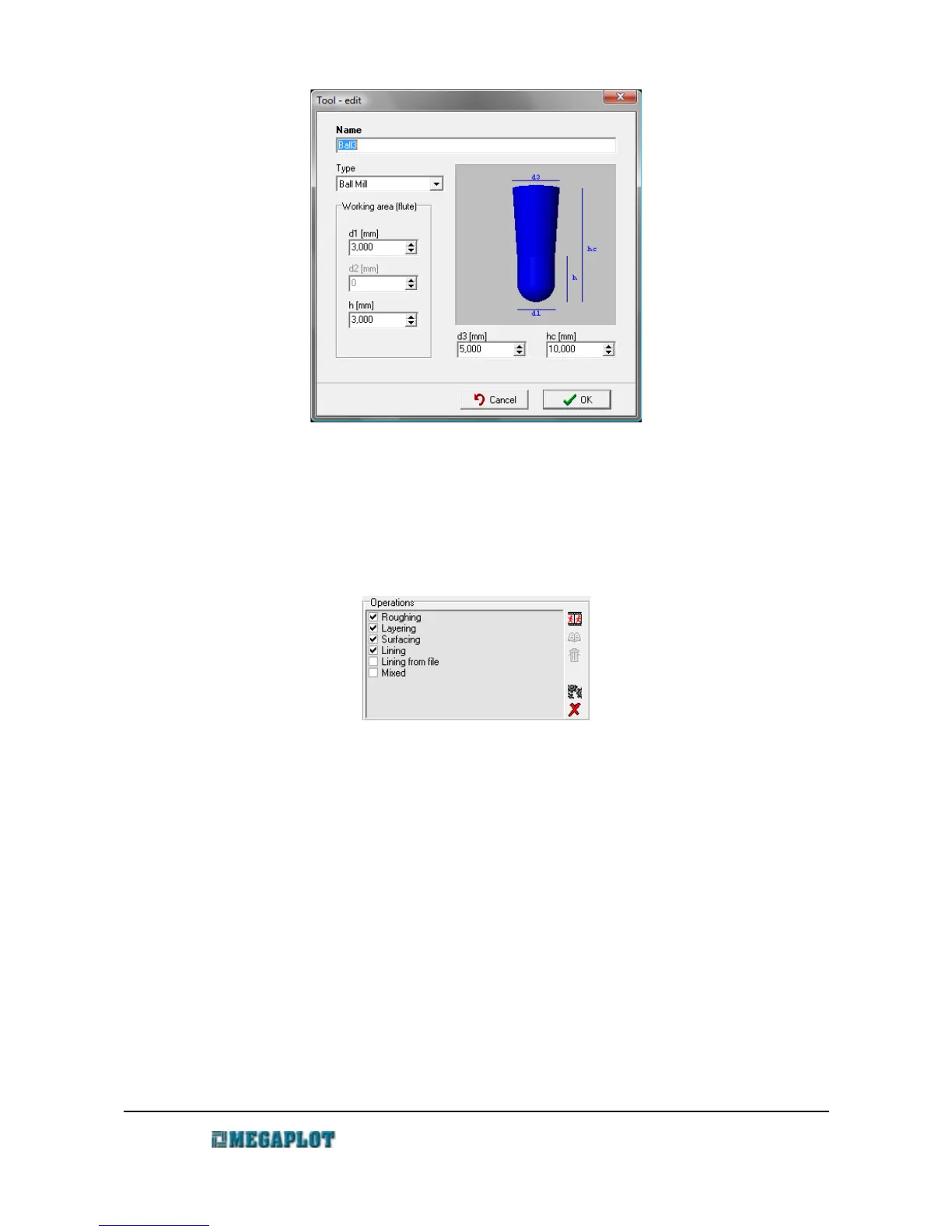
Operations
Operations
3D tooling requires a number of operations: almost always the roughing operation and at least
one finishing operation. You can define an unlimited number of operations in the software under a
name of your choice. When ready to generate the output files, select the required operations and
proceed.
There are buttons on the right side of the operations panel which allow you to add, edit and
delete operations. The generation of the output files will be discussed later on.
The software allows you to define 6 different types of operations:
• roughing – always used as the first operation to get rid of excess material as quickly as
possible. Typically, after this operation you will have a thin layer of material left for the
following finishing operations.
• lining – a finishing operation in which the tool moves in parallel lines over the 3D model.
Distance between the lines as well as the required angle is set in parameters of this
operation. The output file covers the entire surface of the model (as opposed to lining
from file).
• lining from file – a finishing operation in which the tool moves in parallel lines over
specified areas of the model specified by the user. It is most useful for spending extra
www.megaplot.com phone: +48 693 707 575 office@megaplot.com



 To Next Page