www.megger.com
24
TTR Screen
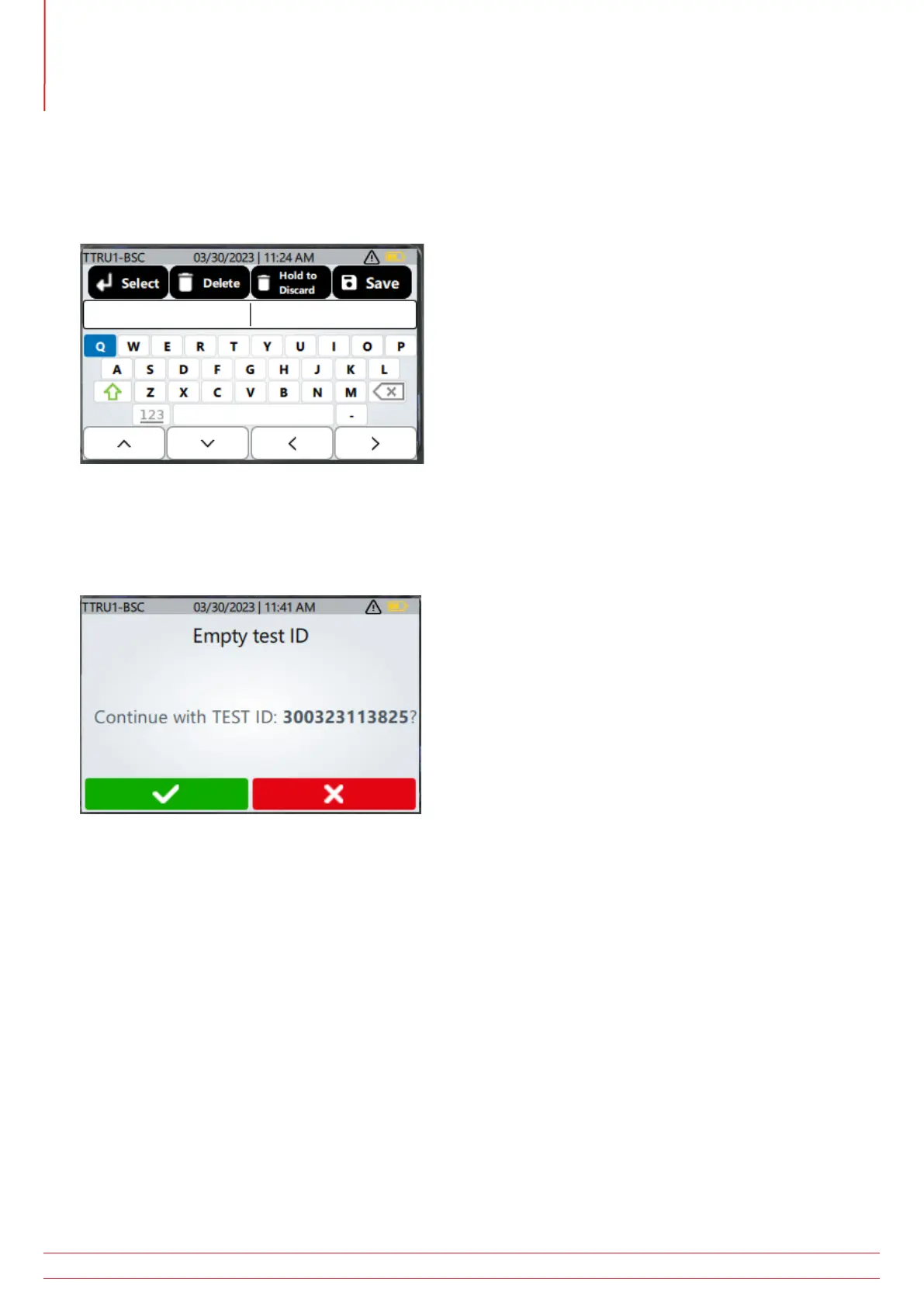
Press the TEST ID button with any vector selected to enter a TEST ID. Use the up, down, left, and right arrows
to select a character, change upper case to lower case, or to show numbers. Press the select button to enter a
character. Press the delete button to delete the last character entered. Press and hold the delete button to discard
changes and return to the TTR setup screen. Press the Save button to save the TEST ID.
Press the Play button to start a test.
If a TEST ID was not entered when the PLAY button was pressed, the TTRU1 will ask the user if they would like to
enter a test ID. Click the buttons below the green check mark to use the default TEST ID. Click the buttons under
the red cross and the TEST ID entry screen will be displayed.



 To Next Page