www.megger.com
26
TTR Screen
TTRU1 ADV TTR Test Setup
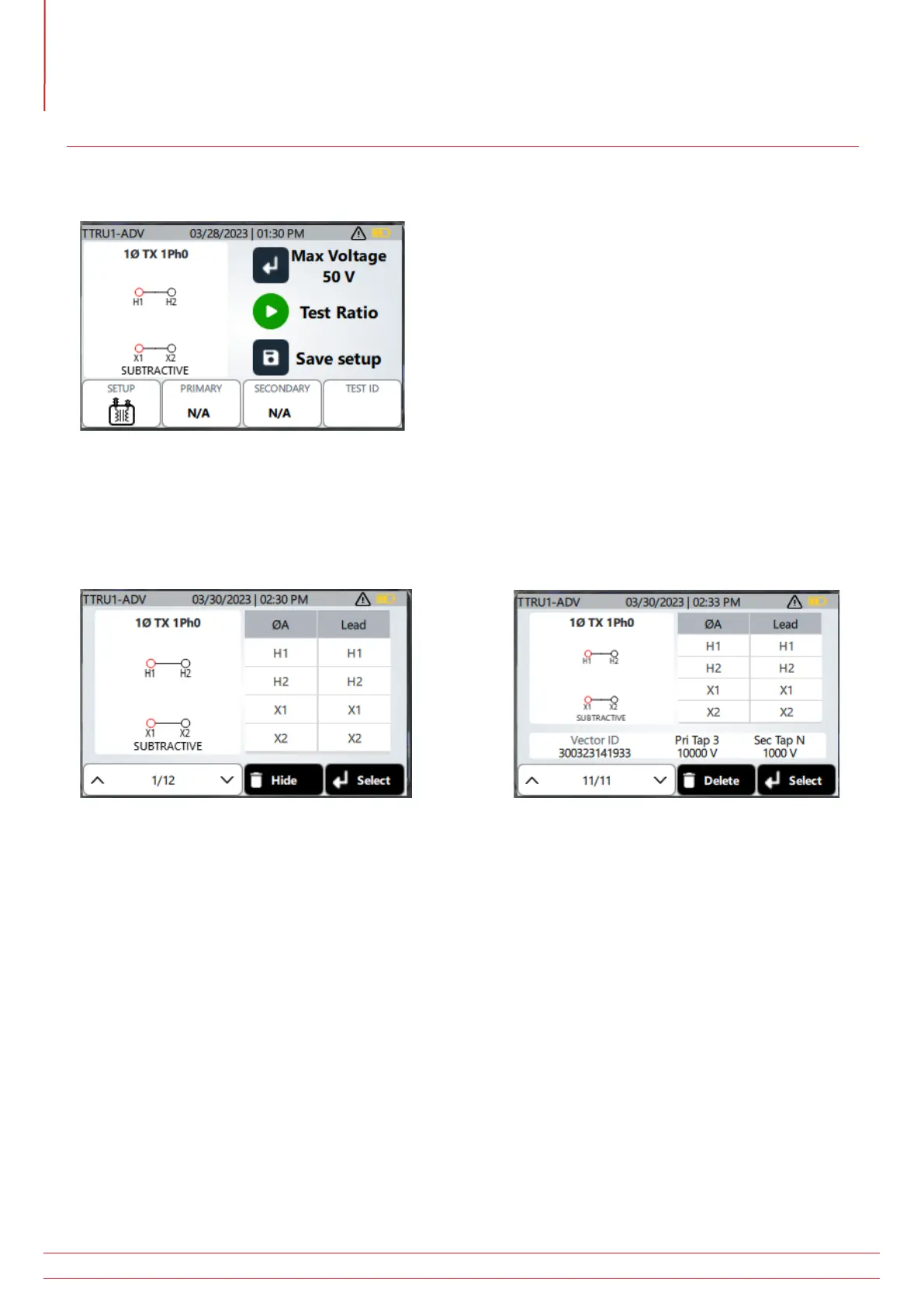
The operation of the TTRU1 ADV is comparable to the TTRU1 BASIC. Key changes are highlighted below.
Clicking the SAVE button will save the vector, primary, and secondary winding information as a custom vector based
on the TEST ID. Custom vector primary and secondary winding information can be updated and resaved to update
the custom vector. Up to 10 custom vectors can be saved.
Click SETUP to view a list of vectors, including saved custom vectors.
Use the up and down buttons to change the displayed vector. Press the enter button to select the displayed vector.
The instrument will return to the test setup screen with the vector selected.
Vectors can be hidden from display by pressing the delete button. Hidden vectors can be redisplayed in settings.



 To Next Page