9625762 28 / 44
15.3.6 Viewing input status
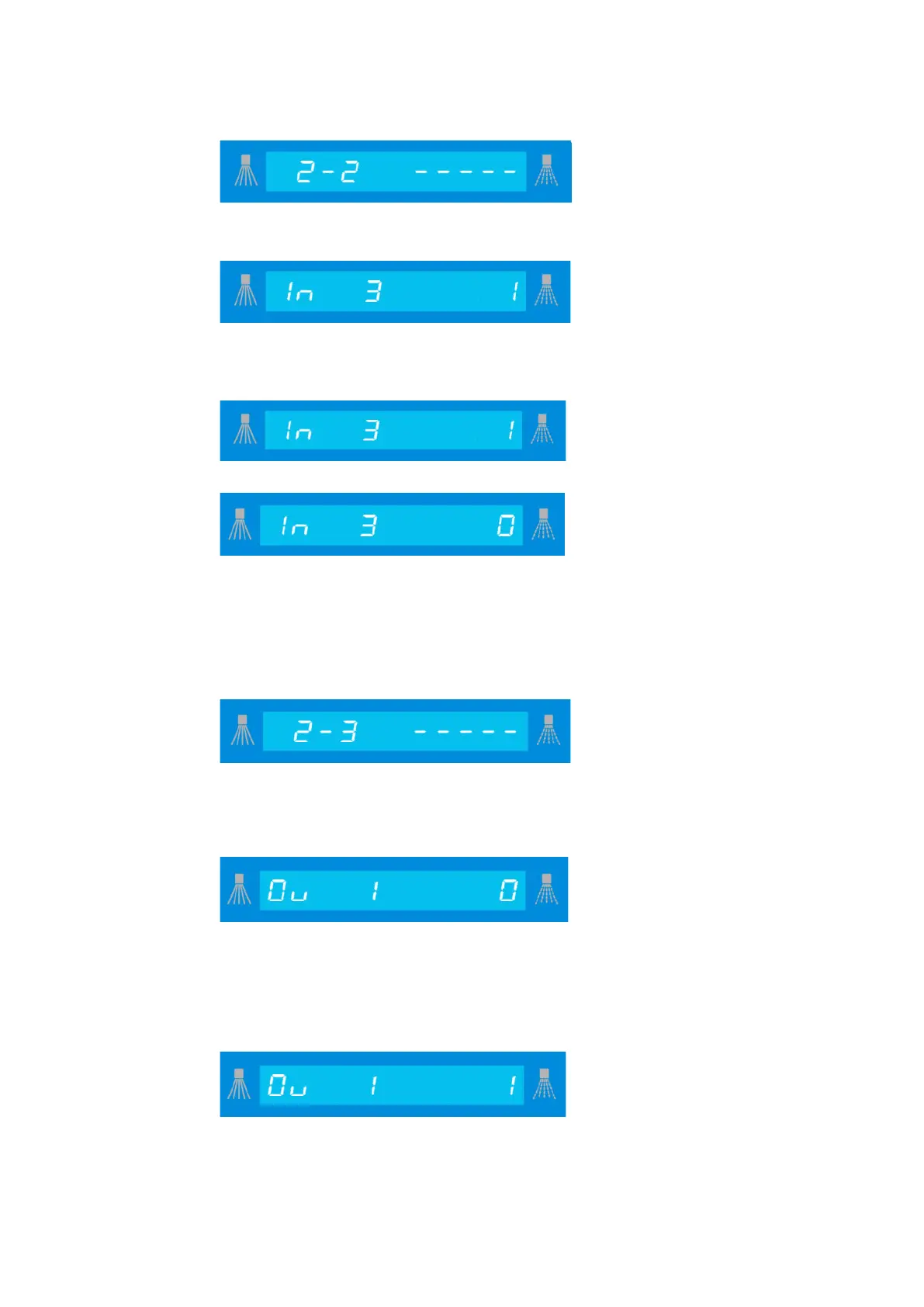
Indication
this display by pressing the “accept” key.
by pressing the “accept” key.
.
Press the “I” key to move forwards and the “III” key to move backwards, until you reach
the input you require.
Display: input set
Display: input not set
You can leave this level by pressing the “0” key.
Assignment details for the inputs are given on the assignment list for each machine (see
15.5).
15.3.7 Viewing / modifying output status (according to code entered)
Indication
this display by pressing the “accept” key.
Viewing:
Now, the first output will be shown, with status.
Press the “I” key to move forwards and the “III” key to move backwards, until you reach
the output you require.
Modifying:
Press the “accept” key to confirm the modification of the output, the value will flash.
Press the “I” key to modify the value and press the “accept” key to save it.
The output is now set.
You can leave this level by pressing the “0” key.
Assignment details for the outputs are given on the assignment list for each machine (see
15.5.)




 To Next Page