27 / 42 9742146
15.3.6 Viewing input status
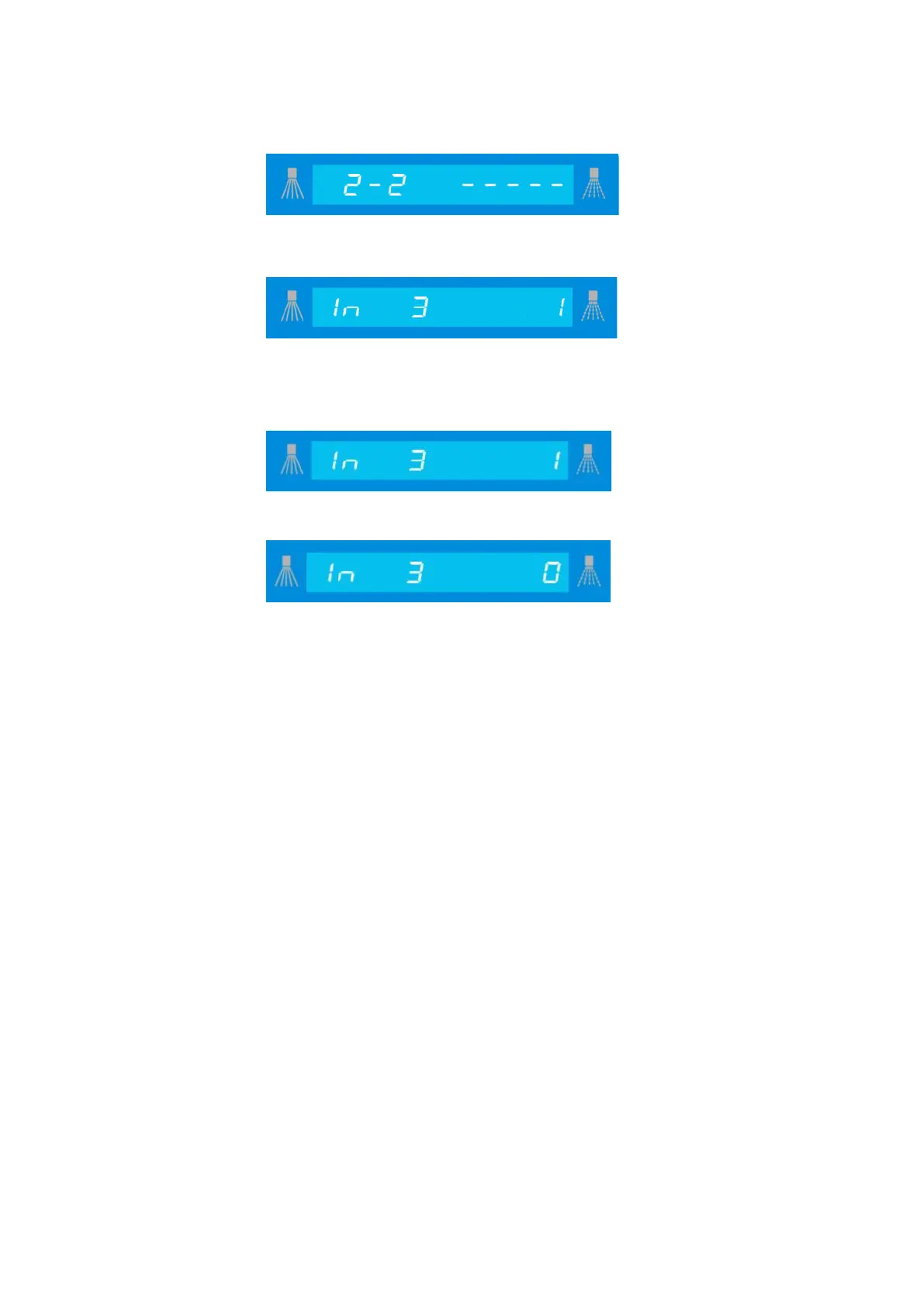
Confirm the
display by pressing "Accept".
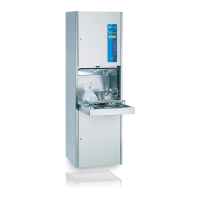
The first input is shown with a status of
.
Use the “I“ button to go forward and the “III“ button to go backward until the desired input
is displayed.
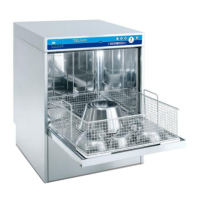
Display: input set
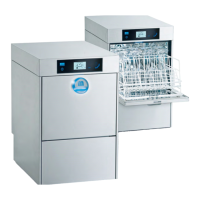
Display: input not set
You can leave this level by pressing the “0” button.
Input assignments are given in the assignment list for each machine (see 15.5).


 To Next Page